Paying in mobile games on iPhone and Android from Russia
You tap Buy in a game and the payment fails. The game is not at fault: purchases in mobile games are paid through the App Store or Google Play, and in Russia they take almost no payments. Here is what still works on iPhone and Android, and where we cannot help.
In short
- Android. Google paused Google Play’s billing for users in Russia on 10 March 2022. In-game purchases cannot be paid through it.
- iPhone. Since 1 April 2026 Apple takes no carrier billing and no added funds in Russia. Purchases go through only while the Apple Account balance lasts.
- A gift card works only in the country it was issued for. There are no Russian Apple or Google Play cards.
- For most games the working route is a top-up by player ID, outside the app store. It needs no password.
- Some games are missing from the Russian App Store altogether. A top-up does not fix that.
Why the in-game purchase fails
When you buy diamonds or a pass inside a mobile game, the app store takes the money, not the publisher. It charges your payment method and settles with the game. If the store cannot charge you, no purchase goes through, whatever the game.
| iPhone and iPad | Android (Google Play) | |
|---|---|---|
| What happened | Since 1 April 2026 Apple takes no carrier billing and no added funds in Russia | Since 10 March 2022 Google Play’s billing system is paused for users in Russia |
| What still works | The remaining Apple Account balance and App Store promo codes already issued | Free apps and what was already bought |
| Subscriptions | End when Apple cannot bill | Are not renewed and are cancelled at the end of the paid period |
What works on iPhone
- The remaining balance. While the Apple Account still has funds, in-game purchases go through.
- A gift card of the account’s country. An Apple gift card redeems only in the country it was issued for. There are no cards for a Russian Apple Account.
- An account of another country. If you live elsewhere and your Apple Account was opened there, that country’s cards and local payment methods suit you.
- A top-up by player ID. The currency goes straight to the game account. The App Store is not involved.
We do not advise changing the Apple Account’s country for payments by entering an address where you do not live. See How to change the Apple ID country and what you lose.
What works on Android
- Google Play. An in-game purchase cannot be paid from Russia. A Google Play gift card works only in the country and currency it was bought in, and Russia is not on the list.
- Paying the game directly. Since 2 August 2022 Google does not require developers to use its billing for users in Russia, so some games may have their own payment page or top-up site. Look for the link on the game’s official site, not in ads.
- A top-up by player ID. It works as on iPhone: the game account does not care which phone you play on.
A top-up by player ID: how it works
A game account has a public number: a Player ID, UID or Game ID. You give the number to a shop, pay the shop, and the currency arrives on the account. The phone and the app store are not involved.
| Game | What to enter |
|---|---|
| PUBG Mobile | Player ID; UC codes too |
| Genshin Impact | UID and server |
| Honkai: Star Rail | UID and server |
| Mobile Legends | User ID and Server ID |
| Free Fire | Player ID; codes too |
| Arena Breakout | Player ID; codes too |
| Honor of Kings | The player number (the Open ID field) |
| NIKKE | Player ID |
| Identity V | Game ID and server |
Copy the ID in the game
It is usually in the profile: tap your avatar. Copy it with the button.
Paste it on the game’s page
Choose the server if the form asks, then a currency pack. The total and the fee are shown before you pay.
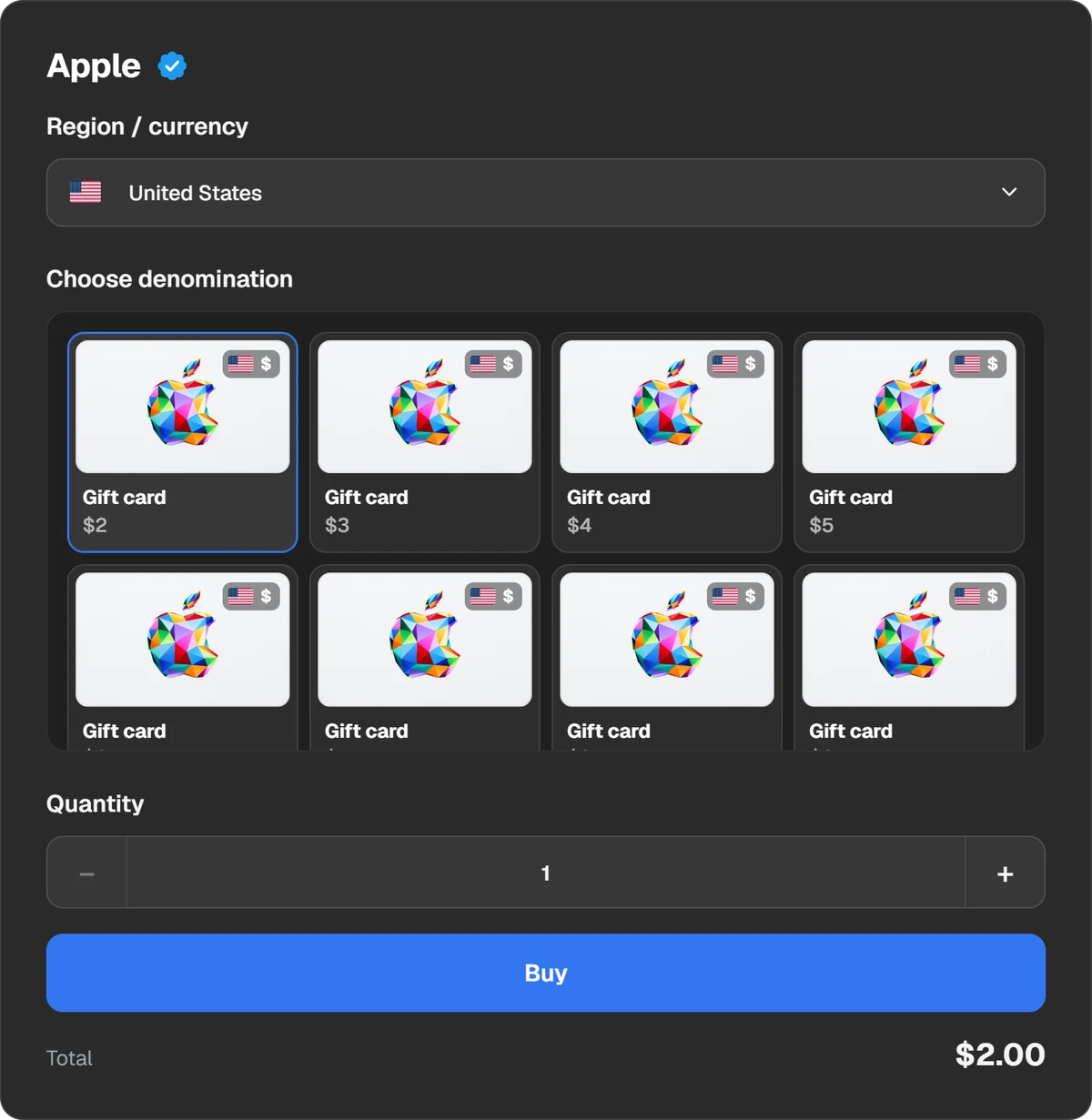
The order form: a player ID and a pack.
Pay
Play Wallet takes crypto: USDT, TON, BTC and other coins, Binance, Walt, TON Connect.
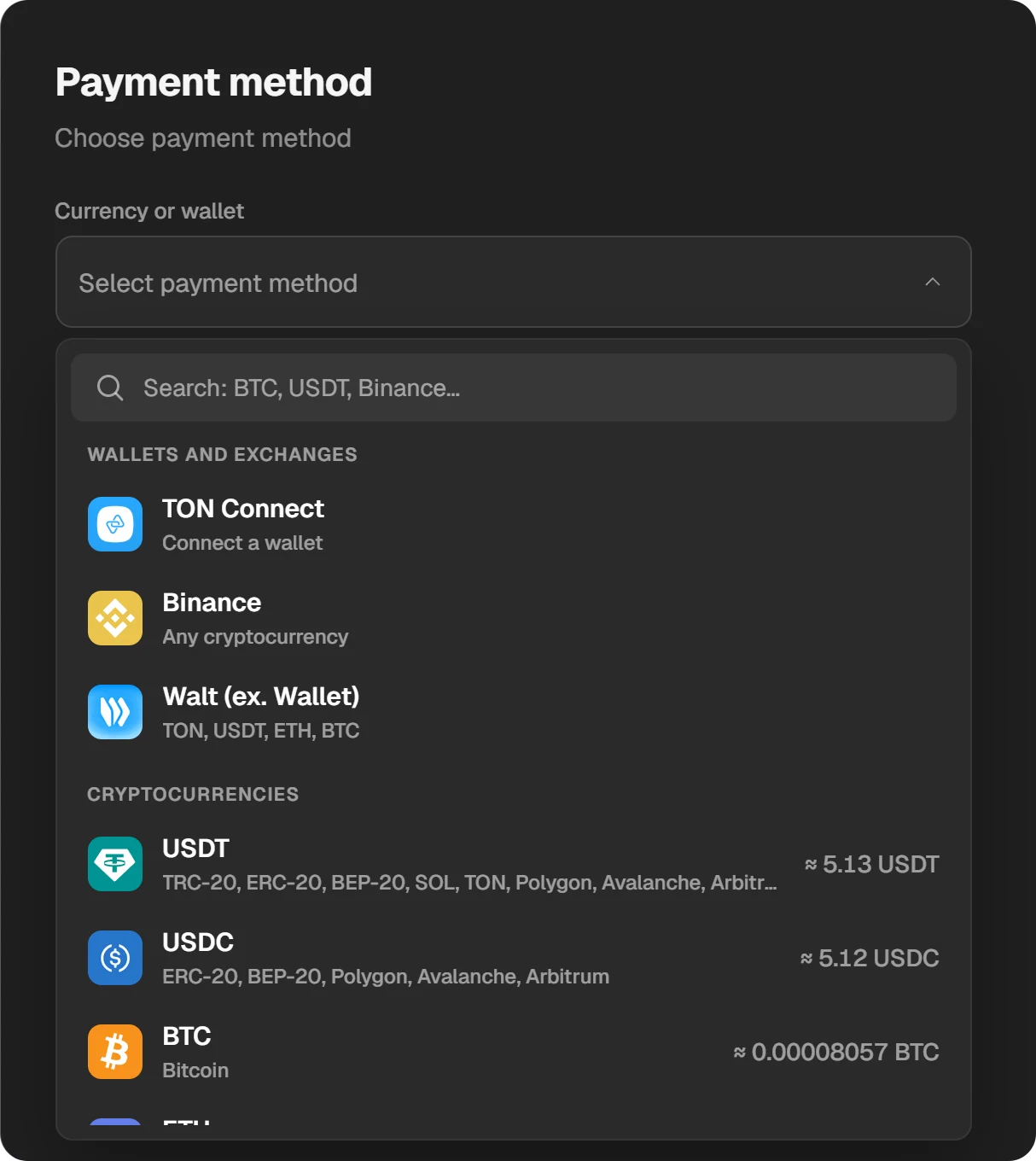
Payment methods.
Sign in to the game again
The order’s status is in the order window and in History. When it is done, the currency is on your balance.
What this route does not solve
- A game missing from the store. In Apple’s catalogue on 21 November 2026, Honor of Kings and NIKKE are absent from the Russian App Store; Identity V is there. If a game cannot be installed, currency does not help.
- Offers only the store sells. Monthly packs, subscriptions and some passes are sold only inside the game for money. A top-up by ID usually sells currency, not every offer in the game’s shop.
- Paid apps and games. A game itself cannot be bought by ID.
- A wrong number. The site does not check whose ID it is. The currency goes where you typed and cannot be taken back.
Safety
- A top-up by ID needs only the player number and sometimes a server. Nobody needs your password or an SMS code.
- Do not install modified game builds or “free top-up” apps. They steal accounts.
- Do not hand your phone or Apple Account to someone who offers to “pay for everything”.
- If a child plays, turn on purchase approval: Ask to Buy on iPhone, purchase verification in Google Play.
Questions and answers
How do I pay for an in-app purchase on an iPhone in Russia?
Only from the remaining Apple Account balance. Adding funds and carrier billing stopped on 1 April 2026. Game currency can be bought by player ID, outside the App Store.
How do I pay for in-app purchases on Google Play from Russia?
You cannot: Google Play’s billing has been paused for users in Russia since 10 March 2022. A top-up by player ID and the game’s own payment site, where one exists, remain.
Will an Apple or Google Play gift card help?
Only if the card is for the same country as the account. There are no Russian cards.
Is a top-up by ID safe?
Yes, if the site asks only for the ID. It is a public number and nobody can sign in with it. Typing a password or an SMS code is what is dangerous.