

Login
Official purchase
Official Mobile Legends top-up. The balance is credited directly to your game account after payment.
TOP-UP
Top up Mobile Legends
Mobile Legends game account top-up. Enter the amount — the balance is credited directly to your account after payment.
Choose denomination
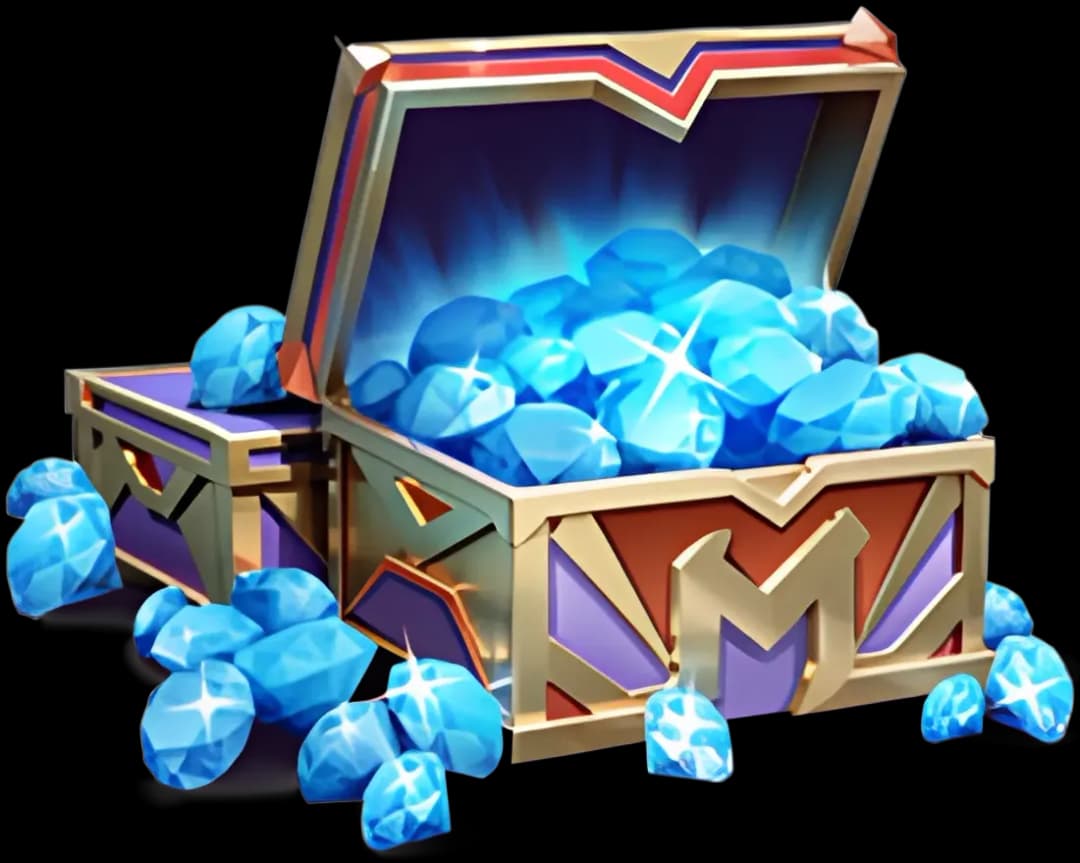
What are Mobile Legends Diamonds
Diamonds are Mobile Legends: Bang Bang's premium currency. Buy heroes, skins, emotes, Magic Wheel and Lucky Spin.
Top-up goes straight to the account by User ID (shown in the profile). Official channel through Moonton.
Diamonds have no expiry. Lucky Wheel events can boost their value — follow in-game promos.
Things to keep in mind
- User ID is a long number (10+ digits) — that's what the diamonds are credited to.
- Enter the User ID exactly as shown in the profile — a typo and the diamonds go to another account.
- Starlight Membership is a separate subscription — exclusive skins and monthly resources.
- No refunds after diamonds are credited.
How it works
1
Open Mobile Legends → tap your avatar in the main menu → copy your User ID.
2
Enter your User ID in the form and pick the diamond amount.
3
Pay through PlayWallet.
4
Diamonds arrive in 1–5 minutes. Check the shop balance.
FAQ
Main menu → tap the avatar → your User ID is shown below the name. Copy it.
Usually 1–5 minutes, up to 15 at peak.
Diamonds go to the account that matches the ID, and top-ups can't be reversed — double-check the User ID before paying.
Yes, Mobile Legends is global. Region is irrelevant.
Double diamonds on the first purchase of each denomination. Sticks forever on the account.