

Login

Top up Xbox
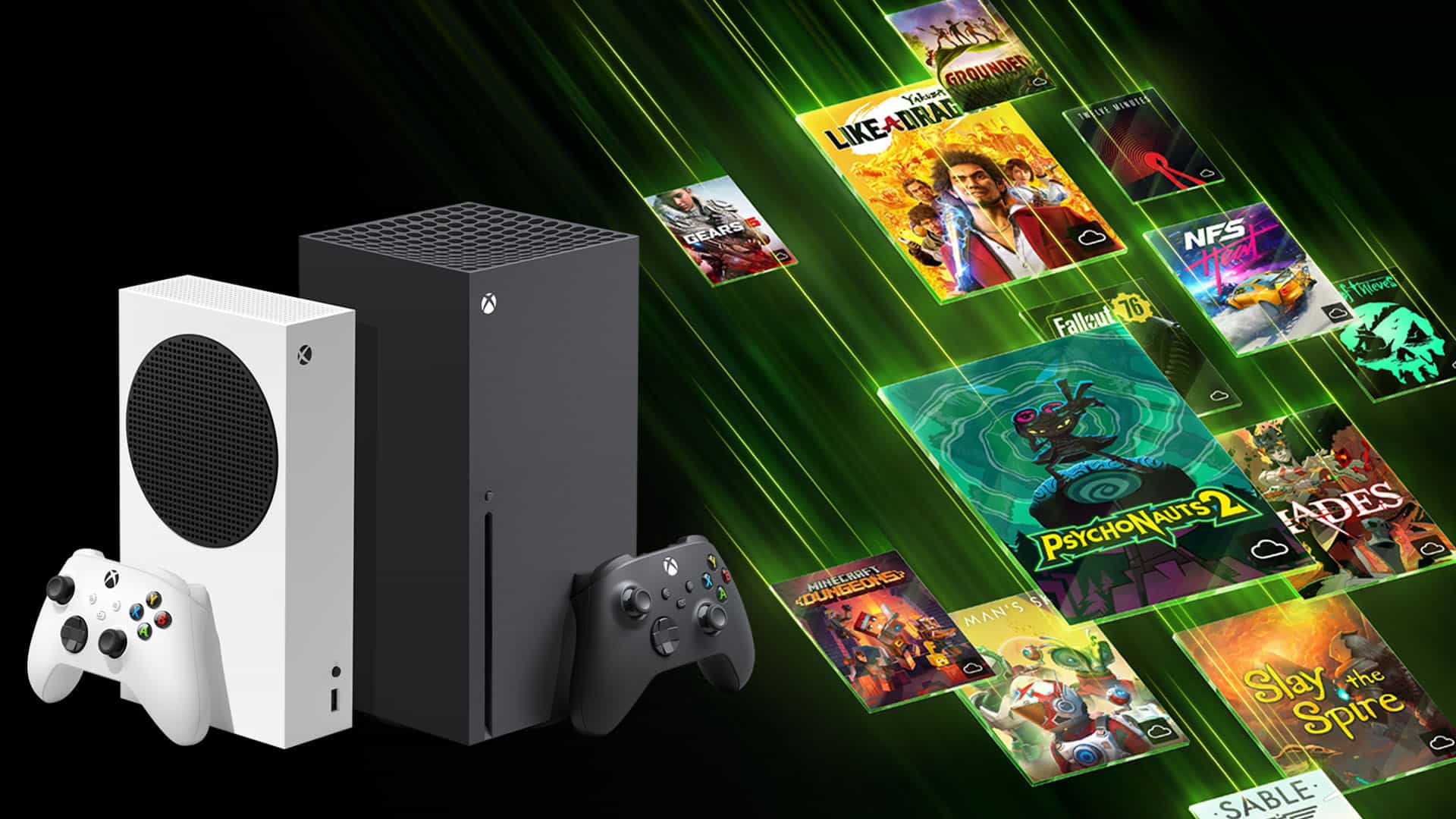
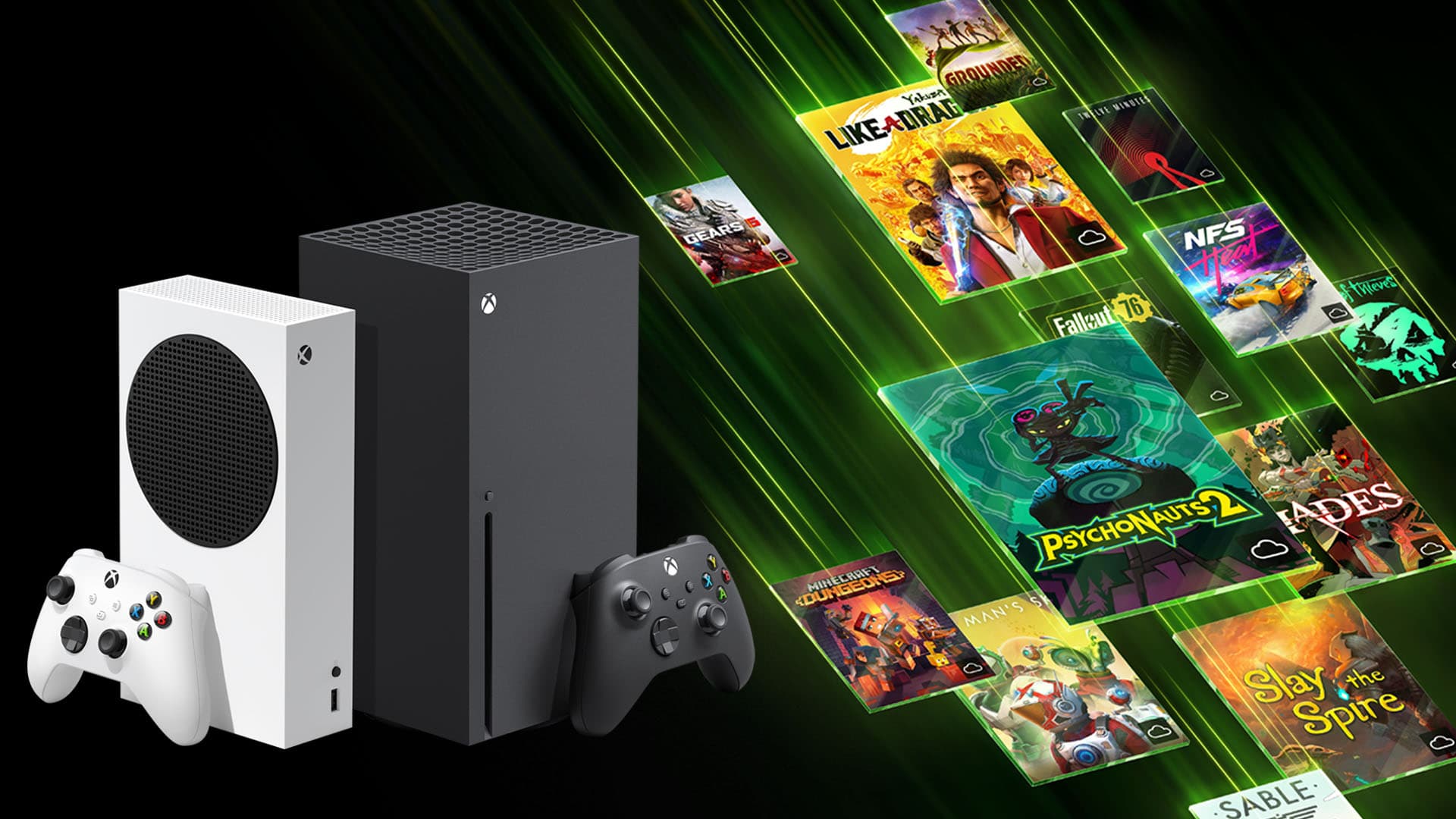
Microsoft's gaming platform — top up your Xbox wallet for games, Game Pass and EA Play subscriptions, DLC and movies in the Microsoft Store
Choose option
Xbox account country
Select amount
Quantity
About Xbox Balance Top-Up
A Microsoft / Xbox gift card is a regional amount (USD, EUR, GBP, TRY and more) credited to your Microsoft account balance. Spend it in the Microsoft Store on Xbox and PC games, DLC, Game Pass and EA Play subscriptions, movies and apps.
The code is digital and single-use (format XXXXX-XXXXX-XXXXX-XXXXX-XXXXX). Redeem it at microsoft.com/redeem, in the Microsoft Store app on Windows, or via the 'Redeem code' menu on Xbox Series / One.
Instant delivery: the code is sent to your email and saved in your account dashboard right after payment. Denominations range from small $5–$10 cards up to $100 in most regions.
1 min
Instant delivery
—
All Xbox regions
Before you buy
- Card region must match your Microsoft account region — a US card won't redeem on a TR or EU account
- Balance is stored in the account's currency and can't be converted or transferred between regions
- RUB Microsoft accounts can't currently be topped up with gift cards — pick US, TR, AR or another region
- Codes are single-use and non-refundable after redemption. Verify the account region at account.microsoft.com before entering the code
- Xbox Gift Card amounts do NOT auto-renew subscriptions — to extend Game Pass either buy a Game Pass key directly, or spend the balance on the subscription manually in the Microsoft Store
How to redeem
1
Open microsoft.com/redeem in a browser, or on Xbox press the Xbox button → 'Store' → 'Redeem code'
2
Sign in to a Microsoft account in the same region as the card
3
Enter the 25-character code from your email — paste from clipboard works
4
Confirm — the amount is added to your Microsoft balance immediately and visible at account.microsoft.com/billing
FAQ
A digital code that adds its amount to your Microsoft account balance. You can spend the balance in the Microsoft Store: games, Game Pass / EA Play subscriptions, DLC, movies and TV, apps.
All major Xbox Store regions: US (USD), UK (GBP), EU (EUR), Turkey (TRY), Argentina (ARS), Brazil (BRL), India (INR), Japan (JPY) and more. Pick the region that matches your Microsoft account.
Yes. Balance from an Xbox Gift Card can pay for Game Pass Ultimate / Core / PC. Note: if auto-renewal is on, balance is used first — once it runs out, Microsoft will try to charge your attached card.
All codes are saved in your Play Wallet dashboard — open 'My orders'. If the code errors during redemption, double-check the account region and contact support — we'll replace it or refund you.