Login


Watcher of Realms
Watcher of RealmsOfficial Watcher of Realms top-up. The balance is credited directly to your game account after payment.
User ID
Zone ID
Choose denomination
Total
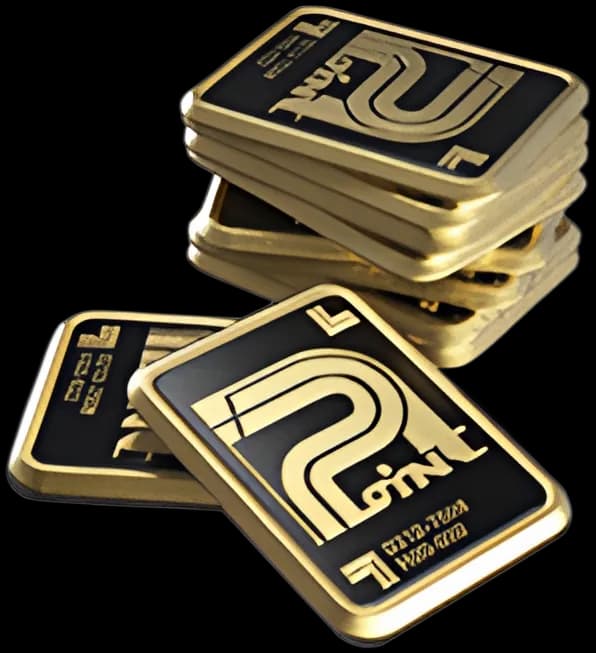
What W-Gold is in Watcher of Realms
Watcher of Realms is a fantasy RPG by Moonton. W-Gold is its paid currency: it buys bundles, passes and hero summons.
The top-up goes straight to your User ID and Zone ID — no code to enter, the W-Gold is added to the account by itself.
Amounts: 499, 999, 1999, 2999, 4999, 9999 and 29,999 W-Gold.
How to top up
- Step 1In the game, tap your avatar to open the profile.
- Step 2Copy your User ID.
- Step 3Enter them in the form on this page: User ID, Zone ID.
- Step 4Choose the amount of W-Gold, select Buy and pay for the order.
- Step 5The W-Gold arrive in a few minutes — sign in to the game again if the balance hasn't changed.
Both numbers from the profile are needed: the User ID is the player’s, the Zone ID is the server’s.
Good to know
- Enter the User ID and Zone ID exactly: the W-Gold goes to the account with those numbers, and a top-up cannot be cancelled.
- Both numbers are shown in the game, in your profile: the User ID is the player's number, the Zone ID is the server's.
- The top-up is for the global version of the game by Moonton.
- The purchase is final: there are no refunds once the W-Gold is added.
Questions
In the game, in your profile: the User ID is the player's number, the Zone ID is the server's.
No. This is a top-up by ID: the W-Gold is added to the account by itself, without a code.
Usually in a few minutes. If it hasn't arrived within an hour, contact our support.
The W-Gold goes to the account with those numbers, and a top-up cannot be cancelled — check them before paying.
Yes, enter your friend's User ID and Zone ID — the W-Gold goes to their account.