Steam Families: can members be in different regions
Steam Families lets up to six people play each other’s games. Steam’s help has no explicit ban on members from different countries. Region still matters, though: region-restricted games are not shared, and Steam checks that members are one household. Here is what that means in practice.
In short
- A Steam Family has up to 6 members. Each sees the others’ games and can play them.
- Games and DLC restricted in the owner’s or the member’s region are not shared.
- Steam lets you join if account activity shows you are one household. If it refuses, that is one of the reasons.
- After leaving, you can join another family only a year after joining the last one. A freed slot also waits a year.
- Changing your store country with a VPN for a family breaks Steam’s rules.
What Steam Families is
Steam Families replaced the old Family Sharing and Family View. A family has up to 6 members, adults and children. Adults invite new members and set restrictions for children. Every member sees the whole family’s games in their library and can play them, even while another member plays something else.
- A game stays with whoever bought it. New purchases go to their collection.
- Saves, achievements and Workshop access are personal.
- One copy runs for one person at a time. To play together, someone in the family needs a second copy.
- Children can ask an adult to pay for their cart. The adult approves on a phone or by email.
Can members be in different regions
Steam’s help has no separate “same country only” rule. Two rules deal with regions directly.
- Region-restricted games are not shared. Steam will not share a game or DLC that is restricted in the owner’s region or in the region of the member who wants to play. If a game is unavailable in your relative’s country, it will not appear in their family library.
- Steam checks that you are one household. Steam Families is intended for close family living together. If your account activity does not show you are part of the same household, Steam will not let you join.
Steam does not say exactly how it judges a household. So nobody can tell in advance whether an account from another country will be let in. The only test is an invitation: if Steam refuses, it shows the reason.
What else is not shared
- Games that need a third-party key, account or subscription.
- Free-to-play games and the DLC bought for them.
- Games that do not support the relative’s operating system.
- Games whose publisher has opted out of sharing.
- Games the owner has marked as private.
How to set up a family
- 1Step 1
Open Family Management
Click your profile name at the top right of Steam, choose Account Details and open Family Management. It works in the client, in a browser and on a phone.
- 2Step 2
Create the family
Click Create a Family and enter a name. You can change it later.
- 3Step 3
Invite relatives
Click Invite a Member, find the person and choose a role: adult or child. They get an alert and accept the invite on their side.
Invite only people you trust. Steam warns that if a family member cheats in your game, you may lose family privileges and your account may get a VAC ban.
Why Steam will not let you join
| Reason | What to do |
|---|---|
| Account activity does not show the same household | There is no honest way around it: changing the country with a VPN or a fake address breaks Steam’s rules |
| You were in another family recently | Wait: a new family is open a year after joining the last. Steam shows the remaining time |
| The family has no free slot | A freed slot stays unavailable for a year after a member leaves |
If you left your family by accident, you do not have to wait a year: you can rejoin your last family at once if it has fewer than six members.
If a relative lives in another country
- Do not change the country with a VPN or a fake address. The Steam Subscriber Agreement forbids it, and Valve may close access to the account. Steam changes the country only after a real move, with a purchase using a payment method from the new country.
- Gift a game. If the family does not work out, buy your relative the game as a gift. Gifts depend on region too: Gift a Steam game or money.
- Check the accounts’ countries. Where to see it: How to check your Steam account region.
Wallets in a family
A family has no shared wallet. Steam’s help describes shared games and child purchase requests paid by an adult. Each member keeps their own money in their account’s currency.
- 1Step 1
Top up any member’s wallet
On Play Wallet, choose that member’s account country, enter their login and the amount. No password needed. The amount to be credited and the fee are shown before you pay, and the money arrives in their wallet’s currency.
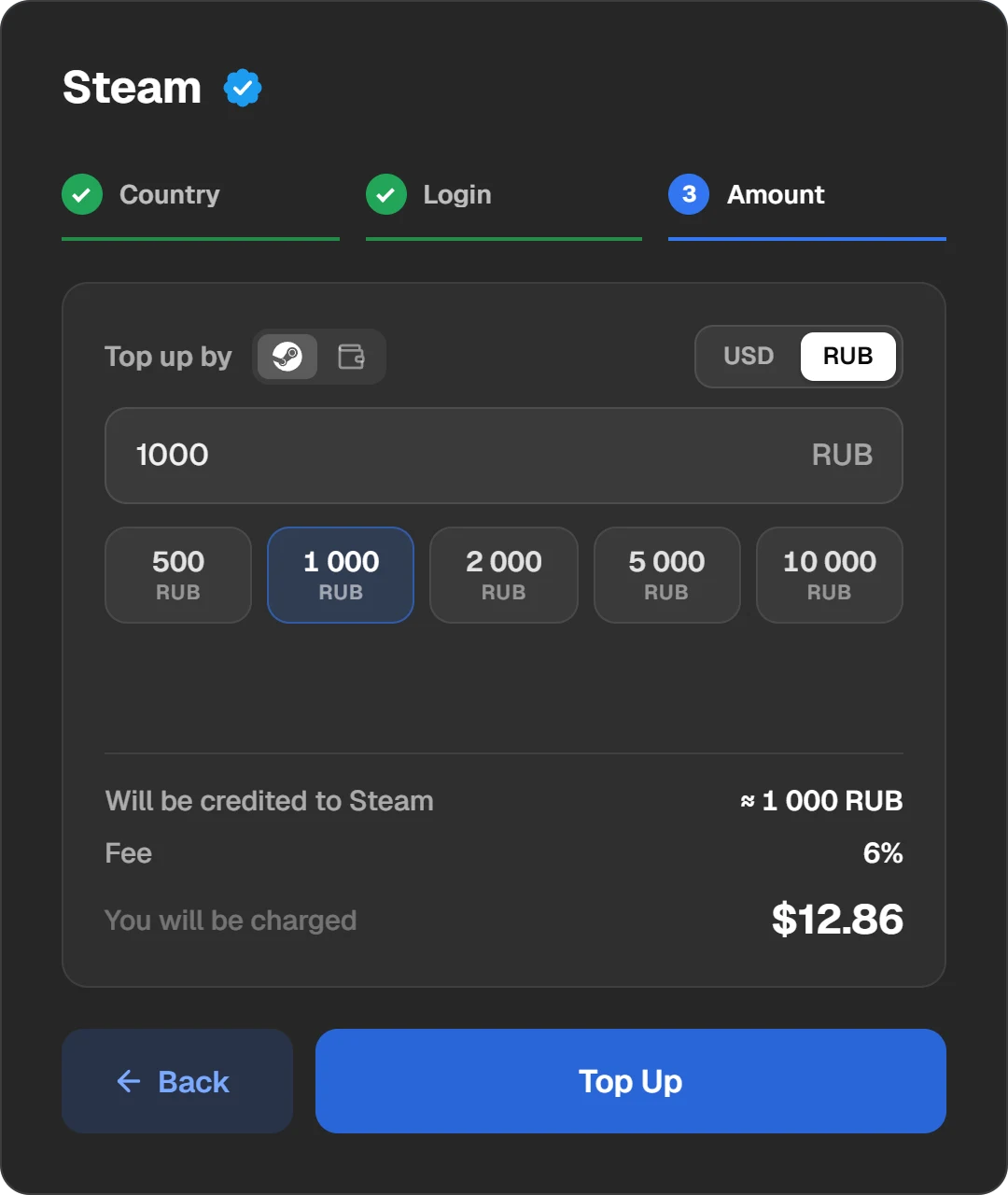
The account’s country, the login and the amount. The login is checked before you pay.
Questions and answers
Can a Steam Family have members from different regions?
Steam’s help has no direct ban. But region-restricted games are not shared, and Steam lets members join only if their activity shows one household.
How many people can be in a Steam Family?
Up to 6 members, adults and children.
Can I leave and join another family?
An adult can leave any time but can create or join another family only a year after joining the last one. Rejoining the last family is immediate.
Why is a game missing from the family library?
Most likely it cannot be shared: it is restricted in your region, free-to-play, needs a third-party account, or the publisher opted out.
Does a family share one wallet?
No. Each member has their own wallet in their account’s currency. You can top up a relative’s wallet by their login.