Login
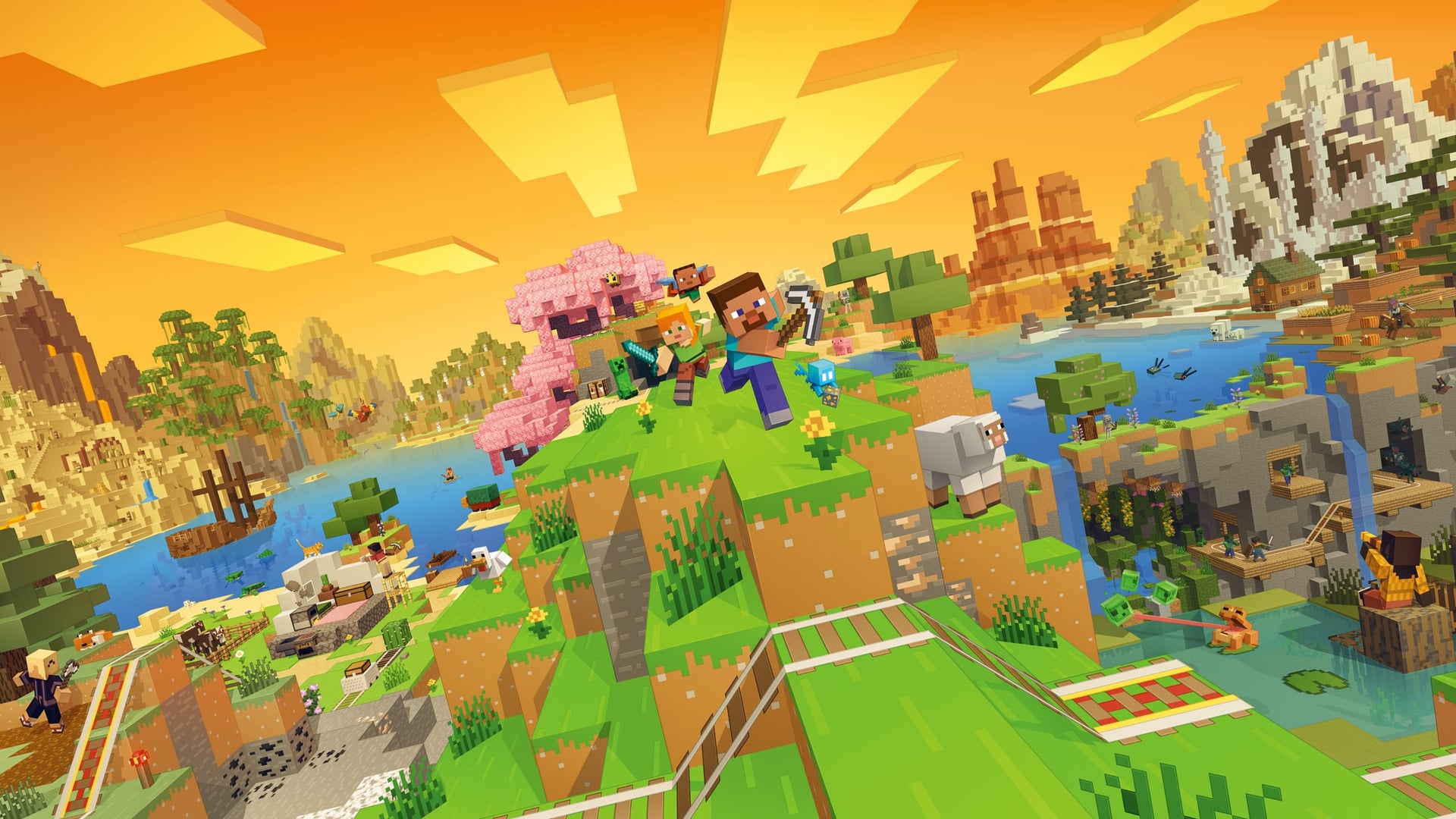

Minecraft Full Game (Java & Bedrock)
Minecraft Full Game (Java & Bedrock)Official Minecraft Full Game (Java & Bedrock) gift card. The code is issued directly by the provider and activates instantly.
Choose denomination
Total
What is Minecraft Full Game (Java & Bedrock)
Minecraft: Java & Bedrock Edition for PC — both computer versions of the game in one code. It does not cover consoles or phones.
Single purchase via Microsoft Store. The code redeems on a Microsoft account and immediately unlocks both versions — play wherever you want, progress is separate per edition.
The code shows in the order window right after payment and stays in your transaction history.
How to redeem
- Step 1Open minecraft.net/redeem.
- Step 2Enter the 25-character code in the Redemption code box and select Redeem.
- Step 3Sign in to the Microsoft account you will play with.
- Step 4Download Minecraft Launcher at minecraft.net/download and sign in with the same account.
- Step 1Open redeem.microsoft.com and sign in to the account you will play with.
- Step 2Enter the 25-character code and select Next.
- Step 3Check the item and select Confirm, then install Minecraft Launcher from the link on screen.
Open minecraft.net/redeem
The code is for Minecraft: Java & Bedrock Edition for PC (Windows, macOS, Linux); it does not give the game on a console or a phone. A card must be redeemed in the country where it was bought. As in Minecraft Help
Things to keep in mind
- Single-use code — after redeem, the game is permanently tied to one Microsoft account.
- The code gives the game on PC (Java Edition — Windows, macOS and Linux; Bedrock Edition — Windows). On consoles and phones Minecraft is bought separately.
- Marketplace content (skins, textures, worlds) is bought separately with Minecoins — not included in this bundle.
- No refunds after the code is sent.
FAQ
Java Edition — original PC version with mods and plugins. Bedrock Edition — cross-platform, better optimisation and unified economy across devices. Both support multiplayer, but not with each other.
No. Minecoins are only for Marketplace purchases (Bedrock Edition). The game itself is playable without them.
No. The card must be redeemed in the country where it was bought — on a Microsoft account of the same country.
If you have an active Game Pass (Ultimate or PC), Minecraft is already included — no separate purchase needed. Otherwise, you need to buy it.
Yes — pass the 25-character code to a friend, they redeem on their Microsoft account.