

How to buy a game on Google Play from Russia
The short answer: a Russian Google Play profile cannot buy a paid game. Google suspended payments for users in Russia in March 2022; it is not a problem with your card. Below is what Google says, when a gift card helps and how to pay in mobile games without the store.
In short
- Since 10 March 2022 users in Russia cannot buy apps, games, subscriptions or in-app items through Google Play.
- Free games still download. Paid games work only if they are already installed.
- Google Play gift cards work only in the country of purchase. Russia is not on the list.
- You can change your Play country only while in the new country, with a payment method from there.
- Many mobile games sell their currency by player ID, without Google Play.
Why the purchase does not go through
It is Google’s decision. Google’s developer help says that since 10 March 2022 users in Russia cannot buy apps and games, pay for subscriptions or make in-app purchases through Google Play. Another card, a balance or reinstalling the store will not change it.
- Possible: downloading and updating free games.
- Possible: playing paid games already on the device.
- Not possible: buying a paid game, a subscription or an in-game item through Google Play.
- Not possible: downloading again a paid game that is no longer on the device, however long ago you bought it.
Does a gift card help
Only on a profile of another country. Google says a gift card works only in the country and currency it was bought in, and the account’s country must match. Russia is not among the countries where Play gift cards are issued. To change the Play country you must be in that country and have a payment method from there; then you wait 90 days before the next change, Play Points are lost and the balance stays in the old country.
What works instead
| You want | What to do |
|---|---|
| In-game currency | Many games top up by player ID on sellers’ sites: PUBG Mobile UC, Mobile Legends diamonds, Free Fire diamonds, Genshin Impact crystals. No Google Play needed. |
| A subscription or in-app item | Since 2 August 2022 developers may sell to users in Russia outside Google Play. Check the game’s or service’s own website. |
| A free game | Download it from Google Play as usual. |
| A paid game on Google Play | Only on a profile of a country where payments work, with that country’s balance or card. |
Buying a game with a Play balance
This works if you live in a country where Google Play takes payments and your Play profile is set to it. Play Wallet has cards for US, German, French, Italian, Austrian and Belgian profiles.
Choose a card for your profile’s country
Open Google Play gift cards, choose your profile’s country and the amount. The game’s price must be in the balance’s currency.
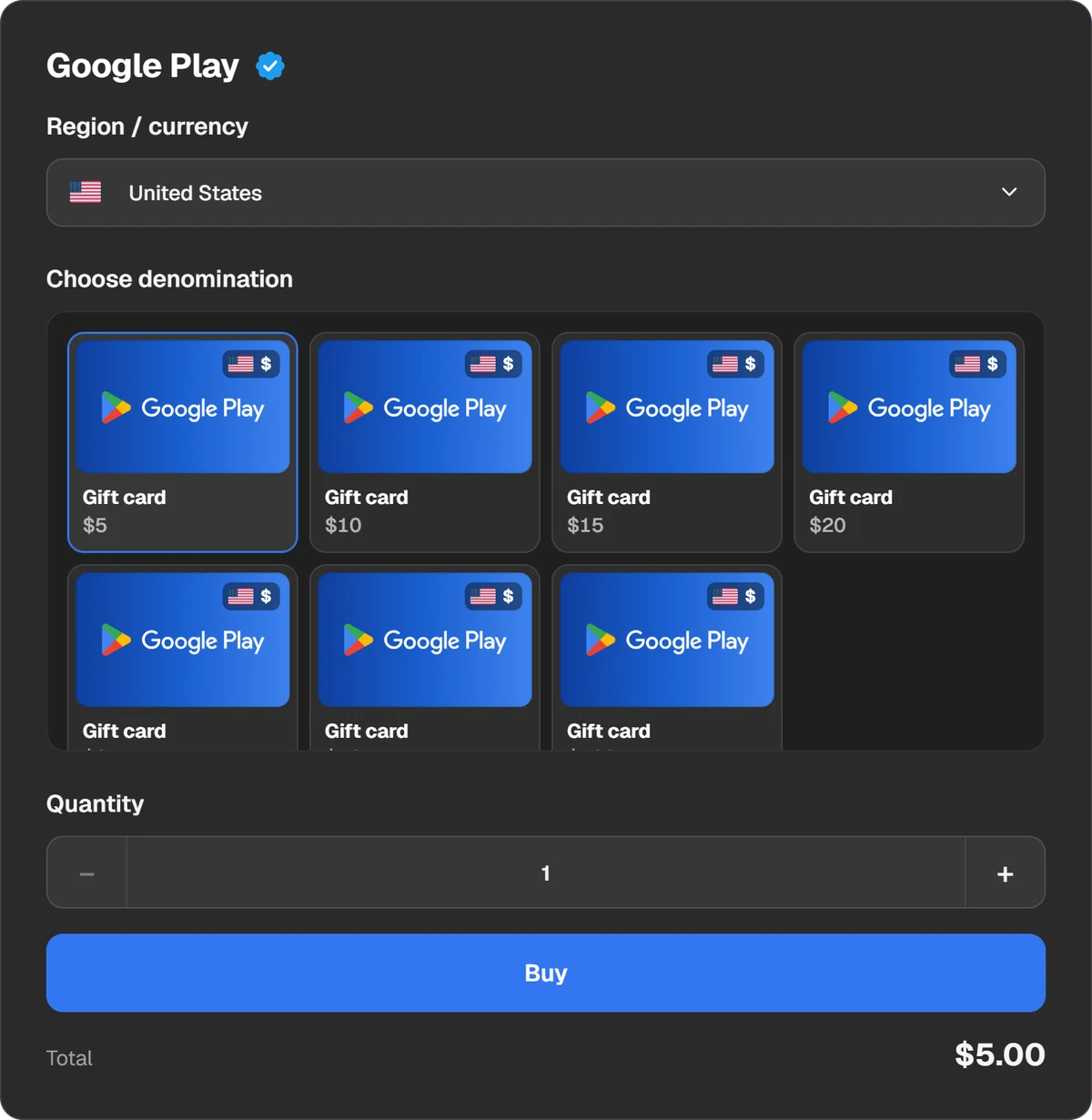
The Play profile’s country and the card amount.
Pay for the order
Pick a coin, an exchange or a wallet. The amount and the fee are shown before you pay. The code appears in the order window and stays in “History”.
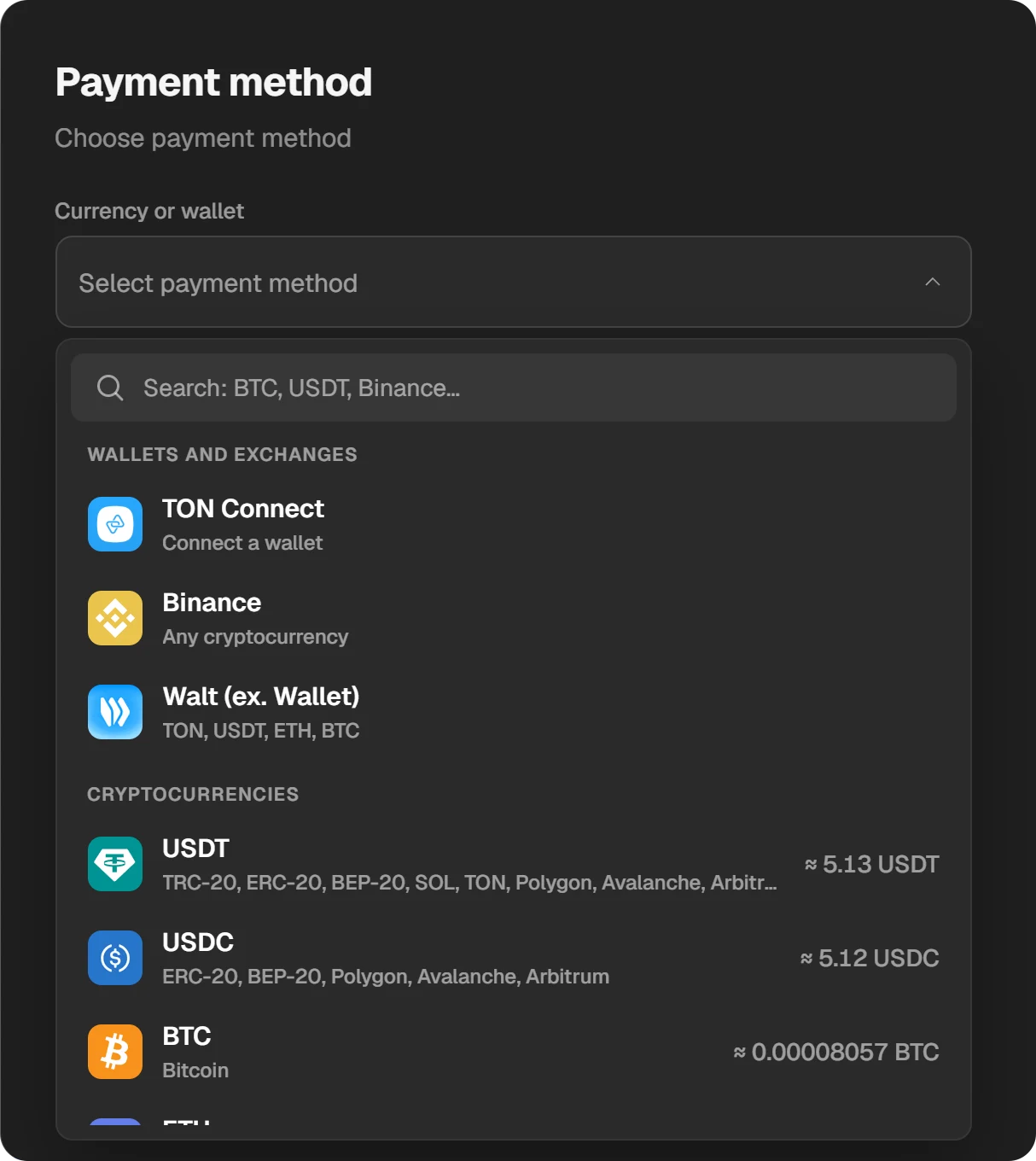
Crypto payment methods.
Redeem the code
In Google Play tap your profile picture, open Payments & subscriptions, then Redeem code. Enter the code and confirm. Step by step: How to redeem a Google Play gift card.
Buy the game
Open the game’s page and tap the price. In the payment window choose Google Play balance and confirm. The game starts downloading.
If you change your mind
Google says it does not refund most purchases. Within 48 hours a refund is sometimes possible through the Google Play website; later, contact the developer. Each app or game can be refunded only once.
Questions and answers
Why can’t I buy a game on Google Play?
With a Russian profile it is Google’s restriction: payments for users in Russia have been suspended since 10 March 2022. Your card is not the problem.
Can I gift a game on Google Play?
No. Google says digital content cannot be sent as a gift. Only gift cards can be sent, and not in every country.
Do paid games I bought earlier still work?
Yes, while they are installed. A Russian profile cannot download a paid game again.
How do I buy in-game currency without Google Play?
Many games top up by player ID: PUBG Mobile, Mobile Legends, Free Fire, Genshin Impact and others. You need only the ID from your in-game profile.
Can I share bought games with my family?
Yes, through Google Play Family Library: up to 5 family members in the same country. In-app purchases and free apps are not shared.
