

Xbox Game Pass on PC: how to subscribe and play
You do not need a console to play Game Pass on a computer: Windows, the Xbox app and a subscription are enough. Here is which plan gives PC games, how to install them and where people usually trip up.
In short
- PC games come with PC Game Pass (300+ games, PC only) and Ultimate (500+ games on PC, console and cloud). Essential and Premium also have PC games, with smaller libraries.
- You need Windows 10 or 11, version 22H2 or later, and the Xbox app for PC.
- Games install from the Game Pass tab of the Xbox app. EA Play games run through the EA app.
- Game Pass cannot be played through Steam. Online play on PC needs no subscription.
- We sell Ultimate and Essential keys. We have no PC Game Pass keys: on PC, Ultimate covers it.
Which plan suits a PC
| Plan | Games | Where | Day-one releases | EA Play |
|---|---|---|---|---|
| PC Game Pass | 300+ | PC only | Yes | Yes |
| Ultimate | 500+ | PC, console, cloud | Yes | Yes |
| Premium | 200+ | PC, console, cloud | Xbox games within a year | No |
| Essential | 50+ | PC, console, cloud | No | No |
If you play only on a computer, PC Game Pass fits. Ultimate gives the same on PC plus console, 15 cloud hours a month, Ubisoft+ Classics and Fortnite Crew. Full comparison: Game Pass Ultimate, Premium and Essential.
What your PC needs
- Windows 10 or 11, version 22H2 or later. Some games need the latest Windows update.
- The Xbox app for PC, from the Xbox website. You may need to switch out of Windows S mode.
- Disk space. Each game’s requirements are on its page in the Xbox app; check them before installing.
- A Microsoft account with a Game Pass subscription.
On ARM computers some games may be missing from the Xbox app’s library, and some will not run because of device limits.
How to get Game Pass for PC with a key
Choose a key
Open Game Pass Ultimate or Game Pass Essential and pick a term. For the full PC library and new releases, take Ultimate. No Microsoft password is needed.
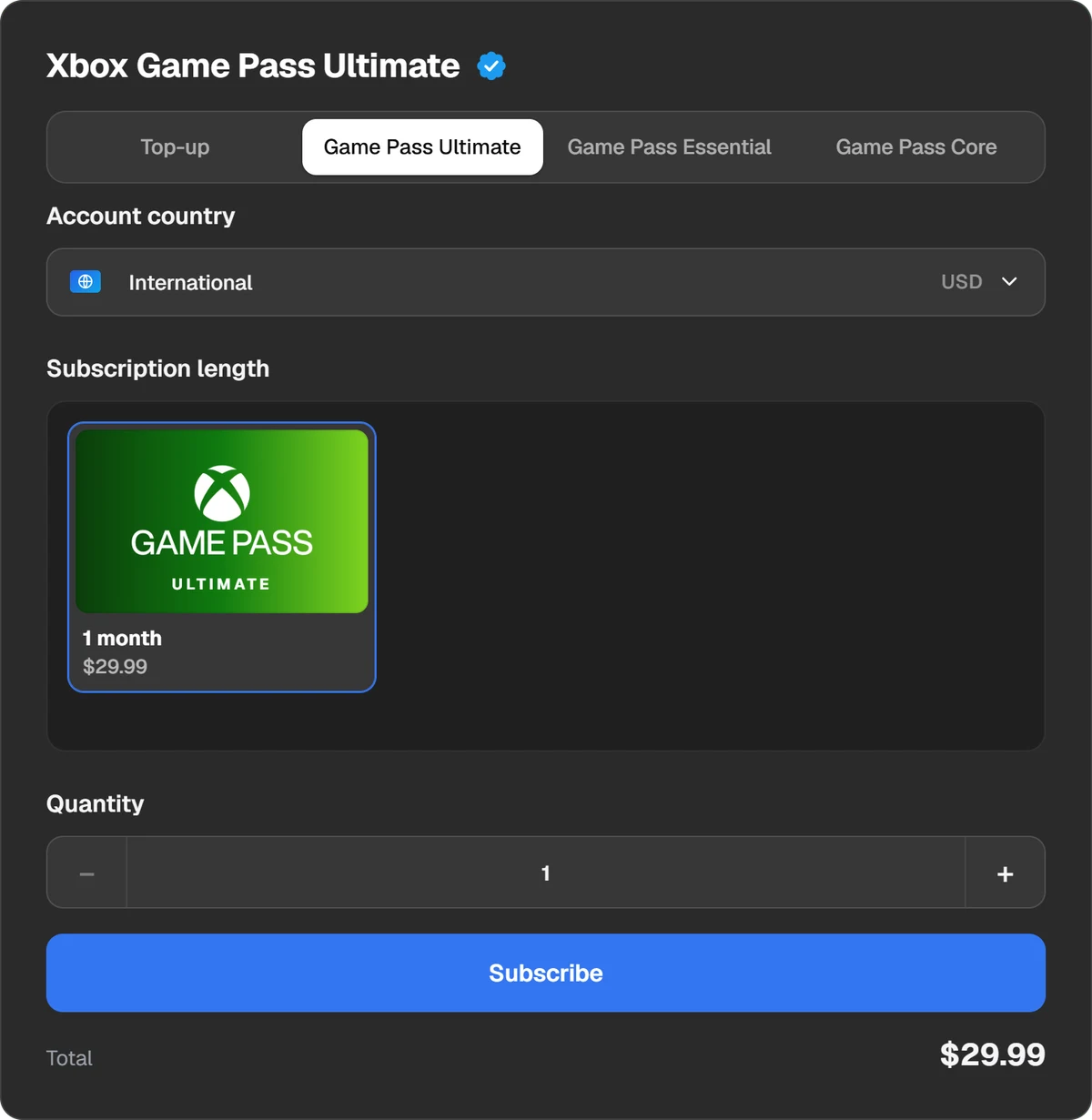
Subscription terms and the total.
Pay
Press “Subscribe” and choose how to pay: USDT, TON, BTC and other coins, Binance, Walt or TON Connect. The 25-character key appears in the order window and in “History”.
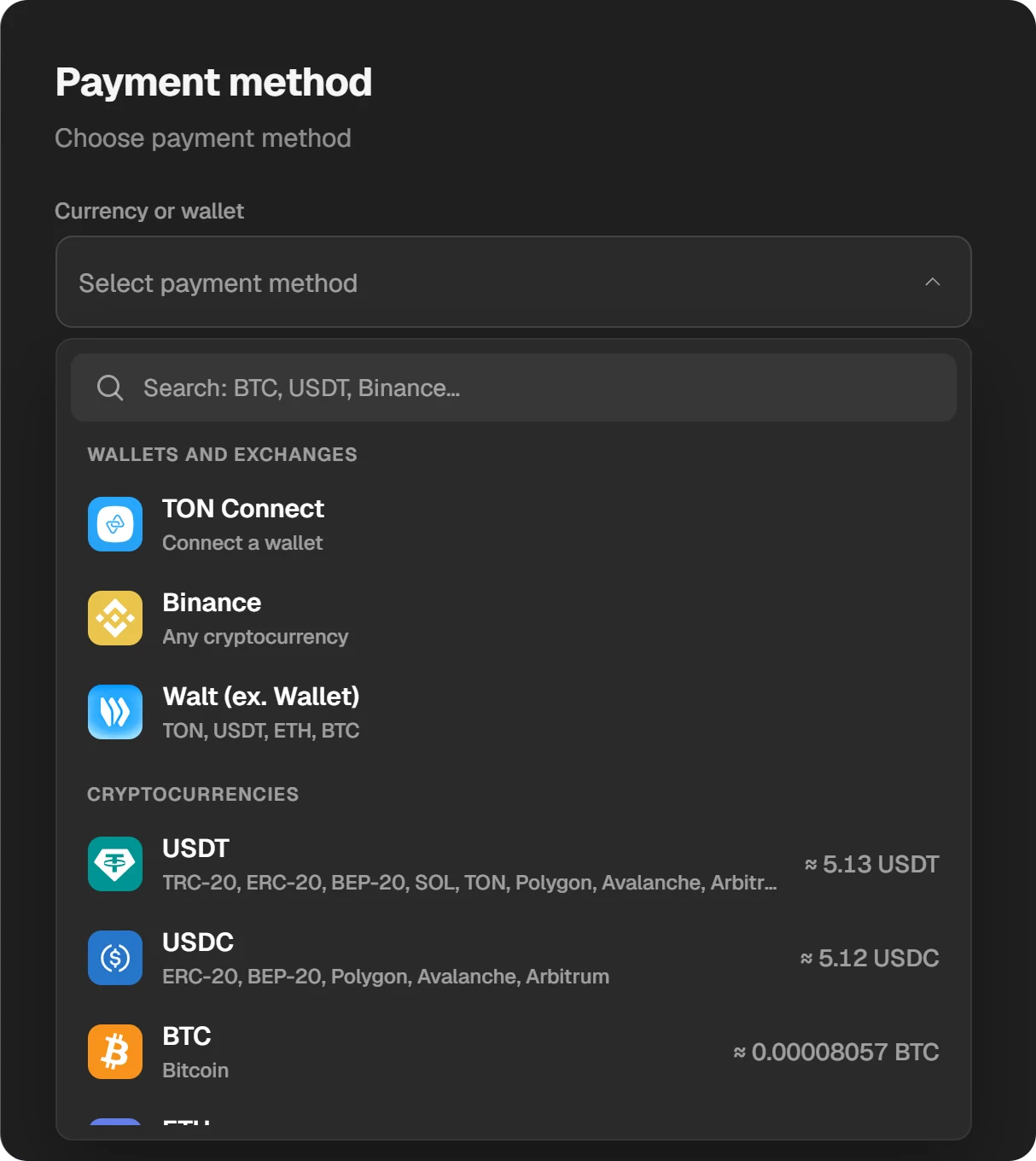
Payment methods.
Redeem the key
Open xbox.com/redeem in a browser, sign in with the Microsoft account you will play on, enter the key and confirm. The subscription starts at once; its end date is on account.microsoft.com/services.
Microsoft redeems a Game Pass key only in the country it was made for and asks that your account’s region match where you are. Check with support before buying that the key fits your account.
How to start playing on PC
Install the Xbox app
Download the Xbox app for PC from the Xbox website and open it.
Sign in
Press “Sign in” and use the Microsoft account with Game Pass. If the app shows someone else’s profile, select your gamerpic and change the Microsoft Store account in settings.
Find a game
Open the Game Pass tab and choose a game. Check the system requirements on its page.
Install and play
Press “Install” and follow the prompts. You can pause downloads under My Library, Manage installs. Installed games appear in your library.
EA Play games on PC
EA Play is part of Ultimate and PC Game Pass, not Essential or Premium. On a computer, EA games run through the EA app: link your EA and Xbox accounts and install the EA app. If anything is missing, the Xbox app walks you through it. Then the EA Play catalogue shows in the Xbox app and games download through the EA app.
If you have played EA Play on a console, the accounts are probably linked already. Sign in to the Xbox app with the same Xbox account and to the EA app with the same EA account as on the console.
Common beginner questions
- Steam. You cannot play Xbox Game Studios games with Game Pass through Steam or other stores, only through the Xbox app.
- Online play. On PC no subscription is needed for multiplayer, just an internet connection. Game Pass is needed for online play only on Xbox consoles.
- Several PCs. The subscription follows your account; sign in on any PC. It can be in use on one device at a time.
- Sharing with family. Not on PC: each person needs their own subscription. Sharing works only on a console through the home Xbox.
- Cloud. With Essential, Premium or Ultimate you can play Xbox console games from the cloud right in the Xbox app, without installing, within the plan’s cloud hours. PC Game Pass has no cloud play.
- A game left the library. You lose access unless you buy it. Progress is saved to the cloud and stays.
Questions and answers
Can I play Xbox Game Pass on PC?
Yes. PC Game Pass or Ultimate, or Essential and Premium with smaller libraries. You play through the Xbox app on Windows 10 or 11.
Does Game Pass Ultimate work on PC?
Yes. Ultimate works on console, PC and cloud, with day-one releases and EA Play on PC.
How is PC Game Pass different from Ultimate?
PC Game Pass gives 300+ games on PC only, without cloud. Ultimate gives 500+ games on PC, console and cloud, plus Ubisoft+ Classics and Fortnite Crew.
Can I play Game Pass through Steam?
No. Microsoft says Xbox Game Studios games cannot be played with Game Pass through Steam or other stores.
Where do I download Game Pass on PC?
Download the Xbox app for PC from the Xbox website, sign in and install games from the Game Pass tab.
Do I need a subscription for online play on PC?
No. On Windows, multiplayer works without Game Pass. A subscription is needed for online play only on a console.
