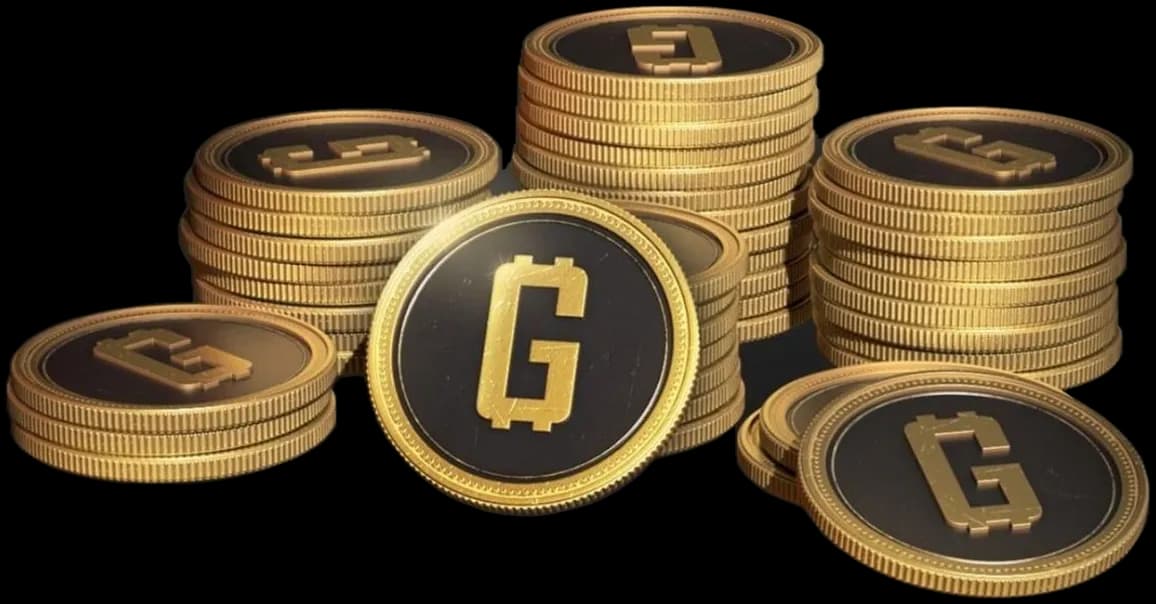
How to buy G-Coin in PUBG: Battlegrounds
G-Coin is the currency of PUBG: BATTLEGROUNDS on PC. Officially you buy it in the game’s store and pay from your Steam Wallet, so a wallet top-up is all you need. Here are the steps, the kinds of G-Coin and how to get a purchase back.
In short
- G-Coin is bought in the game: Store, G-COIN tab. The payment comes from your Steam Wallet.
- Top up your Steam Wallet by login and buy G-Coin in the game. No password needed.
- A G-Coin purchase can be cancelled within 7 days if the coins are unspent; the money returns to the Steam Wallet.
- G-Coin can be paid, free or timed free. Timed free coins are spent first.
- PUBG Mobile is another game with its own currency, UC.
What G-Coin is
G-Coin is the currency of PUBG: BATTLEGROUNDS. It buys items in the game’s store. The price is taken from your G-Coin balance right after the purchase.
| Kind | Where it comes from |
|---|---|
| Paid | Bought with Steam Wallet funds or included in paid bundles |
| Free | Events, Survivor Pass missions, bundles |
| Timed free | Like free, but with an expiry date; unused coins expire |
They are spent in order: timed free first, then paid, then free. Among timed coins, the ones expiring soonest go first.
How PUBG sells G-Coin
- Store, G-COIN tab, pick a package and buy;
- in an item’s purchase window, press ADD G-COIN.
PUBG says paid G-Coin is bought with Steam Wallet funds. So the simplest way is to top up the wallet first and then buy G-Coin in the game.
Buying G-Coin through Steam
Find your Steam login
The login is the name you sign in to Steam with, not your profile nickname. See How to find your Steam login.
Top up the wallet
Open Steam top-up, choose your account’s country and enter your login. The site checks that the account exists. Set the amount: what reaches Steam and the fee are shown before you pay.
A Steam top-up by login: country, login and amount.
Pay
Press Top Up and the payment window opens. You can pay in USDT, USDC, BTC, TON and other coins, or through Binance, Walt and TON Connect.
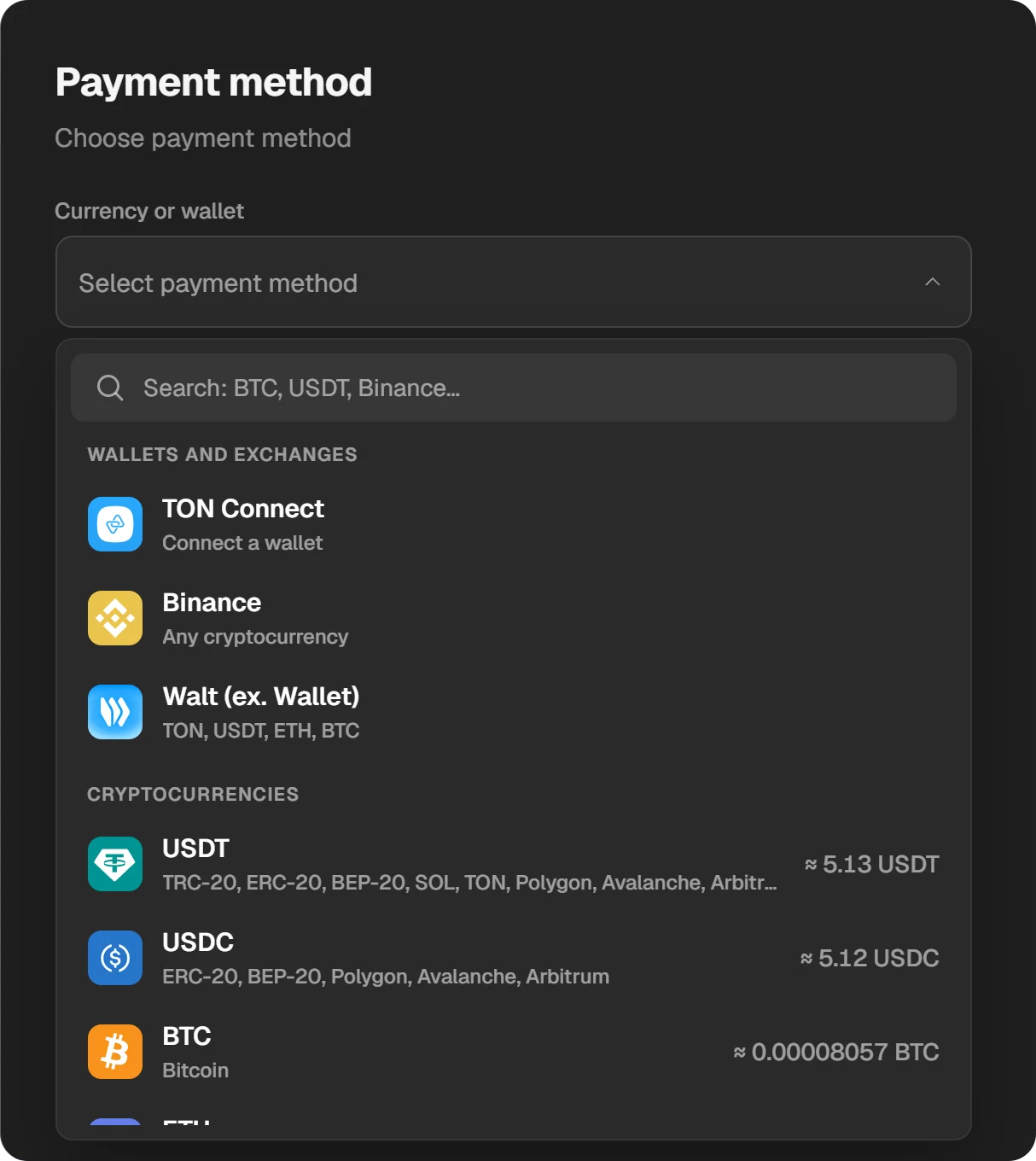
Choosing a coin or a wallet in the payment window.
Wait for the money
When the order is done, the window says Funds credited. Restart Steam; the balance is at the top right.
Buy G-Coin in the game
Start PUBG: BATTLEGROUNDS, open the Store and the G-COIN tab. Pick a package and confirm the payment in the Steam window.
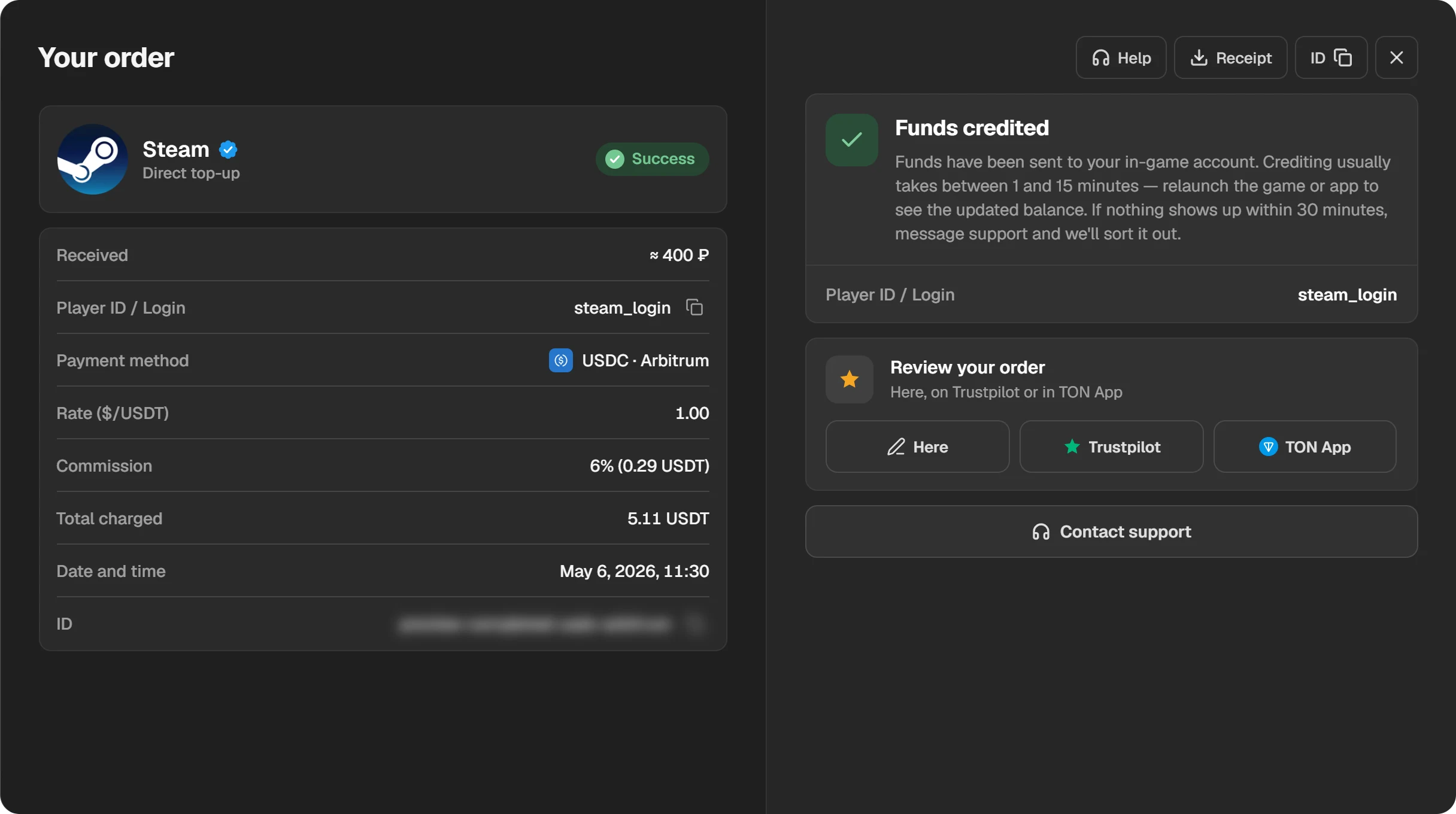
A finished order: the money is in the Steam Wallet.
Cancellations and refunds
| What | Within | Condition |
|---|---|---|
| A G-Coin purchase | 7 days | The G-Coin is unspent; money returns to the Steam Wallet |
| An item bought with G-Coin | 14 days | The item is unused |
| Free G-Coin | Not possible | Coins from events and missions cannot be cancelled |
To cancel or get a refund, contact PUBG Support: Submit a Ticket, Purchases / Refunds. You will need your Steam ID or in-game nickname.
G-Coin codes on Play Wallet
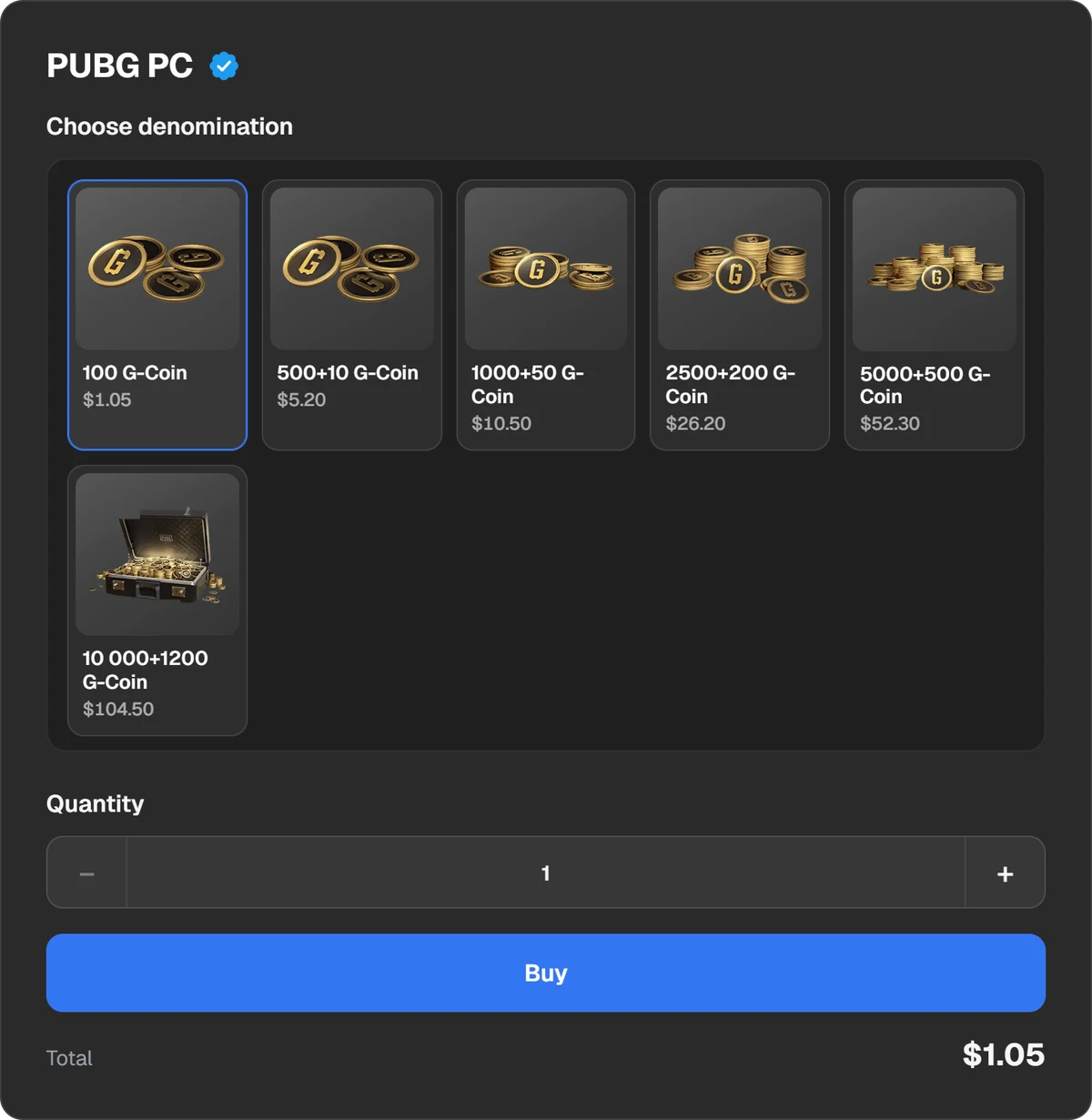
The PUBG: Battlegrounds page sells G-Coin codes from 100 to 10,000+1,200. It is a code, not a top-up by login. The page itself says support will tell you where to enter it, so ask before paying.
If you are not sure where to enter a code, choose the Steam top-up: it always works for buying G-Coin in the game, and the wallet money can be spent on anything else too.
PUBG Mobile is a different game
G-Coin works only in PUBG: BATTLEGROUNDS. PUBG Mobile has its own currency, UC, bought by player ID. See How to buy UC in PUBG Mobile.
Safety
- A Steam top-up needs only the login. Never share your password or Steam Guard codes.
- Sites with “free G-Coin” ask you to sign in through Steam on their own page and steal accounts.
- Money or G-Coin cannot be moved from another account to yours. Such offers are scams.
Questions and answers
How do I buy G-Coin on PC?
Top up your Steam Wallet and buy G-Coin in the game’s Store, G-COIN tab. The payment comes from the wallet.
Can I get a refund for G-Coin?
A G-Coin purchase can be cancelled within 7 days if the coins are unspent; the money returns to the Steam Wallet. Free G-Coin cannot be cancelled.
Which G-Coin is spent first?
Timed free coins first, then paid, then free.
Does G-Coin work in PUBG Mobile?
No. PUBG Mobile has its own currency, UC.
Do you need my Steam password?
No. Only the login. Never share your password or a Steam Guard code.