The wrong ID or login was entered: what to do
A top-up goes to the account given in the order. What can be done depends on the step at which you noticed the mistake.
Check the account in the order window — before paying
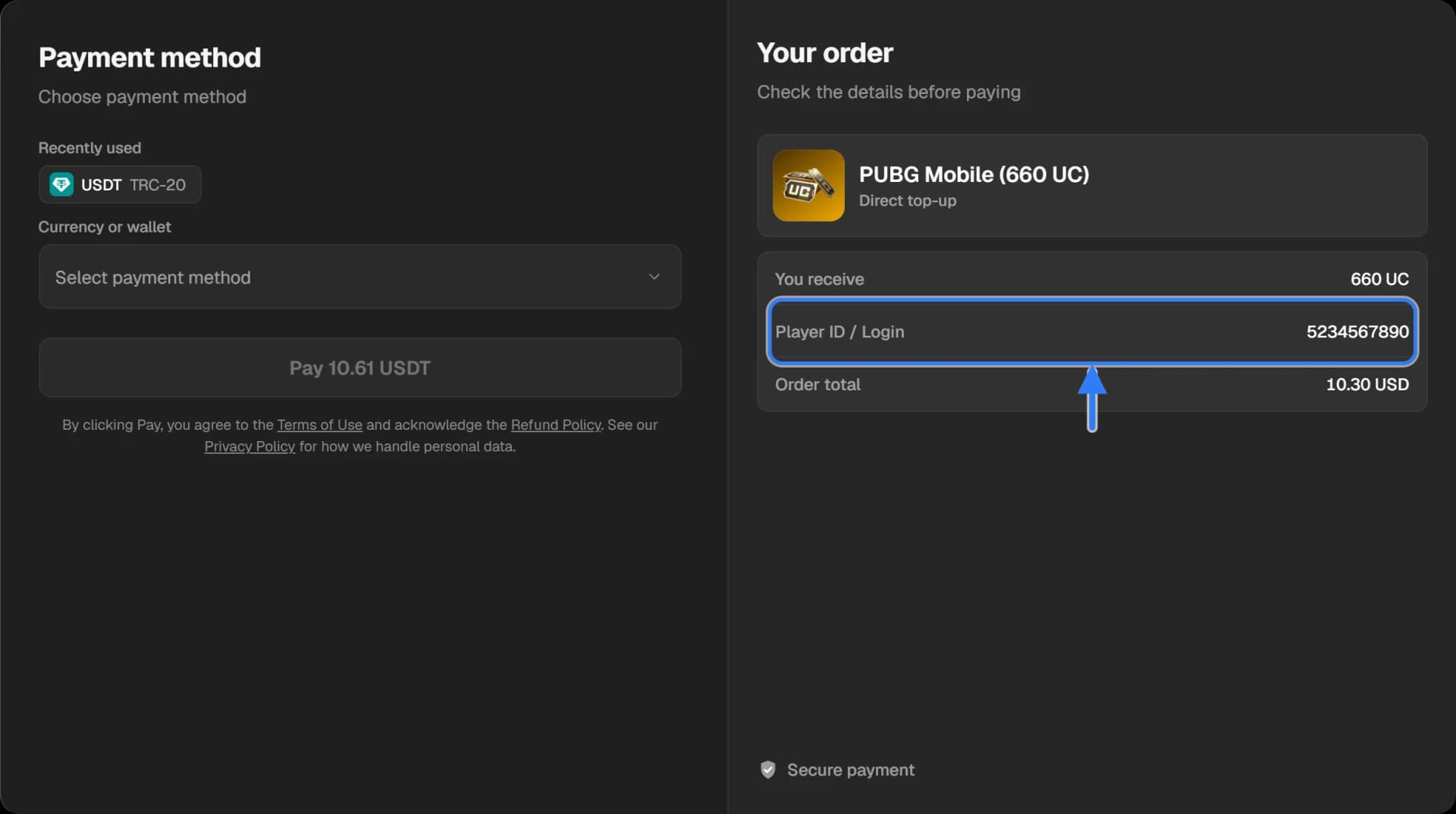
After the “Buy” button the order window opens. On the right, under “Check the details before paying”, there is the “Player ID / Login” line. Compare it with the game or the service before you press “Pay”.
If the order is not paid yet — create a new one
Do not pay for an order with a mistake: close the window and create a new one with the right details. An unpaid order is not delivered anywhere and is cancelled by itself when the time to pay runs out.
If the order is already paid — write to support at once
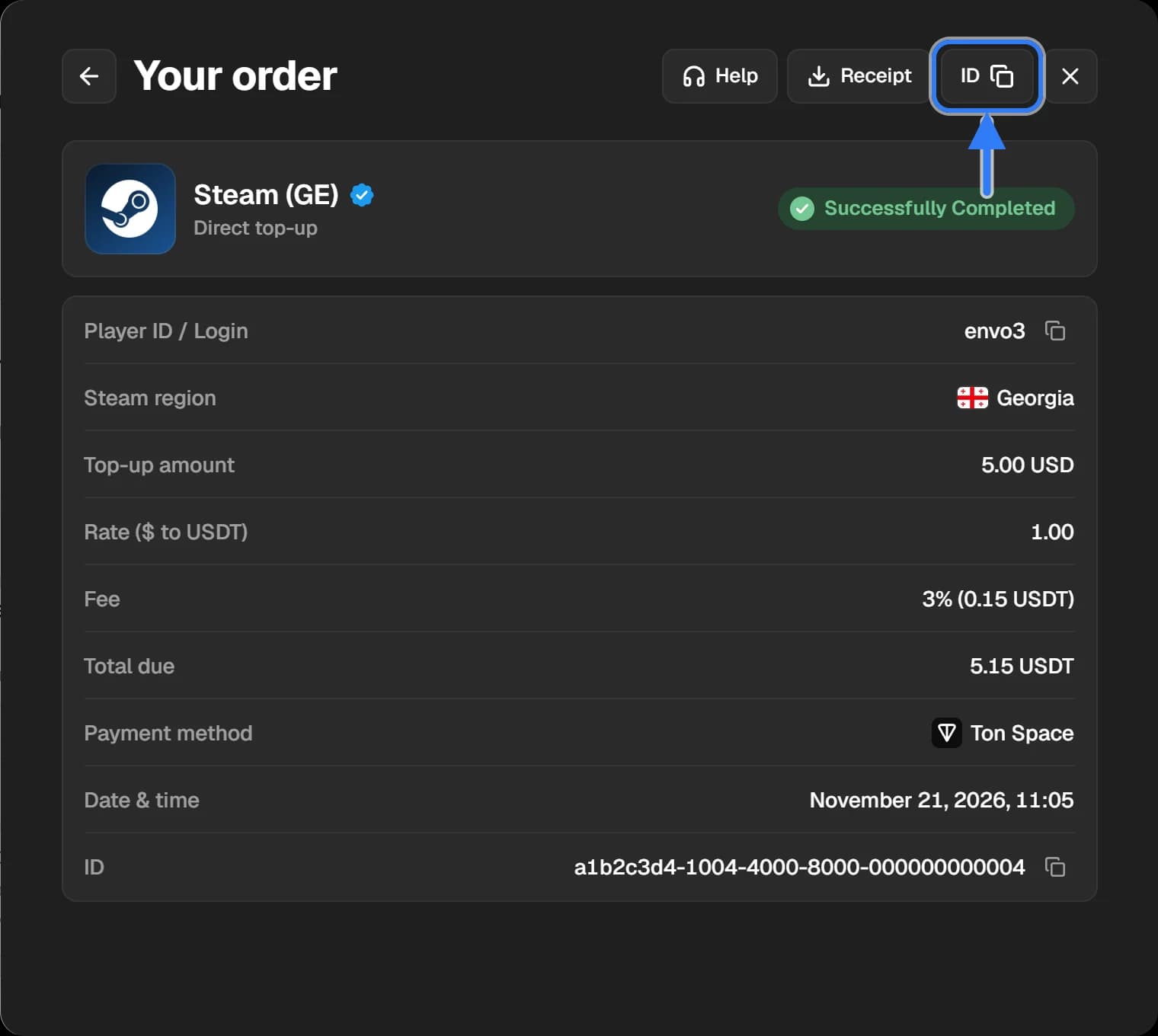
Press “Help” in the order window or open the order in “History”. Send the order ID, what the order says and what it should say. The sooner you write, the better the chance to stop the order before delivery.
If the order is already completed
If an account with that ID exists, the purchase went to it. We cannot take it back from someone else’s account: the game or the service does not undo a delivery. Write to support with the order ID — we will check what exactly happened to the order.
How not to make the mistake
- Copy the ID from the game rather than typing it.
- Look at what the form shows after you enter it: for Steam, Telegram and some games it checks whether the account is found.
- If the form asks for a server or a region, check that too.
The general terms are in the Refund policy.