How to log in, and why you would
You can buy on Play Wallet without registering: orders are kept in “History” on the same device. An account makes the order history and gift card codes available on any device.
Press “Login” in the site header
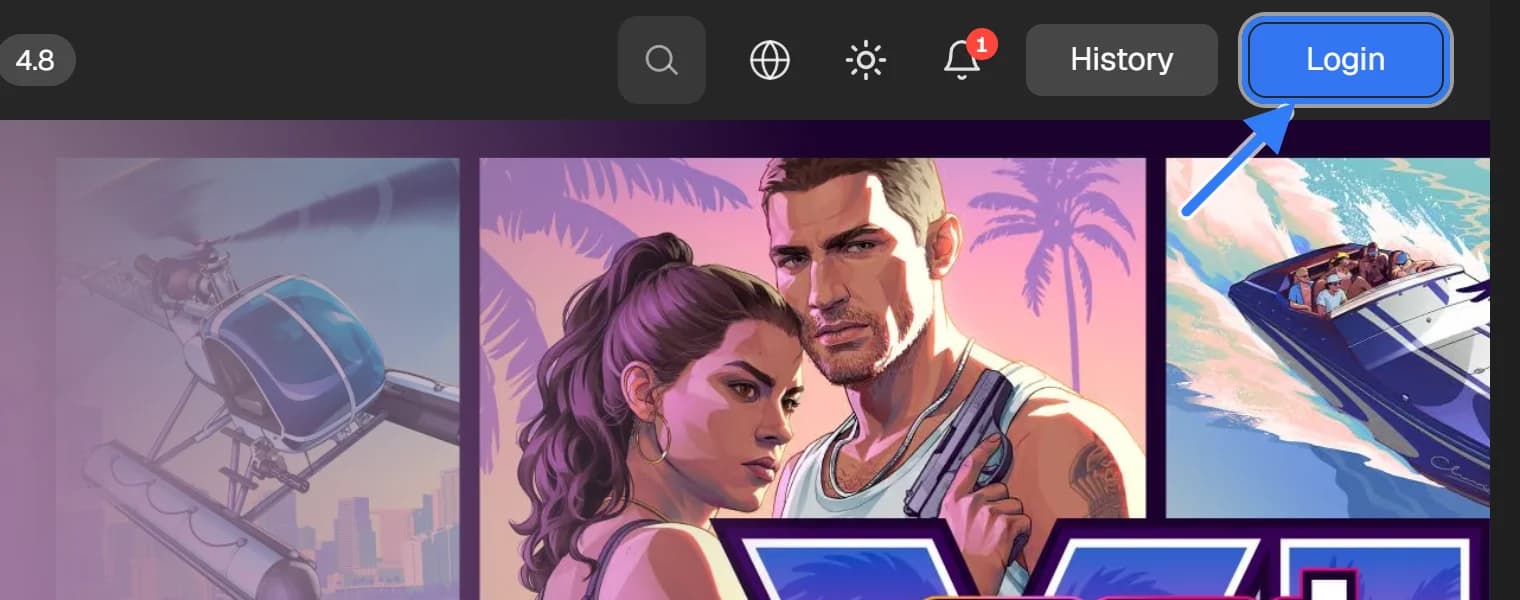
Choose how to log in
The login window offers three ways: email, Google or Telegram. To log in by email, enter the address and press “Continue”.
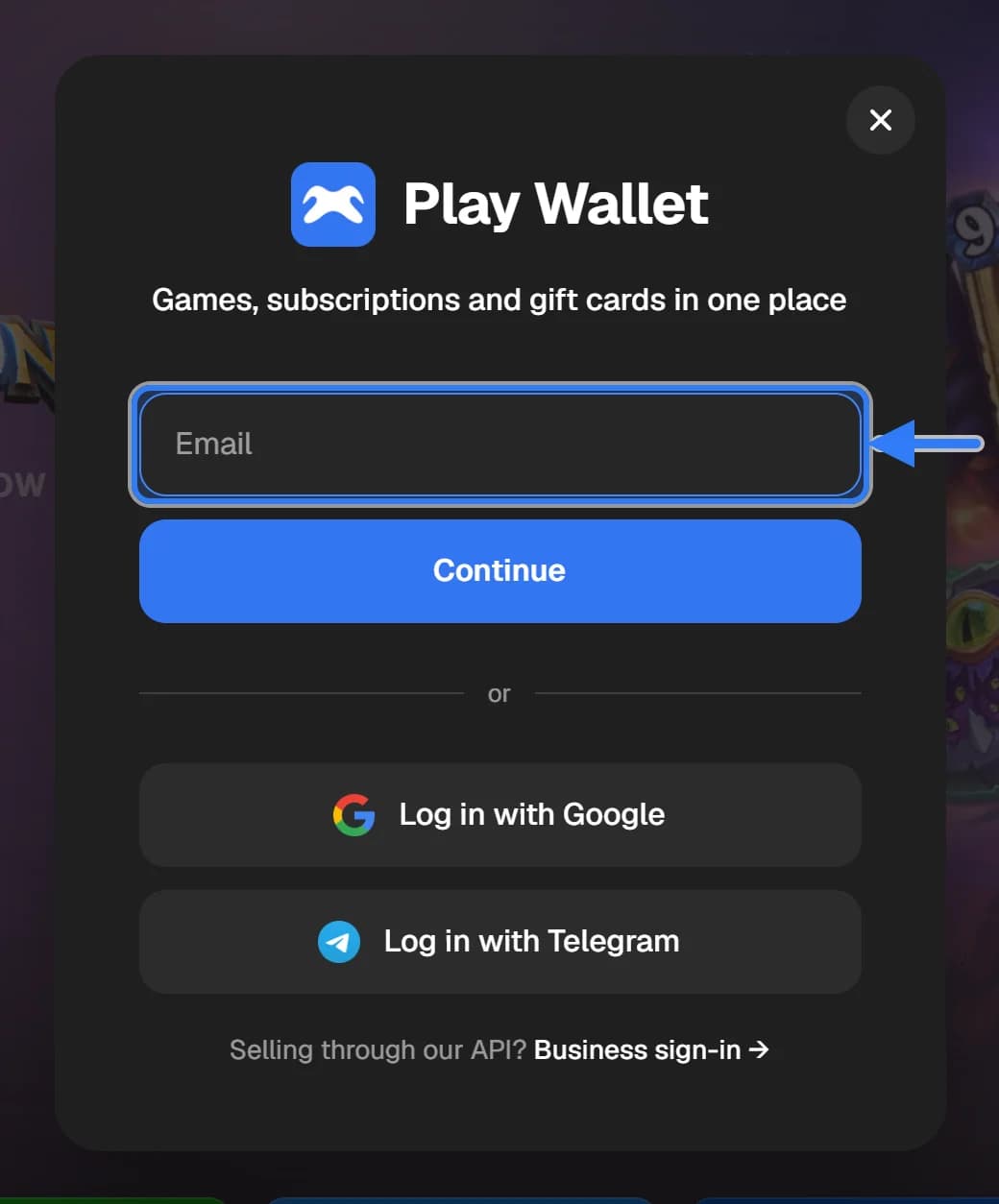
Confirm the login
An email with a six-digit code arrives — enter it in the login window. With Google or Telegram, confirm the login in their window.
What happens to orders made without logging in
Orders made without logging in on this device move to the account after you log in and are visible from any device.
We never ask for passwords to games, Steam or Telegram, or for their confirmation codes. The email with a login code comes only after you pressed “Continue” yourself.