

Can you change your Steam login?
In short, no. The Steam login, also called the account name, cannot be changed in the settings or by Support. What you can change is what others see: your profile name and the link to your profile. Here is what is what, and why a Steam top-up uses the login.
In short
- The Steam login (account name) cannot be changed. Steam says no one can change it, Support included.
- The profile name (nickname) can be changed at any time: your profile → Edit Profile.
- The custom URL can be set or removed in the same place.
- A new account with another login starts from zero: games and wallet funds cannot be moved, and accounts cannot be merged.
- Steam top-ups on Play Wallet go by login because it is unique and never changes. A nickname will not do.
What Steam says
Steam Support answers directly: your SteamID and Steam account name cannot be changed by anyone, including Steam Support. Your persona name (nickname) can be changed at any time under Edit Profile.
Login, nickname, custom URL and SteamID
| What | Used for | Can you change it |
|---|---|---|
| Login (account name) | Signing in; also the address for a wallet top-up | No |
| Profile name (nickname) | What friends see in chat and games | Yes, any time |
| Custom URL | A short address of your Community profile | Yes: set, change or remove |
| SteamID | The 17-digit account number starting with 7656119 | No |
The login is what you type when you sign in, and only you see it. The nickname is public and can be shared by thousands of people. Where to see your login: How to find your Steam login.
How to change the nickname and the custom URL
Open your profile
In the client or on the Steam site, click your name at the top and open your profile.

A Steam profile: the “Edit Profile” button.
Click Edit Profile
The button is on the right of the profile page.
Change the profile name
Type the new nickname and save. You can do it as often as you like.

The “Profile Name” field in the profile editor.
Set or remove the custom URL
Type a short address in the Custom URL field. Clear the field and your 17-digit SteamID shows in the link below it.

The “Custom URL” field in the profile editor.
Neither change touches the login. You keep signing in, and topping up, with the same login.
What about a new account?
- Games do not move. Steam says subscriptions and keys cannot be moved to another account.
- Accounts do not merge.
- Wallet funds stay behind. Steam does not move them to another account.
- The old account cannot be sold. The Steam Subscriber Agreement forbids selling or transferring an account. See Buying a Steam or PlayStation account with games.
If you no longer need the old account, Steam Support can delete it after you prove it is yours.
If your login feels exposed
- A login alone does not let anyone in. Change your Steam password and your email password instead.
- Turn on Steam Guard in the Steam mobile app.
- Never enter your password or a Steam Guard code on other sites. Sign in only on store.steampowered.com and steamcommunity.com.
Why a top-up uses the login
The login is unique and permanent, so money sent to it reaches the right account. On Play Wallet the top-up form asks for the login, checks it before payment and says “Login not found on Steam” if you typed a nickname or an email.
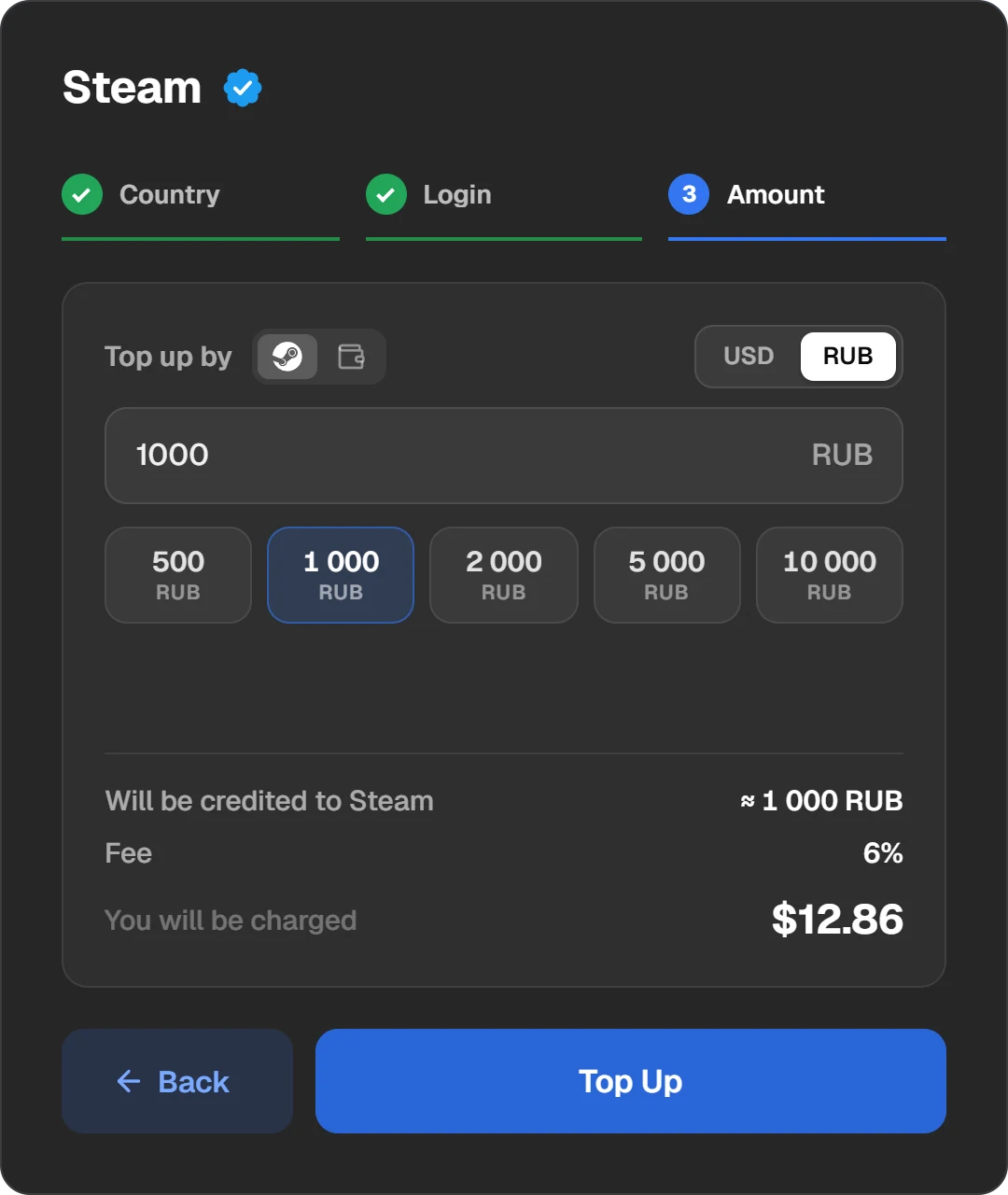
The Steam top-up form with its login field.
If the login exists but is someone else’s, the money goes to them, and Steam does not move funds between accounts. Compare the login with what your Steam shows before paying.
Checked the login? You can type it into the Steam top-up form even if you have just changed your nickname.
Questions and answers
Can I change my Steam login?
No. Steam says no one can change the account name, Support included.
How do I change my Steam nickname?
Profile → Edit Profile → new profile name → save. As often as you like.
Can I sign in with my nickname?
No. Signing in needs the login.
I changed my nickname. Do I need a new login for top-ups?
No. The login stays the same; top up by it as before.
Can I move my games to a new account with another login?
No. Games and keys cannot be moved, and accounts cannot be merged.
What is a custom URL in Steam?
A short address of your Community profile, set or removed under Edit Profile. It does not change the login.
