How to create a game pass in Roblox, on a phone too
A game pass is created for free on create.roblox.com, but only for a published game of your own. The pass itself can be made on a phone in a browser. Here are the steps, where to set the price, and what changed for “donation” passes in 2026.
In short
- A pass belongs to your game. Publish the game first, then create the pass.
- The path: create.roblox.com → Creations → your game → Monetization → Passes → Create pass.
- The price in Robux is set on the pass’s Sales page.
- Since late May 2026 a pass cannot be sold inside another game, so PLS DONATE no longer needs one.
- You keep 70% of each sale. The Robux wait as Pending first.
What a game pass is
A pass is a one-time Robux purchase in your game: a VIP area, extra speed, a special item. A player buys it once and keeps it. Creating one is free; you set the price.
A pass does nothing by itself. For the VIP door to open or the item to appear, your game needs a script for it. A plain “support the creator” pass needs no script.
What you need first
A published game of your own
Roblox says the game must be published and accessible before you create a pass. Games are made and published in Roblox Studio on a computer: File → Publish.
An image for the icon
Up to 512×512 pixels, .jpg, .png or .bmp. It is cropped to a circle, so keep the important part in the middle.
Your own sign-in
Only on roblox.com or create.roblox.com. Never send your password to anyone, including “helpers” on streams.
How to create a game pass
Open Creator Hub
Go to create.roblox.com and open Creations. Pick the game the pass is for.
Go to Passes
In the game’s menu open Monetization → Passes and click Create pass.
Upload the image and fill in the fields
Add the icon, a name and a description of what the player gets. Choose a category, which places the pass in your game’s Shop. Click Create pass.
Put it on sale and set the price
Open the new pass and its Sales page. Turn on Item for Sale, enter the price in Price in Robux (from 1 Robux) and save. The pass appears on the Store tab of the game’s page.
Copy the ID if you need a script
In Monetization → Passes, hover over the pass icon, click ⋯ and choose Copy Asset ID. That number goes into your game’s script.
Passes use regional prices by default. Roblox adjusts the price to the buyer’s region, never more than 70% below your price and never above it. The Sales page shows prices by country. Turn it off in Monetization → Passes with Disable Managed Pricing.
Creating a pass on a phone
If the game is already published, you can make the pass on a phone. You do not need the Roblox app: open create.roblox.com in the phone’s browser and follow the same steps, uploading the icon from your gallery.
The game itself usually cannot be made on a phone: that takes Roblox Studio on a computer. Roblox is rolling out Build, which makes a game in the phone app from a description, but so far only in a few countries: New Zealand, Singapore, Serbia, Thailand and Canada.
Donation passes and PLS DONATE
Most passes used to be made for a PLS DONATE booth and other “donation games”. Since 29 May 2026 Roblox does not let one game sell another game’s passes. Such games now take donations as direct Robux transfers, with no pass. See PLS DONATE in Roblox.
A “support the creator” pass in your own game still works. Players buy it in your game or on the Store tab of its page.
How much you get, and when
- 70% of the price. Roblox keeps the rest as its fee. A 100-Robux pass earns you 70.
- Not at once. Robux from pass sales wait as Pending first, then move to your balance. Check My Transactions.
- Money takes longer. Sales Robux count as earned and can be exchanged through DevEx from 30,000 earned Robux. See Can you cash out Robux.
Want to buy a pass in someone else’s game but have no Robux? A Roblox gift card gives them; the code is redeemed at roblox.com/redeem. Every honest way is in How to get Robux.
Choose a Roblox card
Open Roblox and pick a card with the Robux you need. No Roblox password needed; the price is shown before you pay.
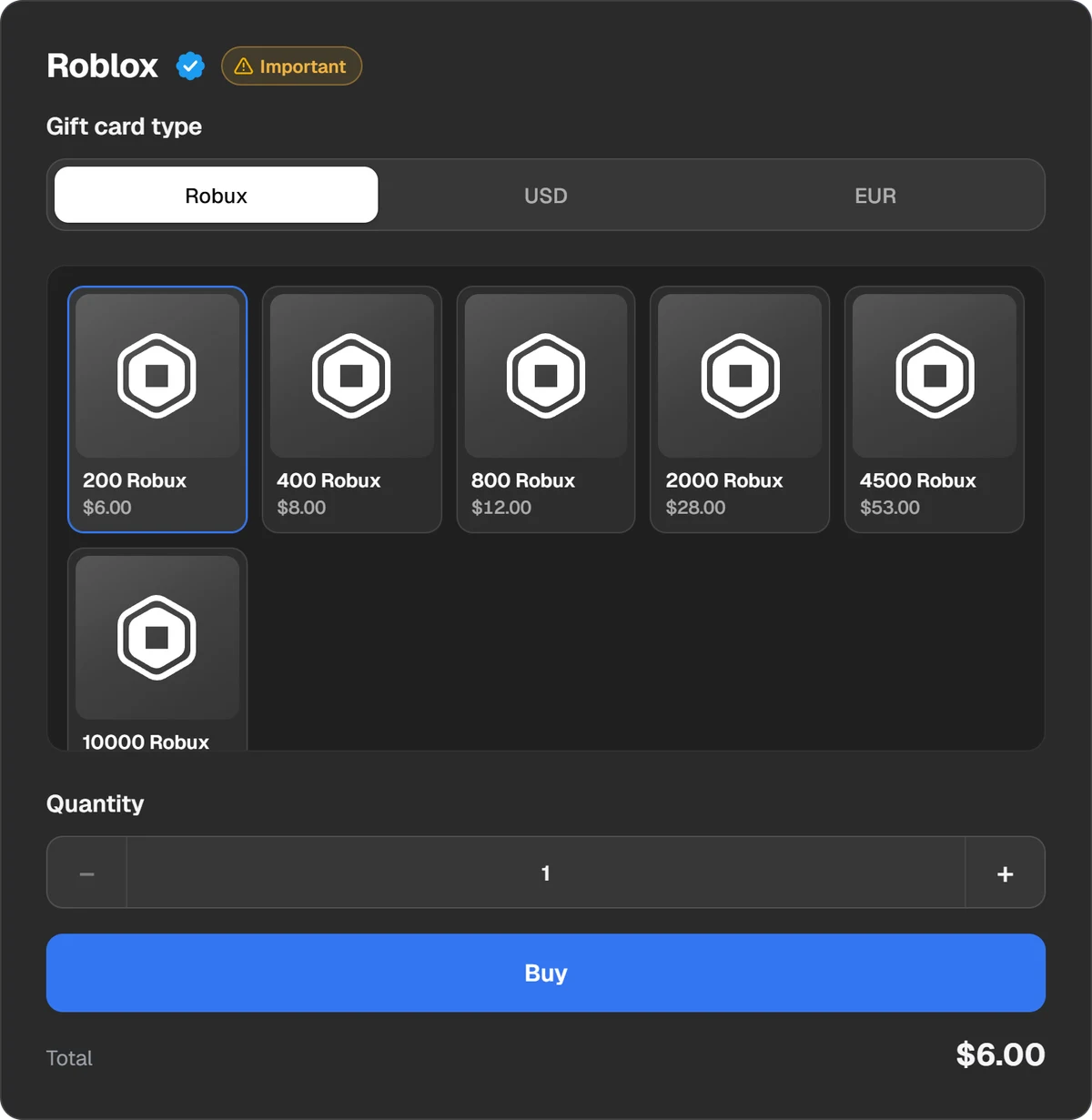
Roblox gift cards for Robux or for an amount.
Questions and answers
How much does it cost to create a game pass?
Nothing. Roblox says passes are free to create. Only the buyer pays, at the price you set.
Can I create a pass without my own game?
No. A pass always belongs to a game, and the game must be published.
How do I create a game pass on a phone?
Open create.roblox.com in the phone’s browser, pick your game and go to Monetization → Passes → Create pass. The game itself is usually made in Studio on a computer.
Where do I change a pass’s price?
On the pass’s Sales page, in Price in Robux. Remember to save.
Why doesn’t my pass show in PLS DONATE?
Since 29 May 2026 one game cannot sell another game’s passes. PLS DONATE takes donations as Robux transfers, with no pass.
When do I get the Robux for a sold pass?
They are Pending first and then move to your balance by themselves. Roblox gives no exact period; watch My Transactions.