

A Turkish PS Store account: Sony’s rules and top-ups
Guides to the Turkish PS Store rarely start with Sony’s rules, yet those decide whether you keep an account full of games. So we start there, then cover which cards fit a Turkish account and how to pay for PS Plus with them.
In short
- Sony asks you to give your country of residence and true details at sign-up. An account made with false information can be suspended.
- A PlayStation account’s country cannot be changed after it is created.
- A Turkish account’s wallet takes Turkish cards only. We sell Turkish PS Store wallet cards in lira.
- Turkey has PS Plus Essential, Extra and Deluxe, and you can pay for them from the wallet.
- The 12-digit code appears in the order window and stays in “History”. You enter it under “Redeem Codes”.
What Sony’s rules say
Several points of the PlayStation Terms of Service concern the account’s country:
- Country of residence. At sign-up you choose the country or region where you live.
- True details. Everything in the account must be accurate and complete. Sony may suspend or restrict an account created with false information.
- No change of country. Once the account exists, its country cannot be changed, in settings or through support.
- Card check. Sony may verify your country of residence by your card number and reject it if it does not match.
- Cards of the same country. The wallet takes prepaid cards of the account’s own country only.
If you do not live in Turkey, a Turkish account goes against the residence rule. We do not advise giving an address that is not yours: the risk of losing the account and its games is yours. Our cards are for people who already have a Turkish account.
How to check your account’s country
- Sign in to Account Management on the PlayStation website.
- Choose “Your Information”, then “Edit” and “Residential Address”.
- The country is at the bottom. The card must be for that country.
Which cards fit a Turkish account
Only Turkish PlayStation Store cards. A US, German or Indian card will not redeem on a Turkish account, even if it is in dollars. A Turkish account’s wallet is in lira.
On the PlayStation page choose Turkey marked TRY in the “PlayStation account country” field. These are cards for a Turkish account, with values in lira.
How to top up a Turkish PS Store
Choose Turkey and a value
Open PlayStation, choose Turkey in the country field and a card value. No PlayStation login or password is needed: you buy a code. The price and fee are shown before you pay.
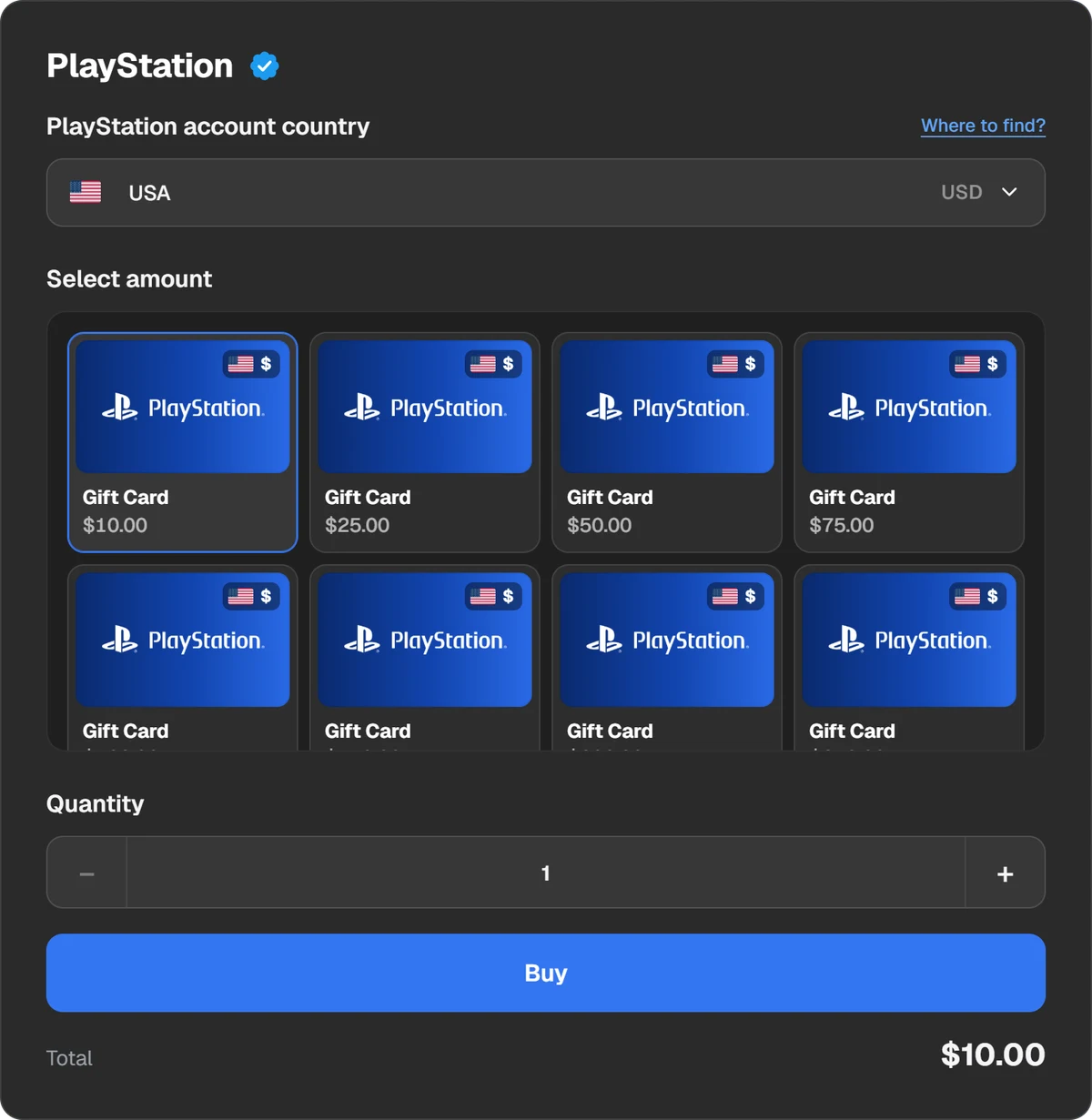
The account’s country and Turkish PS Store card values.
Pay
Press “Buy” and choose how to pay: USDT, Gram (formerly TON), BTC and other coins, Binance, Walt or TON Connect. With a coin, pick the same network you send from.
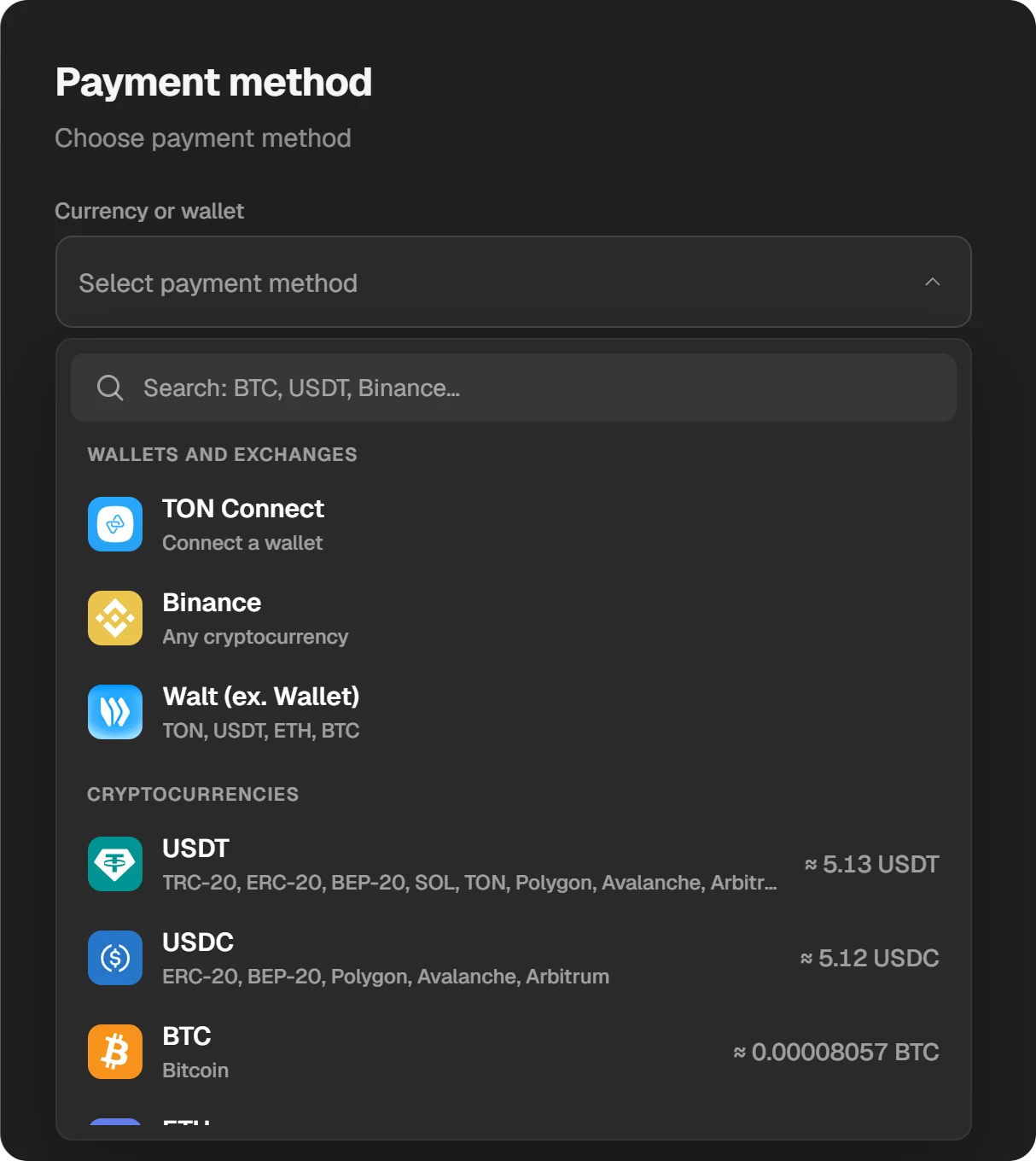
The amount needed in each coin is in the list.
Copy the code
When the order is done, the 12-digit code appears in the order window; tap it to reveal it. If you closed the window, the code is in “History” at the top of the site.
Redeem the code
On PS5: PlayStation Store, the triangle button, “…”, “Redeem Codes”. In a browser: your profile at the top of store.playstation.com and “Redeem Codes”. The money lands in the wallet.
PS Plus on a Turkish account
Turkey sells three tiers: Essential, Extra and Deluxe; there is no Premium. Deluxe is Extra plus classics and game trials. The tiers compared: PS Plus Essential, Extra and Deluxe.
- Check the price of the tier and term in your account’s PS Store.
- Top up the wallet with a card for that amount or a little more.
- Subscribe in the PlayStation Plus section; the money comes out of the wallet.
Sony says a payment method on file is sometimes required to buy a subscription even when the wallet has enough. That is Sony’s requirement, not a fault of the code.
Common mistakes
- A card of another country. A US or Indian card will not redeem on a Turkish account.
- Not enough for the subscription. PS Store prices change; check your store before buying the card.
- A full wallet. The wallet has a maximum; a card that would take the balance over it is refused until you spend some.
- 10 digits instead of 12. A 10-digit code is a discount code, not a top-up.
Questions and answers
Does Sony allow a Turkish account if I live elsewhere?
Sony’s rules ask for your country of residence and true details, and Sony may suspend an account created with false information.
Can I change my account’s country to Turkey?
No. A PlayStation account’s country cannot be changed after creation; you would need a separate account.
Do you sell Turkish PS Store cards?
Yes. Choose Turkey in the “PlayStation account country” field on the PlayStation page; values and prices are shown there.
Will a US card work on a Turkish account?
No. The wallet takes cards of its own country only, so you need a Turkish card.
Which PS Plus tiers does Turkey have?
Essential, Extra and Deluxe. Premium is not sold in Turkey.
Can I pay for PS Plus in Turkey with a gift card?
Yes. Top up the wallet with a Turkish card and subscribe in PS Store; the money comes out of the wallet.
