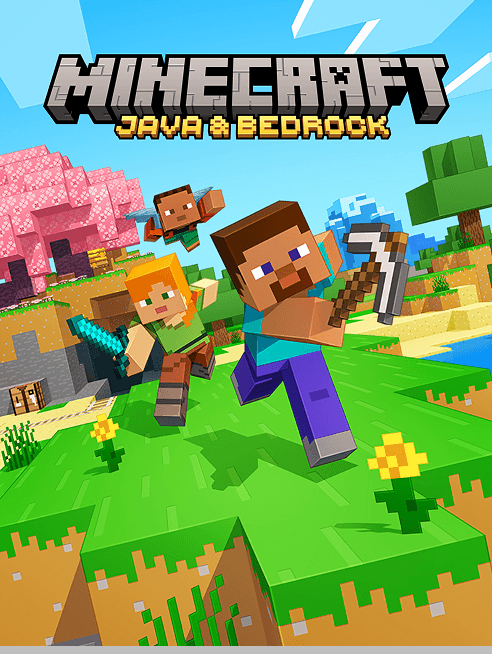
How to buy Minecraft on Xbox, PlayStation and Switch
Minecraft for a console is bought in that console’s own store: Microsoft Store on Xbox, PlayStation Store on PS4 and PS5, eShop on Switch. A PC code does not work there. Here is how each console works and how to pay.
In short
- Consoles run Minecraft: Bedrock Edition. It is bought in the console’s store, separately from the PC version.
- A Minecraft: Java & Bedrock Edition for PC code does not give you the console game.
- You pay with a card or the console account’s balance. A gift card must be from the same country as the account.
- Owners of Minecraft for PS4 get the PS5 version free. The Xbox 360 Store stopped selling in July 2024.
- Changing your account country with a VPN or someone else’s address breaks the stores’ rules.
Which Minecraft runs on consoles
Xbox, PlayStation and Switch run Minecraft: Bedrock Edition. It is the same version as on phones and Windows, with Marketplace, Minecoins and cross-play with friends on other devices. Java Edition is not on consoles; it is for computers only.
The code sold as “Minecraft: Java & Bedrock Edition” opens the game on a computer only; the minecraft.net/redeem page names it “for PC”. It cannot buy the console game. More about the PC code in How to buy a Minecraft licence.
Where to buy Minecraft for each console
| Console | Where to buy | How to pay |
|---|---|---|
| Xbox One, Xbox Series X and S | Microsoft Store on the console or xbox.com | A card or Microsoft account balance; an Xbox gift card of the account’s country |
| PS4, PS5 | PlayStation Store or a disc in a shop | A card or PSN wallet; a PS Store card of the account’s country |
| Nintendo Switch | Nintendo eShop or a cartridge in a shop | A card or eShop balance; an eShop card of the account’s country |
| Xbox 360 | No new digital copies | Only a game you already own or a disc |
Xbox One and Xbox Series
Find Minecraft in Microsoft Store on the console or on xbox.com and pay from your Microsoft account. If your bank card does not work, top up the balance with an Xbox gift card. The 25-character code is redeemed at xbox.com/redeem or in the console store; then you buy the game from the balance.
The card must be issued for your Microsoft account’s country: a dollar card for the US, a euro card for a euro country. Microsoft lets you change the account country only when you move. How to redeem the code: How to redeem an Xbox gift card.
Xbox 360
Since 29 July 2024 the Xbox 360 Store no longer sells new games or add-ons, so a digital copy of Minecraft for Xbox 360 cannot be bought. If you bought it earlier, you can still download and play it. New players are better off with the Xbox One or Series version, which gets updates and plays with friends on other devices.
PS4 and PS5
Minecraft is sold in PlayStation Store and on discs. Since 22 October 2024 PS5 has its own version. If you own Minecraft for PS4, you can claim the PS5 version free: open PlayStation Store on the PS5 with the same account.
The PSN wallet takes PS Store cards of the account’s country, and a PlayStation account’s country cannot be changed. Minecoins do not work on PlayStation: add-ons there are bought with Minecraft Tokens.
Nintendo Switch
Minecraft is sold in Nintendo eShop and on cartridges. The eShop balance is topped up with a 16-character card code entered under “Enter Code” in eShop. A card of one region does not work in another: a US card suits a US account, a euro card an account in a euro country.
Since 27 October 2026 Minecoins on Nintendo have a wallet of their own: coins bought on Switch are spent only on Switch, and coins from other devices cannot be spent there. More in Minecoins in Minecraft.
Cards on Play Wallet
We sell Xbox, PlayStation and Nintendo eShop cards for the US and European countries; the list of countries is on each product page. Pick the card of your account’s country. A card of another country will not be credited.
Do not change your account country with a VPN or someone else’s address. Microsoft allows a change only when you move, and Sony does not allow one at all. Such an account may be restricted, putting everything bought on it at risk.
Choose the card and the country
Open the Xbox, PlayStation or Nintendo eShop page and choose your account’s country and the amount. The price and the fee are shown before you pay.
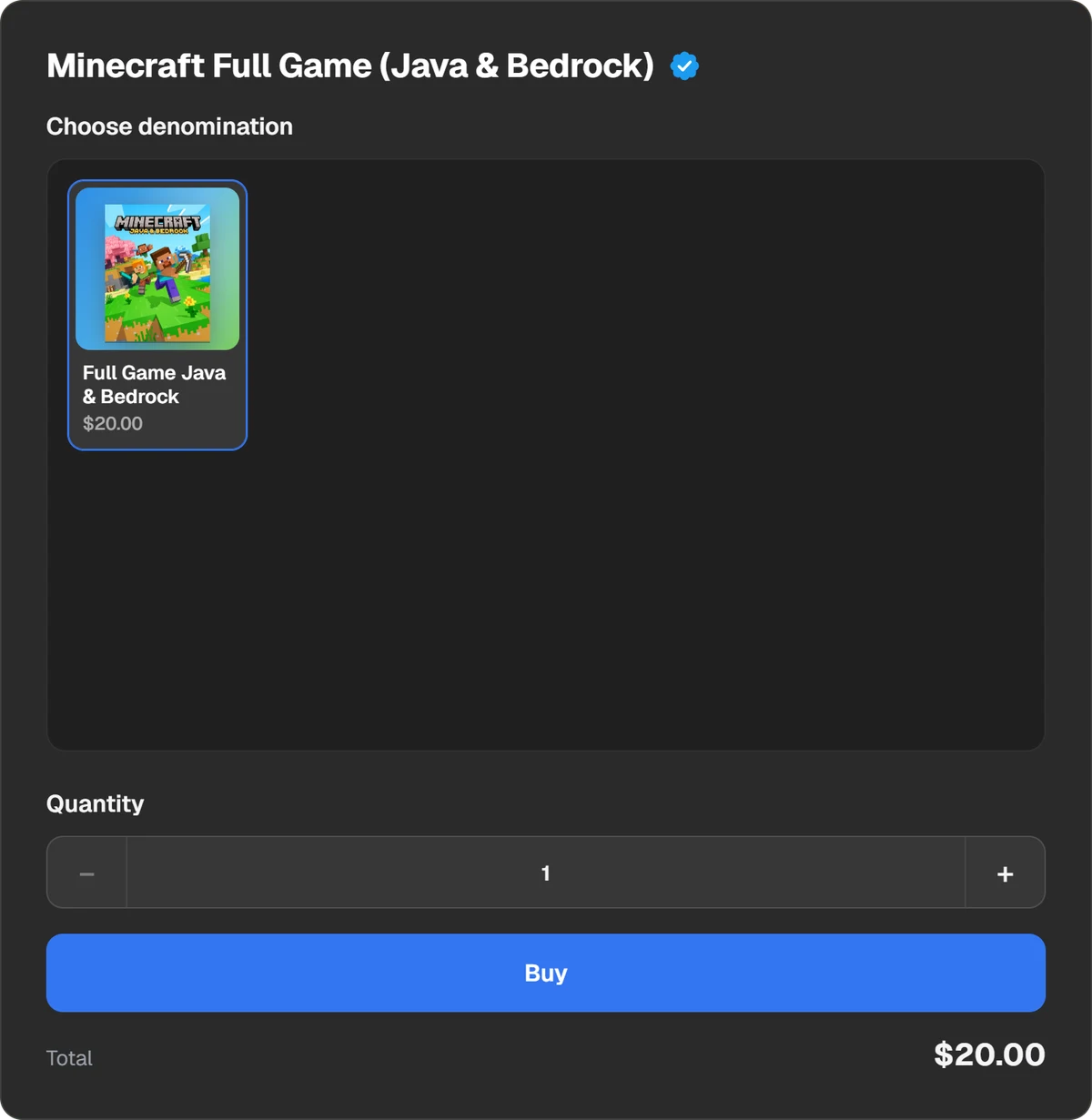
The order form: the card’s country and amount.
Pay
In the payment window choose Binance, Walt, TON Connect or a coin: USDT, BTC, TON and others.
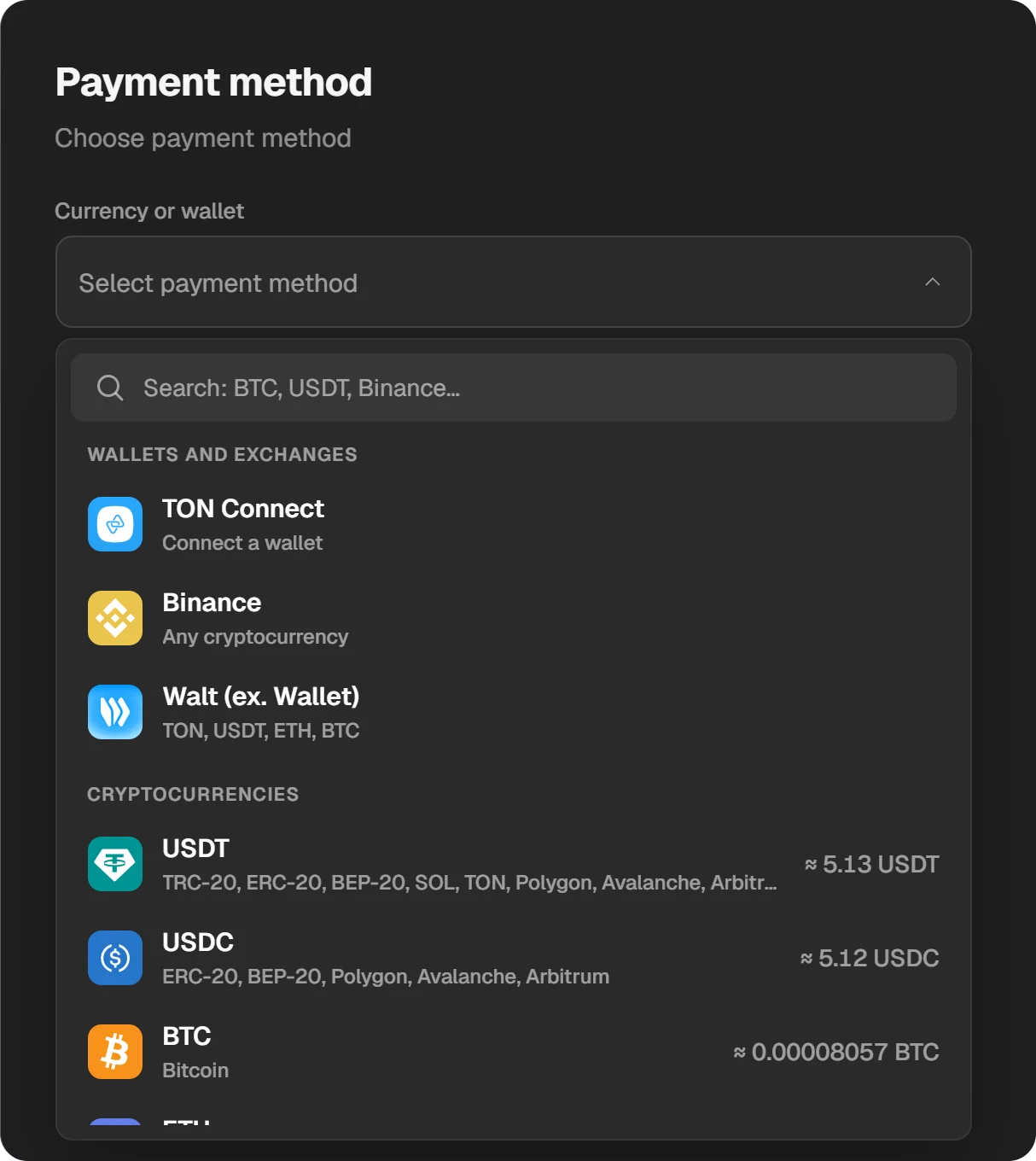
Payment methods.
Redeem the code on the console
The code appears in the order window and in “History” at the top of the site. Redeem it in the console store and the money goes to your balance. Then buy Minecraft with it.
Questions and answers
Does a Minecraft PC code work on Xbox or PlayStation?
No. A Minecraft: Java & Bedrock Edition code opens the game on a computer only. On a console the game is bought in the console’s store.
Can I buy Minecraft on Xbox 360?
Not as a digital copy: the Xbox 360 Store stopped selling new games on 29 July 2024. If you already own it, you can still download it.
Do I need to buy Minecraft for PS5 if I have it on PS4?
No. Owners of the PS4 version get the PS5 version free in PlayStation Store on the PS5.
Does a Switch purchase carry over to Xbox?
The game is tied to the console’s store, so on another console you buy it again. Minecoins bought on Switch since 27 October 2026 work only on Nintendo.
Do Minecoins work on consoles?
On Xbox, yes. PlayStation uses Minecraft Tokens instead. On Switch, since 27 October 2026, only coins bought on Nintendo and older coins in the Legacy Wallet work.