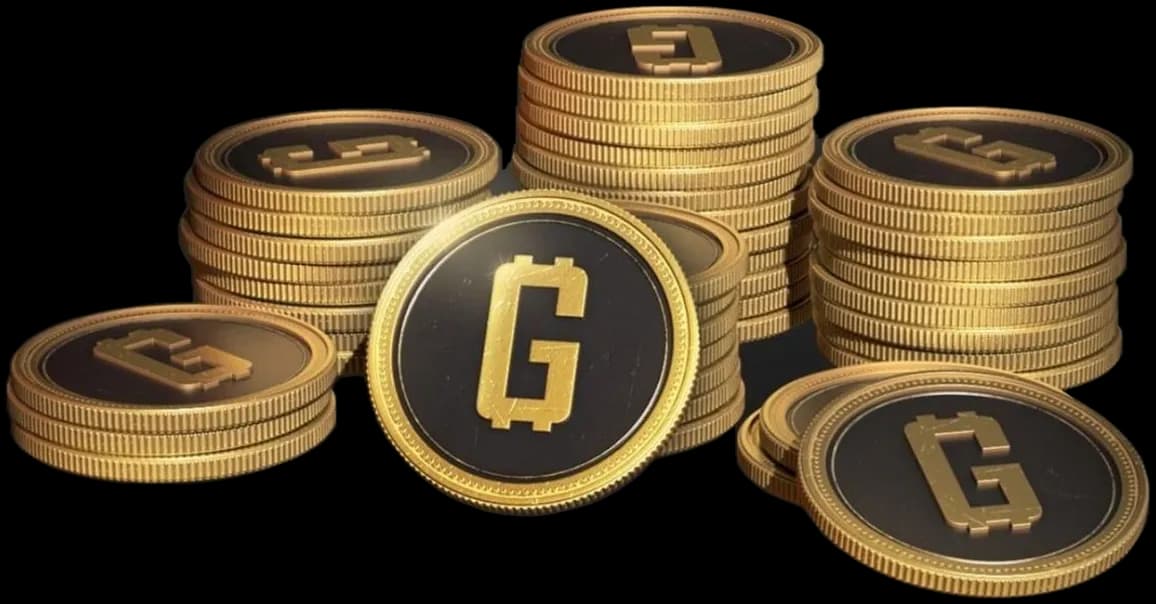
Warface credits: how to buy them and top up
Credits are the only currency in the Russian Warface that you buy with money. If you play with a VK Play or Astrum Play account and pay with crypto, you can top up on Play Wallet by login. Here are the steps, what credits are for and the rule for Steam accounts.
In short
- On Play Wallet a Warface account is topped up by email or login with crypto. No password.
- An account created in Steam can be topped up only through the Steam Wallet. You can top that up with us by Steam login.
- Credits are bought with money. Warbucks and crowns are not for sale; you earn them in the game.
- We do not take bank cards.
- Check the login before paying: credits sent to someone else’s account are hard to get back.
Credits, warbucks and crowns
| Currency | How you get it | Sold for money |
|---|---|---|
| Credits | Top up the account with real money | Yes |
| Warbucks | Play matches and missions | No |
| Crowns | Complete PvE missions | No |
That is how the official shop guide describes them. So there is no way to “buy warbucks” or “buy crowns”. A VIP booster makes warbucks come faster, and that booster is bought with credits.
What credits are spent on
The in-game shop has four big sections: weapons, gear, personalisation and boosters. Items are sold by the piece, for a time or for good. A timed item’s clock starts at purchase and runs even when you are not in the game.
- Weapons and gear. Helmets, vests, gloves, boots and guns for each class.
- Appearances. Bought directly or won from luck boxes. For boxes the shop shows the contents and the chance of each item.
- Boosters. VIP status and extra boosters for XP, warbucks and vendor points.
Topping up by login on Play Wallet
Find your account login
You need the email or login you use to sign in to Warface through VK Play or Astrum Play. It is what you type when you sign in to the game centre. Your soldier’s in-game name will not do.
Enter the login and the amount
Open Warface top-up. Type the email or login into the “Email / login” field. Below, enter the top-up amount in dollars: the field itself tells you the limits.
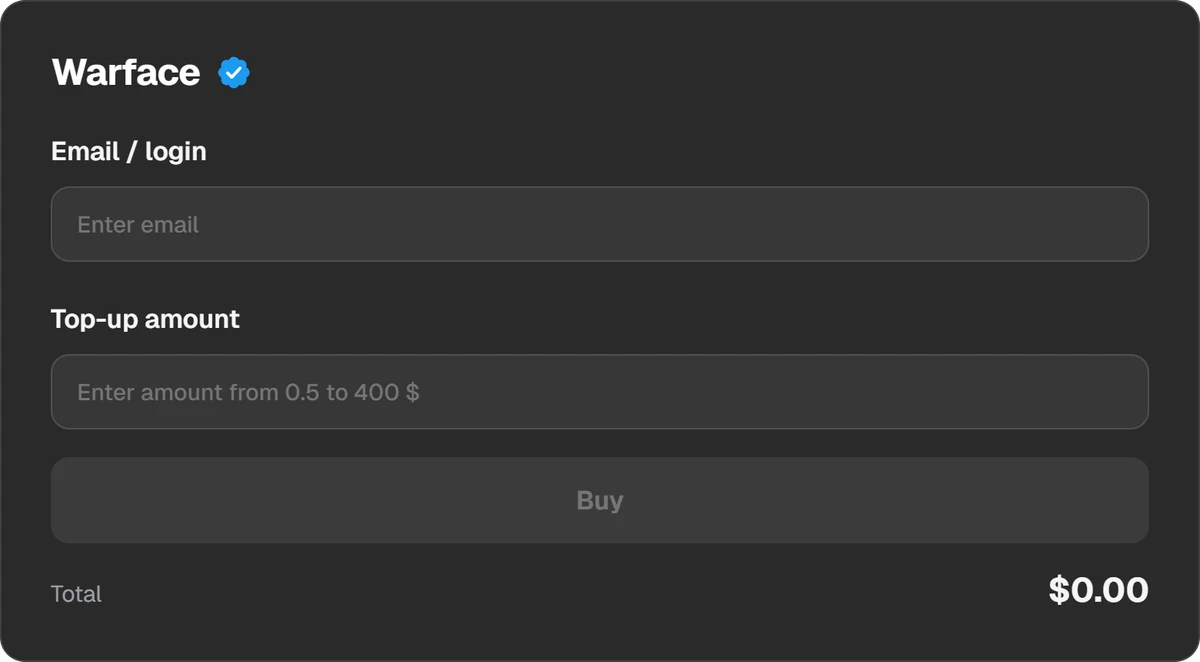
The login field and the top-up amount.
Pay
Press “Buy” and the payment window opens. You can pay in USDT, USDC, BTC, TON and other coins, or through Binance, Walt and TON Connect. The total and the fee are shown before you pay.
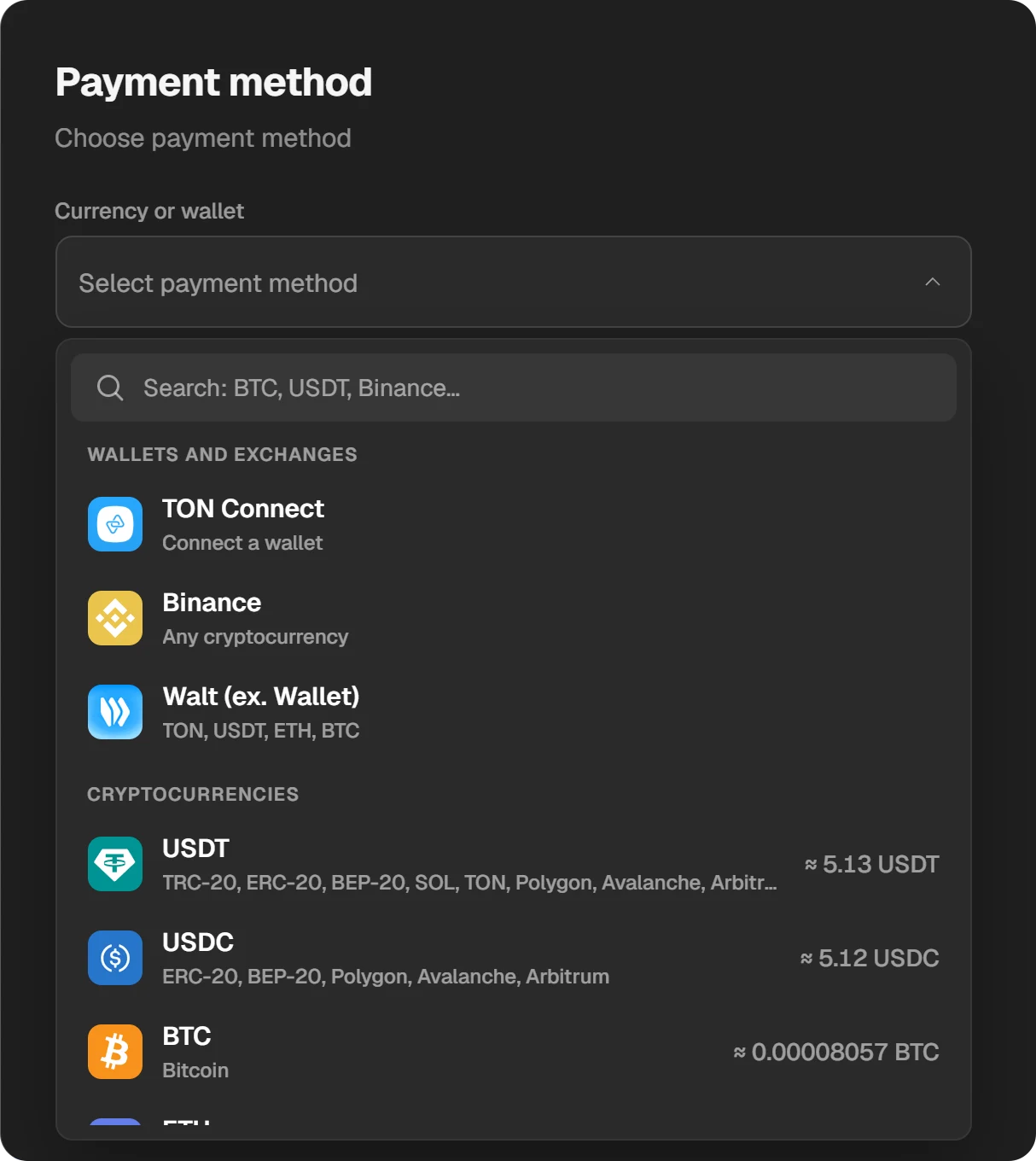
Choosing a coin or a wallet in the payment window.
Check the balance in the game
When the order is done, the credits are on the account. If you do not see them, restart the game. The order stays in “History” at the top of the site.
The form takes an amount in dollars and does not show how many credits that is. If you need an exact number, for a particular pack for example, ask support before paying.
If the account was created in Steam
Warface support is explicit: an account created in Steam is topped up only through the Steam Wallet, and no other way exists for it. A top-up by login will not help such an account.
- Add funds to your Steam Wallet. You can do it by login on our Steam top-up page.
- In the game, click the red credits icon at the bottom right, next to the settings.
- Pick a pack and press “Купить” (Buy). The purchase is confirmed in Steam and paid from the wallet.
Common mistakes
- The nickname instead of the login. We top up by the account’s email or login. The soldier’s name will not do.
- A typo in the login. The credits go to the login you typed. If it belongs to someone else, they get the credits.
- The wrong account. The sign-in on the site and in the game centre can differ. Check which login you use for the game itself.
- A password “for the top-up”. It is never needed. The official security guide says the administration never asks for your password.
If the credits have not arrived
- Open the order in “History” and check the login in it.
- Restart the game and look at the balance again.
- If the order is done but there are no credits, write to our support with the order ID.
Checked the login? Enter it with the amount on the Warface top-up page. For a Steam account, open Steam top-up.
Questions and answers
Can I buy warbucks?
No. Warbucks are given for matches and missions. Only credits are sold for money. A VIP booster speeds up warbucks.
What do I need for a top-up by login?
The email or login you use to sign in to Warface through VK Play or Astrum Play. No password.
I topped up the wrong account. What now?
Write to support at once with the order ID and both logins. If the credits have already reached an existing account, they cannot always be returned.
Does a top-up by login work for the Steam version?
No. By the game’s rules an account created in Steam is topped up only from the Steam Wallet. Add funds to the wallet and buy credits in the game.
Do credits expire?
The game’s site says nothing about credits expiring. Timed items do have a term: it starts at purchase.