Razer Gold: what it is and how to reload it
Razer Gold is a wallet from Razer that pays for games and in-game purchases. You reload it with a PIN from a card and then spend it in games. Here is how to reload it, where it is accepted and what to check before buying a card.
In short
- Razer Gold is a balance in the wallet of a Razer ID account, spent in the games of the gold.razer.com catalogue.
- Reload with a PIN: gold.razer.com → Reload Now → Razer Gold PIN → the code → Next.
- A PIN reloads a wallet of the region it was bought for. Our cards are in US dollars.
- Purchases with Razer Gold earn Razer Silver: 5% of the amount, valid for 12 months.
- If the game has a top-up by player ID, topping it up directly is simpler.
What Razer Gold is
Razer Gold is Razer’s virtual money for games. It sits in a wallet tied to your Razer ID account, in a currency that depends on the region: Razer works with nearly twenty currencies. When you buy something in a game from the Razer catalogue, the money comes out of that wallet.
A Razer Gold PIN can be used two ways: to reload the wallet, or directly on a game’s payment page if it accepts Razer Gold. Most people put the PIN into the wallet and pay from there.
Where Razer Gold is spent
The full list of games and shops is in the catalogue on gold.razer.com, and it depends on the wallet’s region. Well-known games with Razer top-ups include PUBG Mobile, Mobile Legends and Genshin Impact. In some regions Razer also sells Steam Wallet codes for Razer Gold.
If checkout says “Wallet region is not accepted”, the game’s shop does not take your wallet’s currency. Check the catalogue before buying a PIN: the wallet’s currency can be changed only through Razer support, once and after review.
Razer Silver: rewards for purchases
- Every purchase with Razer Gold earns Razer Silver worth 5% of what you spent in that transaction.
- Silver is spent on Razer rewards: discounts, vouchers, products.
- Silver cannot be turned into money or into Razer Gold.
- Silver is valid for 12 calendar months from the end of the month it was awarded.
How to reload Razer Gold with a PIN
Buy a PIN
Open Razer Gold and choose an amount in US dollars. The price and fee are shown before you pay.
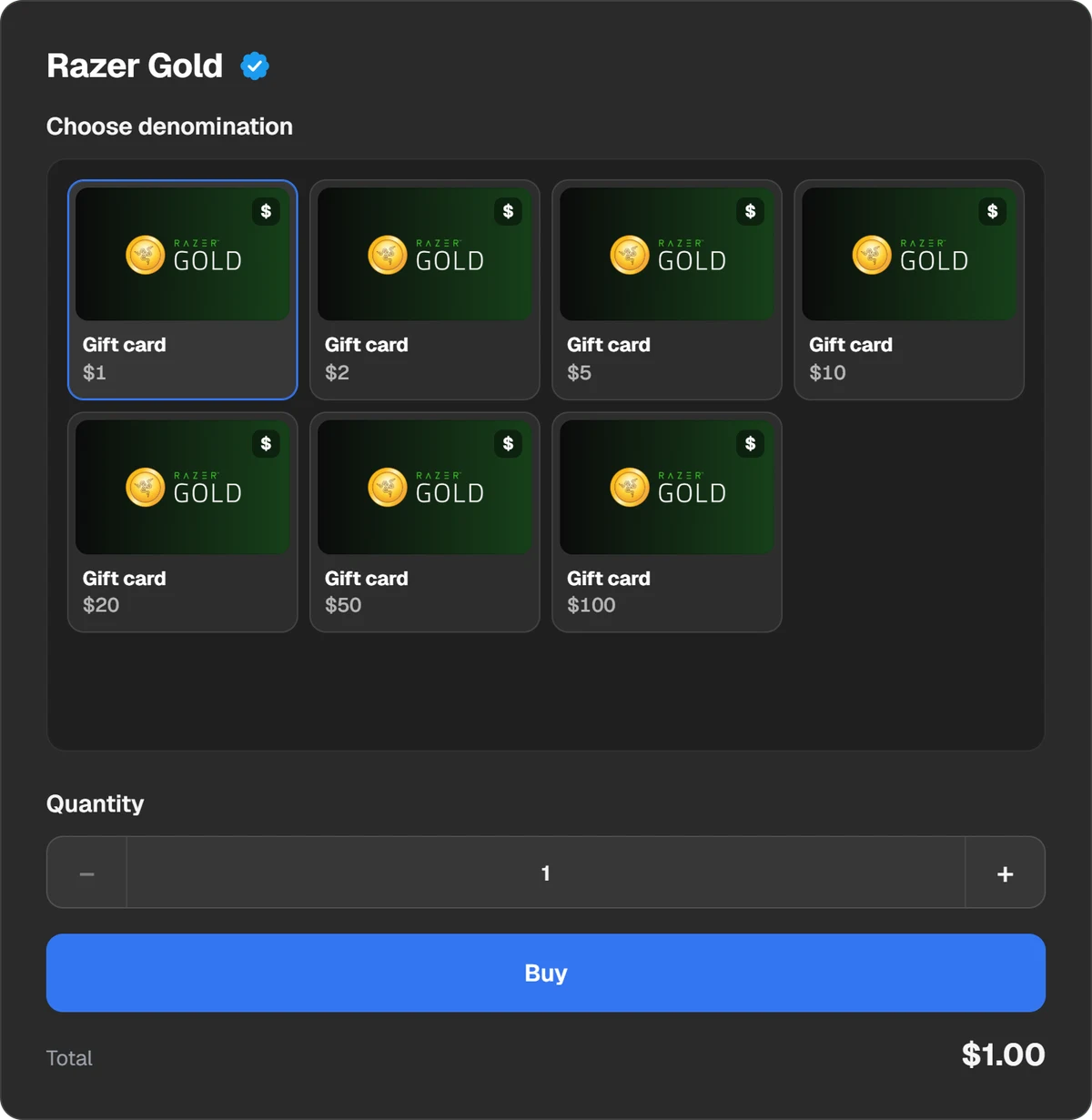
Razer Gold card amounts in dollars.
Pay
In the payment window choose a coin or wallet: USDT, USDC, BTC, TON and other coins, Binance, Walt or TON Connect.
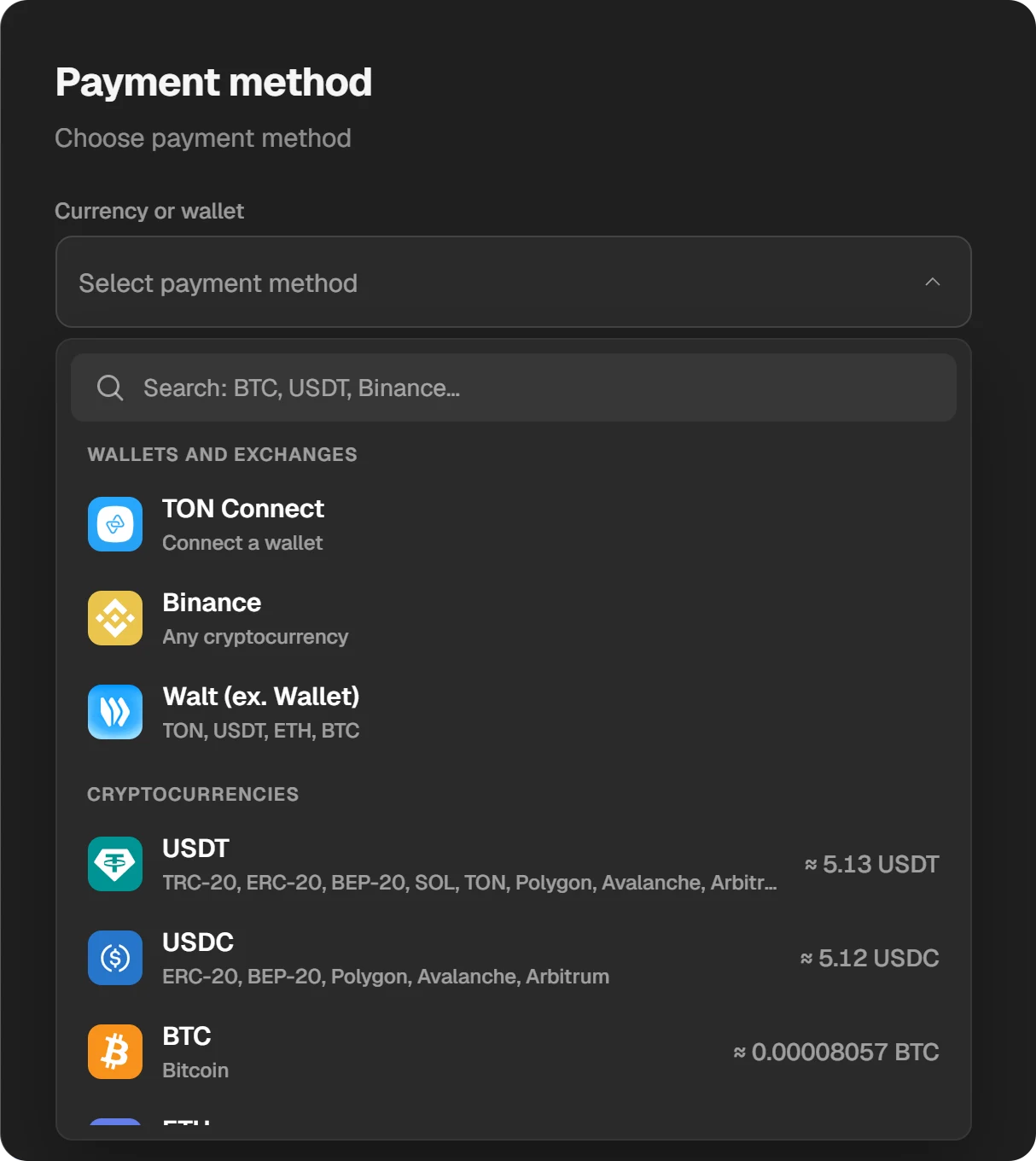
Choosing a coin or wallet in the payment window.
Copy the PIN
When the order is done, the PIN appears in the order window. It is hidden: tap it to show it, then copy it. If the window closed, the PIN stays in “History” in the site header.
Sign in on gold.razer.com
Open gold.razer.com and sign in with your Razer ID. If you have none, create one there.
Enter the PIN
Select Reload Now, choose Razer Gold PIN as the method, paste the code and select Next.
Confirm
Razer asks for a two-step check: by default the code goes to your Razer ID email. Then the balance appears in the wallet.
A PIN reloads a wallet of the region it was bought for. Our PINs are in US dollars. Check your wallet’s currency on gold.razer.com first and ask support if in doubt.
How long a PIN lasts
Razer says a PIN bought on razer.com is valid for one year from purchase, and an expired PIN is not reinstated. Razer names no separate term for PINs from other shops, so the safe move is to reload right after buying.
Razer Gold or a top-up by ID
Razer Gold is handy if you pay in several games from the Razer catalogue or the game takes nothing else. For one game that has a top-up by player ID, going direct is simpler: you enter the player ID and the currency arrives in the game, with no wallet in between and no Razer ID.
| Game | Top up directly |
|---|---|
| PUBG Mobile | UC by player ID |
| Mobile Legends | Diamonds by ID and server |
| Genshin Impact | Crystals by UID |
Safety
- A Razer Gold PIN is money: whoever enters it first gets the balance. Do not post it in chats or show it on stream.
- Enter the PIN only on gold.razer.com, signed in to your own account.
- Sites offering “free Razer Gold” do not give any. They collect logins and passwords.
Questions and answers
What is Razer Gold?
Razer’s virtual money for games. It sits in your Razer ID wallet and pays for purchases in games from the gold.razer.com catalogue.
How do I reload Razer Gold?
On gold.razer.com sign in with your Razer ID, select Reload Now, choose Razer Gold PIN, enter the code and select Next. Then confirm with the code from the email.
What is Razer Gold Global?
Sellers usually call US-dollar cards not tied to one country that. Razer’s rule is the same: a PIN reloads a wallet of the region it was issued for, so check your wallet’s currency before buying.
Can I cash out Razer Gold?
No. Razer Gold is spent only in games and shops from the Razer catalogue. Razer Silver cannot be turned into money either.
Can I top up Steam with Razer Gold?
In some regions Razer sells Steam Wallet codes for Razer Gold; the catalogue on gold.razer.com shows whether your wallet has them. Steam can also be topped up by login directly on our Steam page.
How long is a Razer Gold PIN valid?
A PIN bought on razer.com is valid for one year from purchase. Redeem it right away to be safe.