EA Play on Xbox and in Game Pass: what you get and setup
There are two ways to get EA Play on Xbox: with Game Pass or as its own subscription from the Microsoft Store. Here is which plans include it now, how to set it up on a console and a PC, and what to do when EA games do not show up.
In short
- EA Play is part of Game Pass Ultimate (Xbox and PC) and PC Game Pass (PC only). Essential and Premium do not include it.
- On a console with Ultimate there is nothing to switch on: EA games are in the Game Pass section. You only need a linked EA Account.
- On PC you need the Xbox app, the EA app, and linked Xbox and EA accounts.
- It is regular EA Play, not Pro: The Play List, trials of up to 10 hours, rewards and 10% off.
- Standalone EA Play on Xbox is $5.99 a month in the US. You still need Game Pass to play online.
Which Game Pass plans include EA Play
| Plan | EA Play | Where it works |
|---|---|---|
| Game Pass Ultimate | Yes | Xbox One, Xbox Series X|S and Windows 10/11 |
| PC Game Pass | Yes | Windows 10/11 only |
| Game Pass Premium | No | |
| Game Pass Essential | No |
That is what Xbox Support says as of 22 November 2026. Microsoft adds that EA Play is available in every Game Pass market. The plans are compared in Game Pass Ultimate, Premium and Essential, and the top plan has its own article: Game Pass Ultimate: what is included.
EA’s help page still calls the plans without EA Play Core and Standard. Those are the old names: in October 2025 Core became Essential and Standard became Premium.
What EA Play gives inside Game Pass
- The Play List. FC, Madden, Battlefield, Need for Speed, Star Wars and more. For what is on it now, see EA Play games list.
- Trials of select new EA games for up to 10 hours.
- Rewards in EA games every month.
- 10% off EA digital purchases: games, add-ons and more.
The discount works in different places. With Ultimate, you buy console games at a discount in the Microsoft Store on the console or at xbox.com, and PC games in the EA app. With PC Game Pass it applies in the EA app only. Other Game Pass member discounts do not apply to EA content.
EA Play Pro is not part of Game Pass, and you cannot upgrade the included EA Play to Pro. Pro is bought separately on PC, in the EA app.
Setting up EA Play on an Xbox console
With Ultimate there is nothing to set up. Microsoft says members get EA Play on console automatically and can browse and download EA games in the Game Pass section.
Find an EA game
Open Game Pass on the console and pick a game from the EA Play library. EA names another route too: My Games & Apps → Full Library → EA Play.
Download and start it
It installs like any other Game Pass game.
Sign in to your EA Account
On first launch the game asks for an EA Account. If your Xbox and EA accounts share an email address, they link by themselves. Otherwise sign in to your EA Account and enter the one-time code EA emails you.
Link the EA Account you will keep: your progress and purchases belong to it. EA lets you switch linked accounts no more than three times in a rolling year.
Setting up EA Play on PC
On a computer EA games run through the EA app. You need Game Pass Ultimate or PC Game Pass, the Xbox app for Windows, the EA app, and linked Xbox and EA accounts.
Sign in to the Xbox app
Install the Xbox app for Windows and sign in with the Microsoft account that holds the subscription.
Pick an EA Play game
Find an EA game in the Game Pass library and start the install. If you lack the EA app or linked accounts, the Xbox app walks you through the setup.
Sign in to the EA app
Sign in with your EA Account. The first time you install a game, the Xbox and EA accounts link automatically.
Download the game
You browse the EA Play library in the Xbox app, and the download itself goes through the EA app.
If an EA game will not install from the Xbox app, Microsoft’s advice is to close both the Xbox app and the EA app, then open the Xbox app again.
Which accounts to sign in with
| Your case | What to do |
|---|---|
| You have played EA games on the console | The accounts are probably linked. Use the same Xbox account in the Xbox app and the same EA Account in the EA app as on the console |
| Your PC EA Account is a different one | For EA Play games from Game Pass, still sign in to the EA app with the account you use on console |
| You have never played EA games on console | Use your PC EA Account in the EA app and the subscribed account in the Xbox app. They link when you first install a game |
How to check whether the accounts are linked
- Go to help.ea.com and select Log In.
- Choose to sign in with Xbox and use the Xbox account you want to check.
- If the site asks you to sign in to EA to link your profile, the accounts are not linked. If you are signed straight in, they are, and My EA account shows the linked EA Account.
- The wrong accounts are linked. You cannot unlink them yourself: contact EA support. Revoke Access in your EA Account only removes Xbox’s access to your EA information; the link stays. Changing the linked account may cost you progress in EA games.
- The accounts are “ineligible for linking”. Teen and adult accounts can be linked when their age settings match. Check the birth date in both.
- A child account. On PC, child accounts cannot use EA Play: at EA they have no online access. On console, Xbox family settings apply to EA Play games.
Standalone EA Play on Xbox: when it makes sense
EA Play is also sold on its own in the Microsoft Store. In the US store on 22 November 2026 it was $5.99 a month, with the first month at $0.99 on offer. Other countries have their own prices. It works on Xbox One and Xbox Series X|S and renews until you cancel it in your Microsoft account.
| It suits you | If |
|---|---|
| Standalone EA Play | You play almost only EA games and single-player is enough. Or you already have Essential and do not need the big Game Pass library |
| Game Pass Ultimate | Besides EA games you want the Game Pass library, day-one releases and PC play. EA Play is already inside |
| PC Game Pass | You play on a computer only |
EA says that to play online with EA Play on Xbox you also need a Game Pass subscription. A console membership does not work on PC or PlayStation: it is tied to its platform.
If you already have EA Play
- EA Play on console, and you join Ultimate. EA Play is cancelled automatically and the time left becomes Ultimate time. EA gives the rate as three to one: 90 days of EA Play turn into 30 days of Ultimate.
- EA Play on PC in the EA app, and you join Ultimate or PC Game Pass. It is neither cancelled nor converted. Cancel it yourself in your EA Account so you do not pay twice.
- An EA Play console code with active Ultimate. It extends Ultimate: one month of EA Play gives 10 days, six months give 40 days, a year gives 2 months.
- An EA Play code for PC. You redeem it in the EA app; it does not extend Game Pass.
To cancel standalone EA Play on Xbox, sign in to your Microsoft account, open Services & subscriptions and choose Manage next to EA Play. EA does not refund a period already paid and sends Xbox billing questions to Xbox Support.
What about PlayStation?
Sony has no such bundle. EA Play on PS4 and PS5 is a separate subscription from the PlayStation Store, and it is not part of PS Plus. See EA Play on PS5.
Getting EA Play through a Game Pass key
Play Wallet sells a one-month Game Pass Ultimate key. EA Play is included, so you do not buy it separately. We have Essential keys for more terms, but Essential has no EA Play.
Choose Ultimate
Open Game Pass Ultimate. You do not give a Microsoft password: you buy a code. The price and fee are shown before you pay.
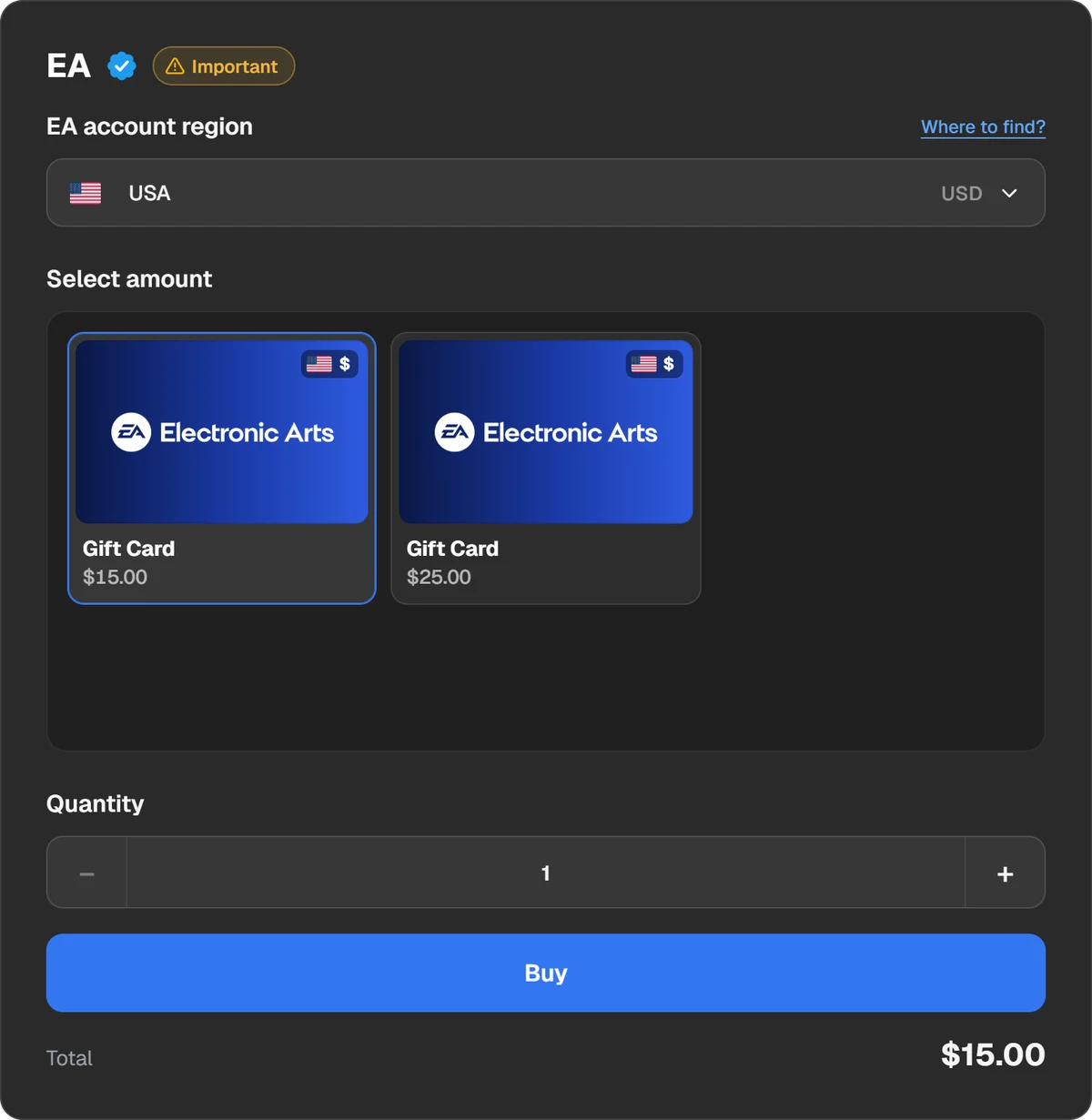
The term and the total to pay.
Pay
In the payment window choose a coin or wallet: USDT, USDC, BTC, TON and other coins, Binance, Walt or TON Connect.
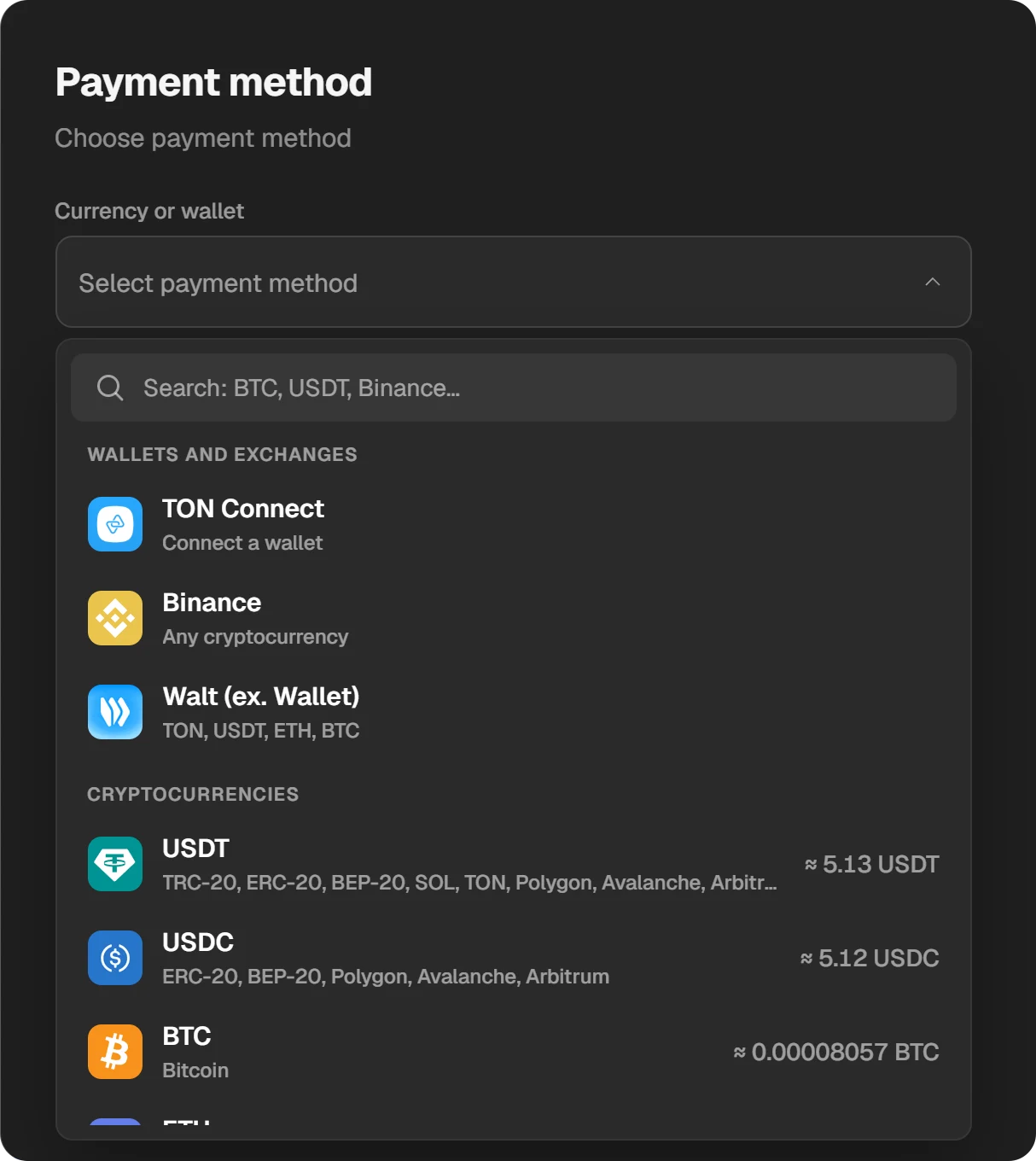
Choosing a coin or wallet in the payment window.
Redeem the key
The 25-character key appears in the order window and in “History”. Enter it at xbox.com/redeem under your Microsoft account. Details in How to buy and redeem Xbox Game Pass.
Start an EA game
On console the EA games are already in the Game Pass section. On PC install the EA app and link your accounts as described above.
Microsoft redeems a Game Pass key only in the country it was issued for. Ask support before paying whether the key fits your account.
If you play on PC and want EA Play without Game Pass, an EA gift card will do: it tops up the EA Wallet, which pays for the membership in the EA app. It does not help on Xbox. See EA Play on PC.
Questions and answers
Is EA Play included in Game Pass?
Yes, in Game Pass Ultimate (Xbox and PC) and PC Game Pass (PC only). Essential and Premium do not include it.
Do I have to activate EA Play on Xbox with Ultimate?
No. On console it is automatic and the EA games are in the Game Pass section. The game asks for an EA Account on first launch.
Why won’t EA Play games install on my PC?
You need the EA app and linked Xbox and EA accounts. If you have both, close the Xbox app and the EA app and open the Xbox app again.
Is EA Play Pro part of Game Pass Ultimate?
No. Game Pass includes regular EA Play. Pro exists only on PC in the EA app and is bought separately.
How much is EA Play on Xbox by itself?
In the US Microsoft Store on 22 November 2026: $5.99 a month, with the first month at $0.99 on offer. Other countries have their own prices; the store shows the current one.
Do I need Game Pass for EA Play on Xbox?
Not to join. But EA says online play with standalone EA Play on Xbox needs a Game Pass subscription.
What happens to my EA Play if I get Ultimate?
EA Play on console is cancelled and the time left becomes Ultimate time at three to one. EA Play on PC in the EA app is not cancelled: cancel it yourself.