

Buying a Steam or PlayStation account with games: the risks
An account with a hundred games for the price of one looks like a bargain. But both Steam and PlayStation forbid buying and transferring accounts, and a buyer has no way to keep what they paid for. Here is how such accounts are usually lost and what works instead.
In short
- The Steam Subscriber Agreement forbids selling or transferring an account. PlayStation’s terms forbid sharing, buying, selling, renting or transferring accounts and credentials.
- The account stays tied to its first owner, who can take it back through support.
- Valve and Sony can restrict or close the account, and the games on it go too.
- A “shared” PlayStation account and a “Kazakh” or “Turkish” account made with invented details break the rules as well.
- Play Wallet does not sell accounts. The safe route is your own account and a wallet top-up; family groups let you share games legally.
What the rules say
| Platform | What is forbidden | What the platform may do |
|---|---|---|
| Steam | Selling an account, charging others to use it, transferring the account or games. Valve does not recognise transfers outside Steam. | Restrict or close access to the account. |
| PlayStation | Sharing, buying, selling, renting, trading or transferring accounts and credentials. | Reset passwords, suspend subscriptions and accounts. A suspended account cannot use even paid products. |
On both platforms games are licences, not property. Sony’s terms say the licence is personal and not transferable; Steam says games and keys cannot be moved to another account. Buying an account means paying for something the rules say cannot be yours.
How bought accounts are lost
- The seller takes it back. The first owner keeps the details support uses to confirm ownership: the sign-up email, receipts, keys.
- The account is closed. If the platform learns of the sale or another breach, the whole account goes, games included.
- Games paid with someone else’s card. The real cardholder can dispute the charge and the game disappears. Steam, for one, removes a gift from the library if it was refunded because of fraud or a payment dispute.
- Money goes to a private person. A chat seller asks for a card or SBP transfer: a transfer, not a purchase, with no receipt and no one to dispute with.
- You hand over your data. Attaching your email or phone to the account reveals them to the seller.
“Shared” PlayStation accounts
Often what is sold is “access”: several buyers share one account, each on their own console. That is exactly the sharing and renting PlayStation’s terms forbid. It lasts until the seller changes the password or Sony notices.
Ready-made accounts of other countries
Accounts “from Kazakhstan, Turkey or India” for cheaper prices are usually registered with an invented address or through a VPN. Steam requires the store country to match where you live and forbids disguising your location (what is allowed). PlayStation requires true details and the country of residence at sign-up, may suspend accounts with false information, and does not let you change the account’s country. We do not advise a VPN or someone else’s address; you carry the risk, not the seller.
Signs of a bad deal
The price is too low
Expensive games for pennies almost always mean the games or the account were obtained dishonestly.
No original email
If the seller keeps the sign-up email, they can recover the account at any time.
“Do not change the password” or “offline only”
That is how shared accounts are sold: your access is temporary and shared.
Payment by card or SBP transfer
No platform, receipt or contract means no one to dispute with.
What to do instead
- Your own account and sales. Steam games drop in price regularly. See How to buy a game on Steam when your card does not work.
- A wallet top-up. Steam can be topped up by login without a password: with crypto on Play Wallet, or through bank and operator services.
- Steam Families. Family members can play games from each other’s libraries, the legal way to share: Steam Families.
- PlayStation. If you live where PS Store works, create your own account of that country with true details and fund it with PS Store cards. PS Store is suspended in Russia: How to top up a PS Store wallet with a gift card.
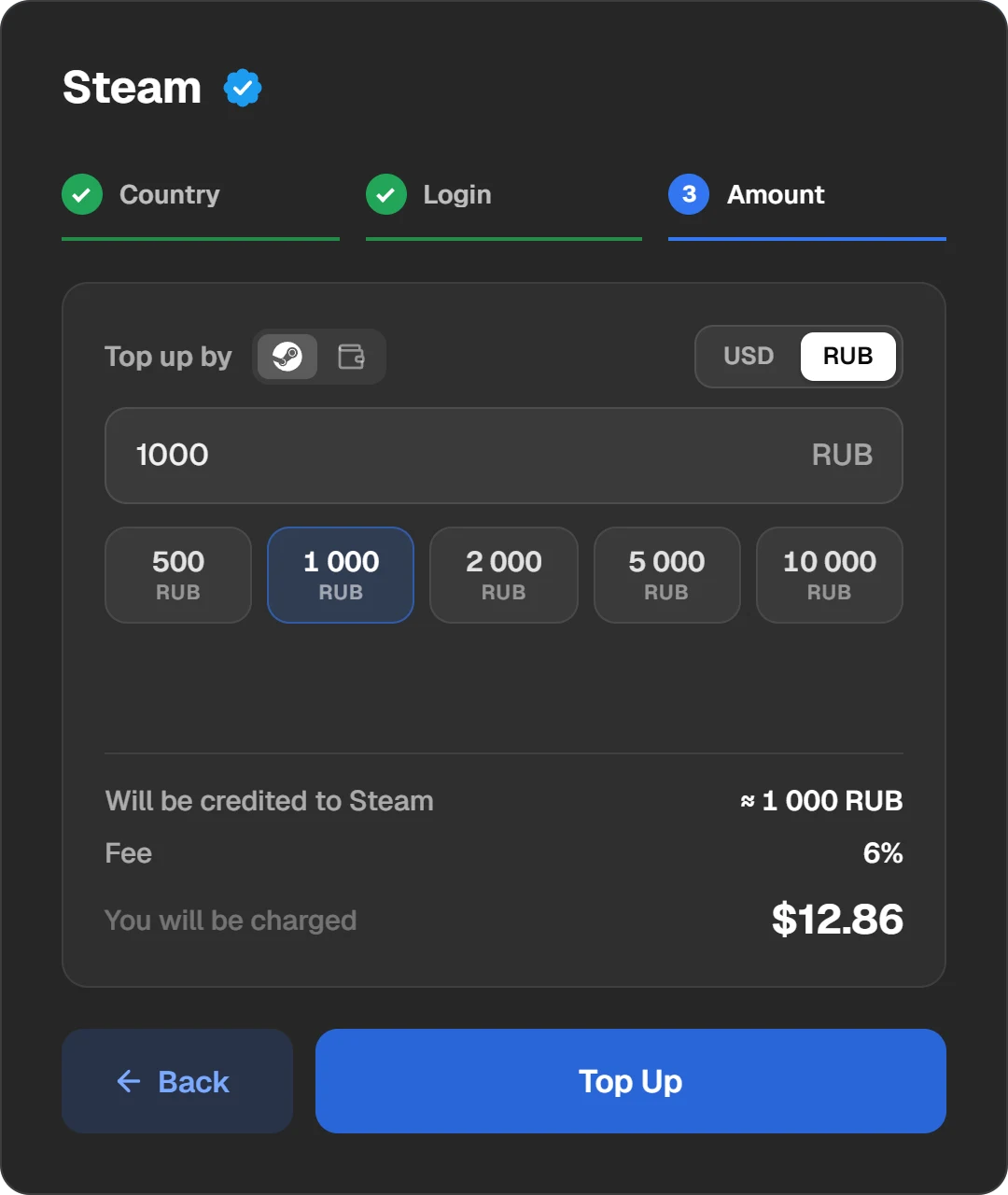
Topping up your own Steam account by login: no password needed.
If you have already bought one
- Change the password and attach your own email, if the seller handed it over.
- Keep no large balance and buy no expensive games on it.
- Do not attach your bank card.
- Expect that it may be taken away. Buy the games you care about on your own account.
Questions and answers
Can I buy a Steam account with games?
Technically you can pay for one, but the Steam Subscriber Agreement forbids selling or transferring accounts, and you have no way to keep it.
Can a bought account be banned?
Yes. Valve and Sony can restrict or close accounts for breaking their rules, selling included.
Can the seller take the account back?
Yes. They keep the email and the details support uses to confirm ownership.
Is a shared PS account safe?
No. PlayStation’s terms forbid sharing and renting accounts, and access lasts until the seller changes the password.
Can I buy a Kazakh Steam account?
Steam requires the account’s country to match where you live and forbids buying accounts. A ready-made “Kazakh” account breaks both rules.
Does Play Wallet sell accounts?
No. We top up wallets and sell codes for your own accounts.

