How to gift a Twitch subscription
You can gift a channel subscription to one viewer or hand subs out to random viewers in chat, in a couple of clicks on the channel page. Here are all the ways, Twitch’s limits and how to pay for the gift.
In short
- To one viewer: click their name in chat and choose to gift a sub. It can be anonymous.
- To the community: the /gift command hands subs to random viewers. It cannot be anonymous.
- 3-, 6- and 12-month gifts are Tier 1 only and for one viewer; 12 months only on the web.
- A gift sub does not renew. You cannot gift to someone already subscribed.
- Pay with a card, PayPal and other methods by country, or with a Twitch gift card balance in your own currency.
Gifting a sub to one viewer
Open the channel
Go to twitch.tv, sign in and open the channel. A sub always belongs to one channel.
Find the viewer in chat
Click the viewer’s name in the channel chat to open their user card.
Choose Gift a Sub
If the button is grey, the viewer is already subscribed or banned in the channel and cannot receive a gift.
Pick the tier and length
Tier 1, 2 or 3 for a month; 3, 6 or 12 months only for Tier 1. Tick the anonymous option if you want.
Pay
Choose a payment method Twitch offers in your country and confirm. The sub goes to the viewer you chose.
Gifting subs to the community
A community gift hands subs to random viewers of the channel. Type /gift and the number of subs in chat and Twitch opens the checkout. These are one-month gifts, and /gift cannot be anonymous.
The limits
| What | How it works |
|---|---|
| Anonymous | Yes for one viewer; /gift community gifts are not anonymous |
| 3 and 6 months | Tier 1 only, one viewer |
| 12 months | Tier 1 only, one viewer, web only |
| In the app | One month, Tier 1 only |
| Who cannot receive | Viewers already subscribed or banned in the channel |
How a gift sub works
- The recipient gets everything a sub gives: the channel’s emotes, the chat badge and other perks the streamer set up.
- It does not renew. When the gift period ends, the sub ends.
- The recipient can continue at their own cost. A paid sub can be set up at any time; it starts when the gift ends and is charged to the recipient.
- The streamer is paid at once. Twitch says gift revenue goes to the creator’s balance right away.
How to pay for a gift
Twitch shows the payment methods available in your country: cards, PayPal, Amazon Pay, local methods through Xsolla. A Twitch gift card balance can also pay for gift subs, but a card works only in the currency it was bought in, and US-dollar cards are for US residents only. Twitch also asks for a saved payment method to spend the card balance.
Our Twitch page sells US-dollar cards. They suit you only if you live in the US. For other countries, see How to pay for a Twitch subscription.
Gifting with a Twitch card (US residents)
Buy the card
Open Twitch gift cards and choose an amount in dollars. No Twitch account details are needed; you get a code. The price is shown before you pay.
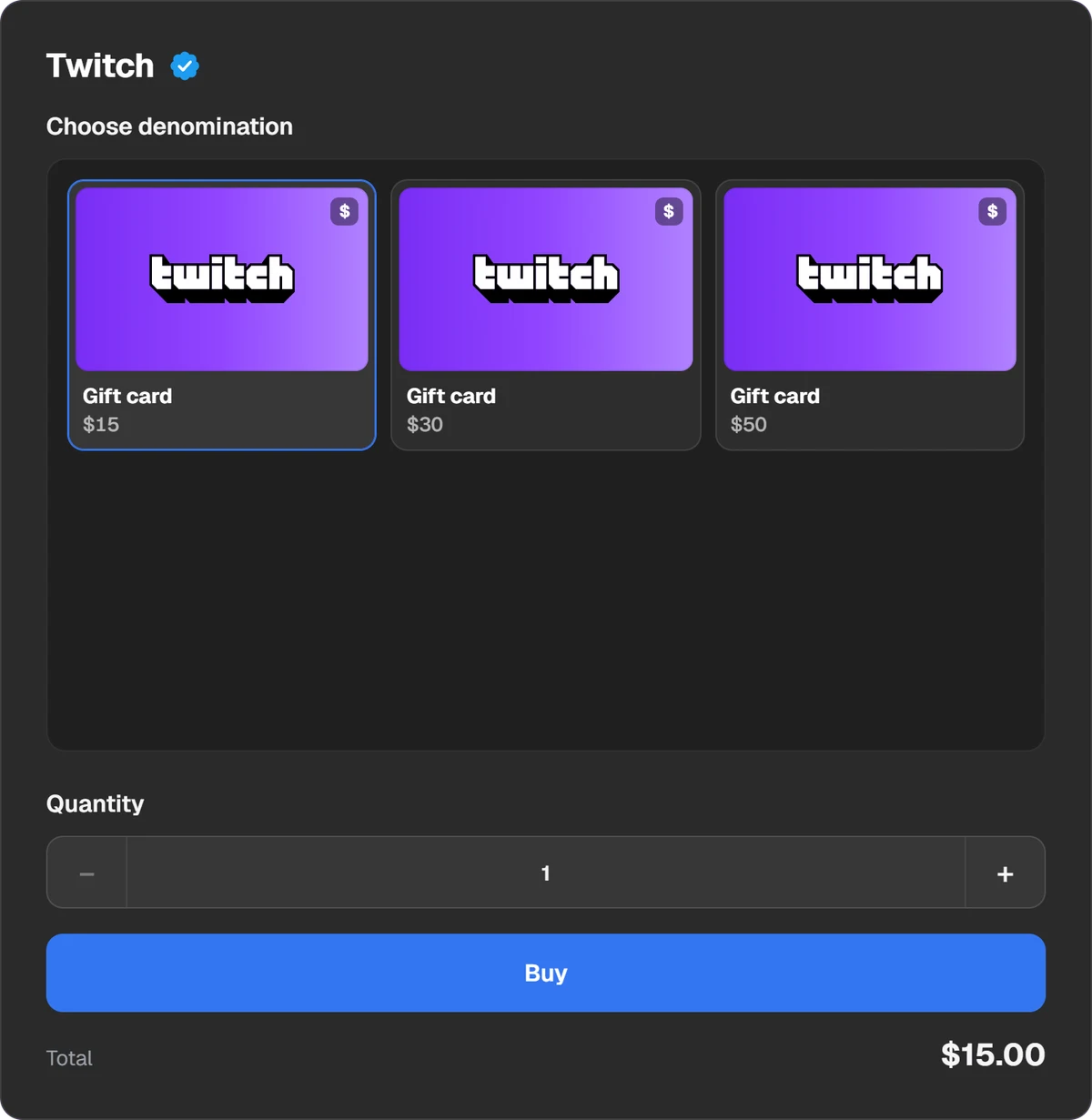
Twitch card amounts and the total.
Pay with crypto
Choose a coin such as USDT, or Binance, Walt or TON Connect where listed.
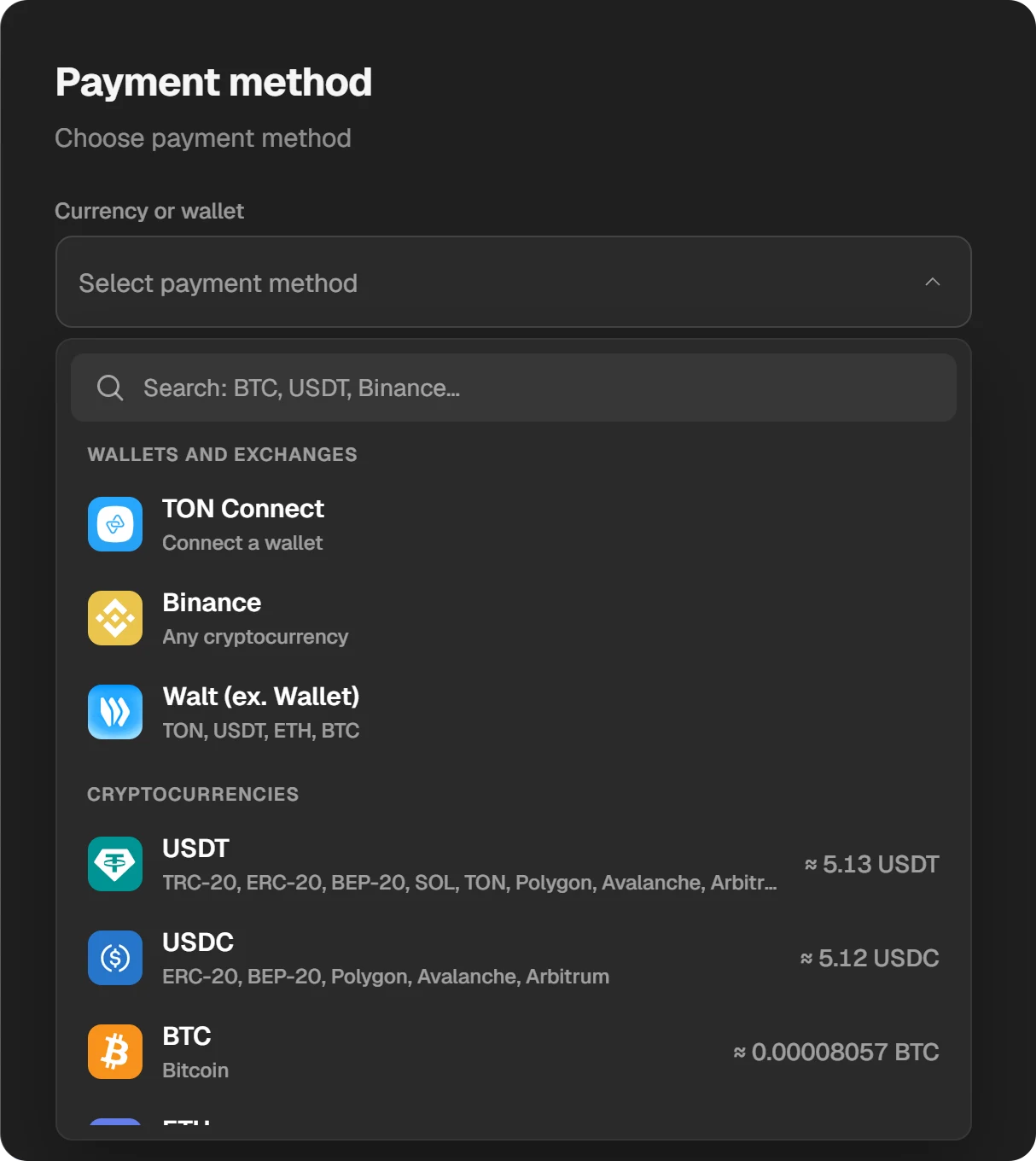
Payment methods.
Redeem the code
The code appears in the order window and in History. Enter it at twitch.tv/redeem and state your country of residence.
Gift the sub
Set up the gift as above and pick the card balance as the payment method. If it falls short, Twitch asks you to pay the rest another way.
Questions and answers
How do I gift a Twitch sub to a friend?
Open the channel, click your friend’s name in chat and choose Gift a Sub. Your friend must not already be subscribed.
How do I gift anonymously?
When gifting to one viewer, tick the anonymous option at checkout. Community gifts with /gift are never anonymous.
Can I gift a year of Twitch?
Yes, Tier 1 only, to one viewer, on the website.
Does a gift sub renew?
No. It ends with the gift period. The recipient can set up a paid sub that starts afterwards.
Why is the gift button grey?
The viewer is most likely already subscribed or banned in the channel.
Can I gift a sub from my phone?
Yes, in the Twitch app, but only for one month and Tier 1. Multi-month gifts are on the website.