A Roblox look for 100, 500 or 1,000 Robux
For a new look take a Robux gift card on Play Wallet and pay in crypto: a 200 card covers an outfit up to 200, and 200 plus 800 cover 1,000. Then split the budget, set the price filter and check the total.
In short
- Short for an outfit? Play Wallet has Roblox cards of 200, 400, 800 Robux and more, paid in crypto.
- A look is several items: body, hair, top, bottom and accessories, each with its own price.
- In the Marketplace, open Any Price, put the limit for one item into Max and press Apply.
- 100 Robux covers two or three cheap items on a free body. With 500 or 1,000 you can look at bundles.
- Use Try On and check the Total in the cart. Purchases are not refunded.
How to split the budget
These are our search limits, not prices. They add up to the budget, so you stay inside it. If a part is not available under its limit, take a free one or drop another part.
| Budget | Hair | Clothing | Accessories | Body, face or spare |
|---|---|---|---|---|
| 50 | Free | Free | One item up to 50 | Free body |
| 100 | Up to 40 | Up to 60 for top and bottom | Free | Free body |
| 200 | Up to 60 | Up to 90 | Up to 50 | Free body |
| 500 | Up to 100 | Up to 150 | Up to 100 | Up to 150 |
| 1,000 | Up to 150 | Up to 250 | Up to 200 | Up to 400 |
On a small budget, pay for what is seen first, usually the hair or one bold accessory. Fill in the rest for free, as in A Roblox avatar without Robux.
Building the look
Open the Marketplace
On the website it is in the top menu. On a phone, tap More at the bottom right, then Marketplace.
Pick one part
Choose a category: Body, Clothing or Accessories. A theme word helps the search: ninja, pastel, hoodie, school.
Set the price limit
On the website, press Any Price, type the limit from the table into Max and press Apply. Change the number for the next part.
Try it on
Open the item and press Try On. Turn the avatar around: hair and hoods often clash at the back. In the app, tap the item to try it and tap again to take it off.
Check the total
The Marketplace on the web has a cart that shows the Total and your balance after the purchase. Without the cart, add the prices up in a note.
Buy and wear it
Check the price in the confirmation window and press Buy Now. Put items on in Avatar, which the app is gradually renaming to Me.
A bundle or single items
A bundle is several parts for one price. Its page has a list called Included Items. Read it before buying: a nice picture may hide just a body or just animations, without the clothes shown.
| Bundle | Single items | |
|---|---|---|
| Better when | You want a whole character | You have a small budget |
| What to check | The Included Items list | The sum of all items |
| Risk | Paying for parts you will not wear | Items that do not match |
The rule is simple: add up only the parts you will wear. If the bundle costs less and has all of them, take the bundle.
Outfit ideas for girls and boys
Any theme works on any character. Start with a theme and two colours, and cheap items will read as one look.
| Look | Search words | Spend first on |
|---|---|---|
| Soft | pastel, bow, cardigan | Hair |
| Y2K | y2k, butterfly, denim | The top |
| Street | streetwear, hoodie, cap | The hoodie |
| Sporty | varsity, jersey, sneakers | Shoes or a jacket |
| Ninja | ninja, katana, mask | An accessory |
| School | uniform, backpack, glasses | Clothing |
Five traps before you buy
An item for a few days
Some 3D shirts, pants and sweaters have a cheaper option for 3, 7 or 14 days. If you want the item for good, do not pick a term.
The wrong type
Read the type under the name. Classic clothing is a flat picture on the body; 3D clothing is a model worn over it.
A Limited
A sold-out Limited shows the lowest resale price. It can change, and Plus gives no discount on it.
Somebody else’s price
Items can have regional prices. A video may show a different number, so trust the price in your own account.
A grey avatar
Some items are unavailable in some countries, and the avatar turns grey. Roblox advises putting on or taking off any item in the editor to clear them.
What the Roblox Plus discount saves
| Price of the look | With 10% off | With 20% off |
|---|---|---|
| 100 | 90 | 80 |
| 200 | 180 | 160 |
| 500 | 450 | 400 |
| 1,000 | 900 | 800 |
A paid subscription will hardly pay off for one outfit: on a look of 100 it saves 10 or 20 Robux. See How much Roblox Plus costs.
If you are short of Robux
Choose a card for the budget
On the Roblox page open the Robux tab. A 200 card covers a look of 100 or 200. For 500 take 800 or three cards of 200; for 1,000 take 800 and 200.
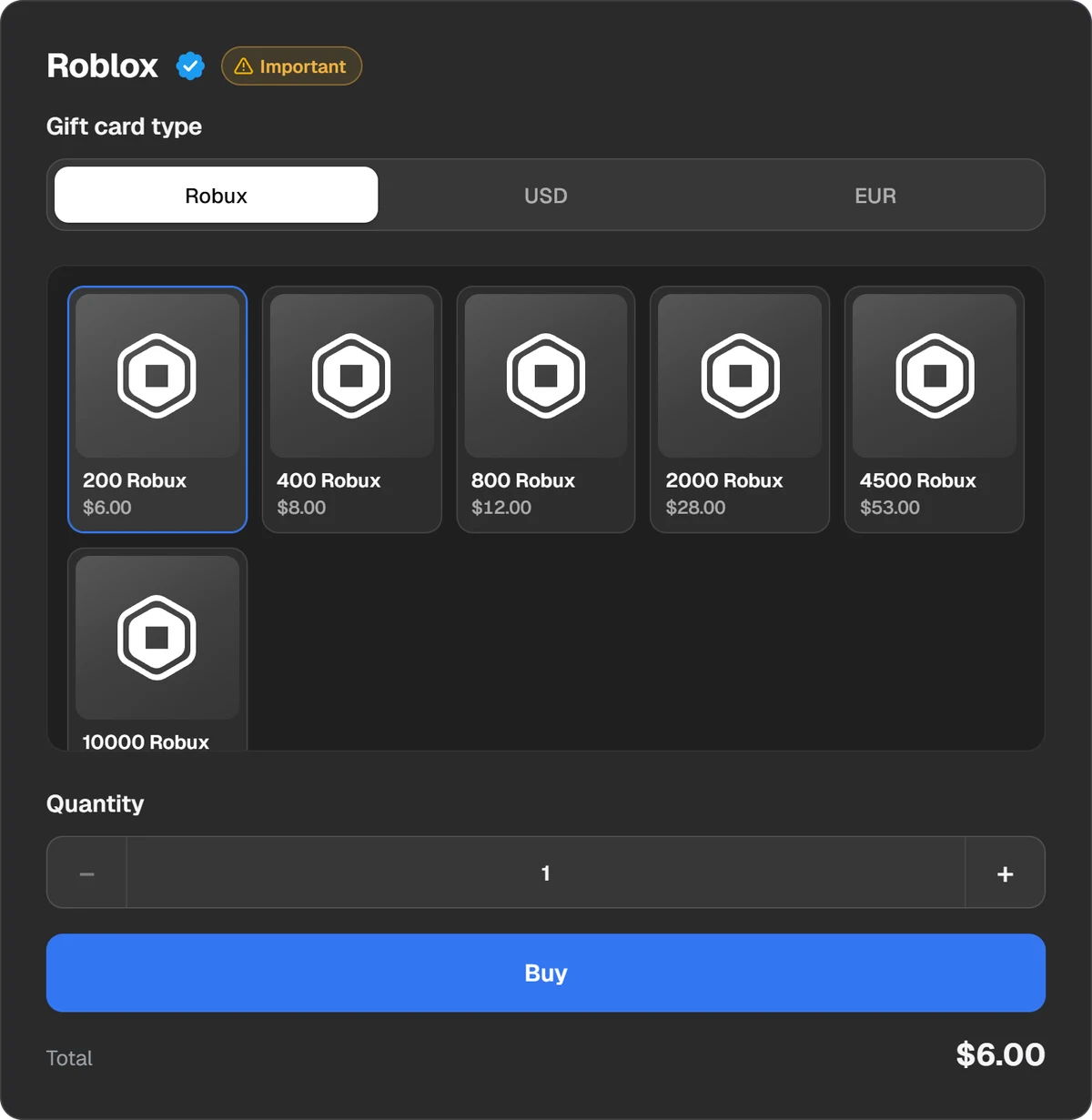
Pick a card for your budget on the Robux tab.
Pay with a parent
Press “Buy”. Payment is in crypto and the total shows first. The shop never needs your Roblox password.
Redeem the code
The code appears in the order window and in History. Enter it at roblox.com/redeem.
The look is tried on and the sum is known. Take a Roblox card for it on Play Wallet and go back to the Marketplace.
Questions and answers
Can I get a good look for 100 Robux?
Yes, if the body and some items are free. Spend the hundred on hair and clothes in one colour theme.
How do I find items under 50 Robux?
In the Marketplace, open Any Price, type 50 into Max and press Apply.
Where do I get a ready outfit?
Look for bundles in the Marketplace and read Included Items. Give nothing to sites or bots that offer to “put a skin on” for your password.
Can I get Robux back if I dislike the look?
No. Roblox does not refund unwanted or accidental purchases. See How to get Robux back for an item.
Will the look work in every game?
The items stay on your account, but some games give you their own character or limit avatars. The game’s creator decides.