

Which games are in PS Plus and where to see the list
The PS Plus line-up changes every month, so any list in an article is out of date within weeks. Here is what each plan includes and where Sony itself shows the current list: on the website, on the console and on its blog.
In short
- Essential gives Monthly Games. Extra adds the Game Catalog with hundreds of games. Premium and Deluxe add the Classics Catalog and Game Trials.
- The current list on the web: playstation.com/ps-plus/games, with a tab for each kind of game.
- For the full list in your country Sony points you to the PlayStation Plus section on your console.
- Add the monthly games to your library while they are offered. You can play them while your membership is active.
- Catalog games leave over time. On PS5 a “Last chance to play” collection warns you.
What each plan includes
| Plan | Games | Also |
|---|---|---|
| Essential | Monthly Games: a few games that change every month | Online multiplayer, discounts, cloud saves |
| Extra | Everything in Essential plus the Game Catalog: hundreds of PS5 and PS4 games | Ubisoft+ Classics |
| Premium | Everything in Extra plus the Classics Catalog and Game Trials | Cloud streaming, Sony Pictures films |
| Deluxe | Everything in Extra plus the Classics Catalog and Game Trials | Offered instead of Premium in some countries, such as Turkey, India and Ukraine |
Looking for the games in PS Plus Deluxe? It is the same Game Catalog tab as Extra, plus the Classics Catalog. Sony keeps no separate Deluxe-only list. The plans and prices are compared in PS Plus Essential, Extra, Premium and Deluxe.
Since January 2026 Sony adds PS4 games to the catalog only from time to time. Most new catalog games are now for PS5.
Where to see the current list
On the PlayStation website
Open playstation.com/ps-plus/games. The tabs at the top are Game Catalog, Classics Catalog, Monthly Games and Game Trials. Each shows what the membership includes right now. There are no genre filters, but the site has a search.
On the “What’s new” page
At playstation.com/ps-plus/whats-new Sony lists this month’s games: the monthly games for Essential and the new catalog games for Extra and Premium, with the dates they arrive.
On PS5
On the Games home screen, scroll right and select PlayStation Plus. Its tabs hold the monthly games, the catalog and collections. This is the most exact list: it shows only what your account’s country gets.
On PS4
Open PlayStation Plus in the top row of icons. It has the monthly games and the Game Catalog.
On the PlayStation Blog
At blog.playstation.com Sony announces upcoming games in advance: one post for the monthly games and one for the catalog update. The monthly post also says until when you can claim last month’s games.
The line-up differs by country. Sony says plainly that the full list for your country or region is in the PlayStation Plus section of your console. The US page may not match what a Turkish or Polish account sees.
Monthly games: how to claim them
- While the monthly games are offered, open them in the PlayStation Plus section of the console or on the PlayStation Store website.
- Select “Add to Library” or download the game. Downloading now is optional; adding it is what counts.
- The game stays in your library. You can play it as long as you have an active PS Plus membership.
If you miss the window, the game leaves the offer when the month ends. If your membership lapses, monthly games stop launching, and they come back when you rejoin.
When games leave the catalog
Games in the Game Catalog and the Classics Catalog may have an end date, as Sony’s FAQ says. On PS5, games that are about to leave are gathered in a “Last chance to play” collection in the PlayStation Plus section. If you are in the middle of a long game, check it so you can finish or buy the game in time.
Paying for PS Plus with a gift card
PS Plus can be paid from the PS Store wallet, and the wallet can be topped up with a PlayStation Store card of your account’s country. Codes work only for an account of the same country.
Choose a card for your account’s country
Open PlayStation cards, choose your account’s country and the amount.
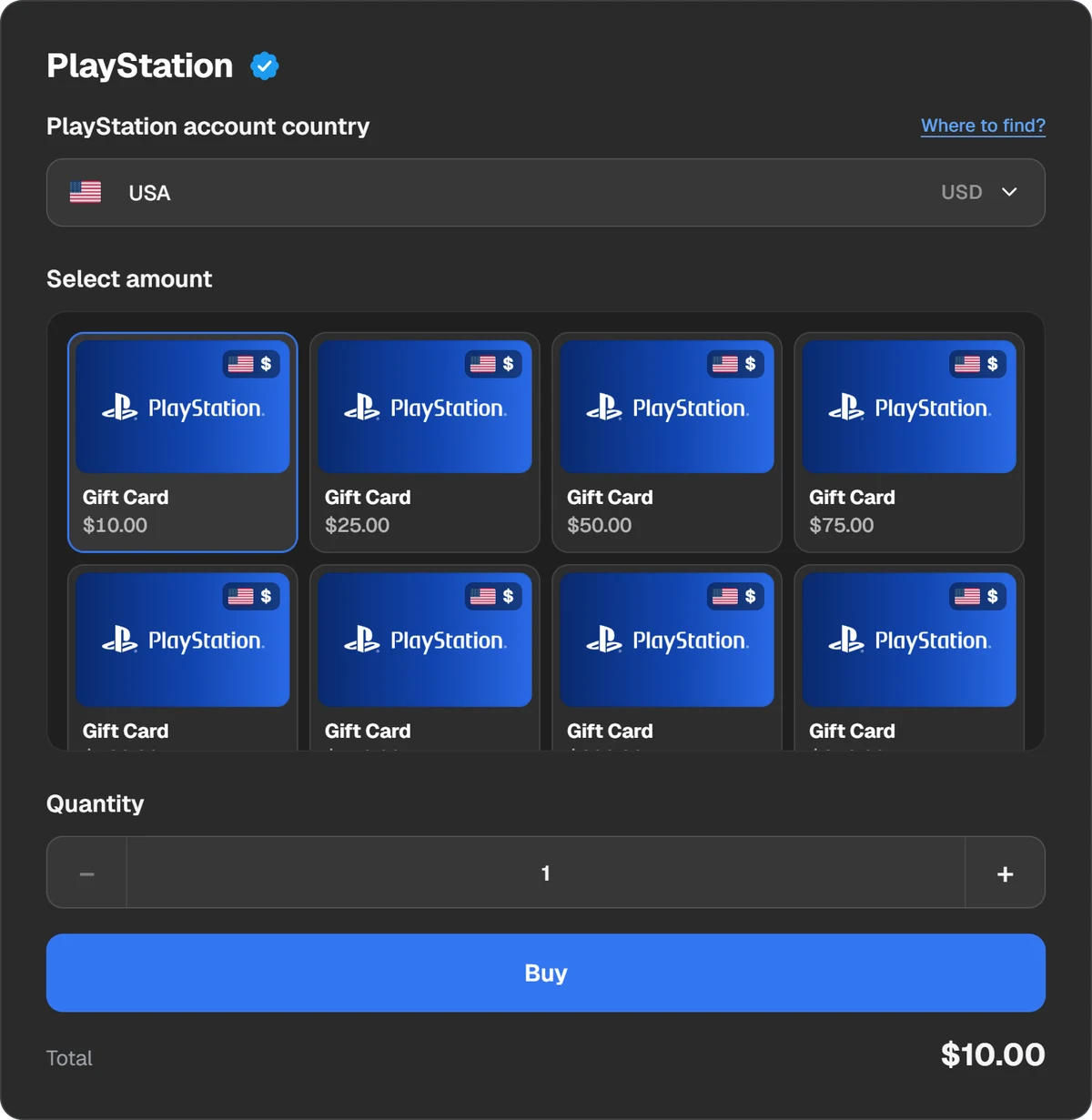
The account’s country and the card amount.
Pay for the order
Pick a coin or a wallet. The amount and the fee are shown before you pay.
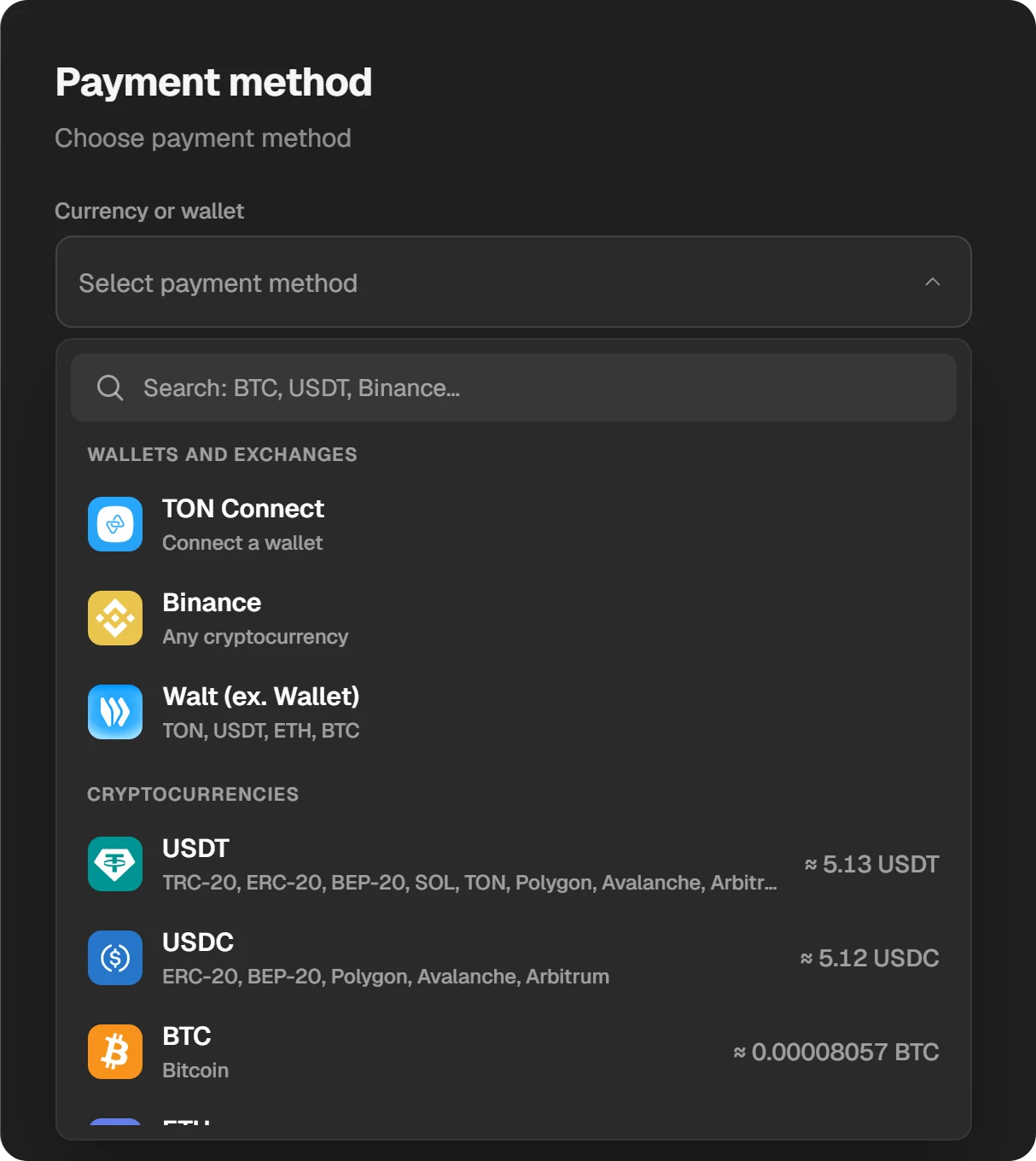
Payment methods: wallets, exchanges and coins.
Redeem the code and subscribe
The code appears in the order window and stays in “History”. Redeem it in PS Store under “Redeem Codes”, then pick a PS Plus plan and pay from the wallet. Step by step: How to redeem a PS Store code.
Questions and answers
Which games are in PS Plus Essential?
Only the Monthly Games: a few games that change every month. Essential has no Game Catalog. This month’s games are at playstation.com/ps-plus/whats-new.
Which games are in PS Plus Deluxe?
Everything in Extra (Monthly Games and the Game Catalog) plus the Classics Catalog and Game Trials. Deluxe replaces Premium in some countries.
Do I keep the monthly games after my membership ends?
They stay in your library but launch only while you are a member. Rejoin PS Plus and they work again.
Why does the website show different games from my console?
The line-up depends on your account’s country. Sony recommends the PlayStation Plus section on the console for the full list: it shows only what your account gets.
Where can I see next month’s games?
On the PlayStation Blog (blog.playstation.com). Sony announces the monthly games and the catalog update in advance.

