How to buy Lattice in Marvel Rivals
Marvel Rivals has one paid currency, Lattice. You buy it in the game’s store on your platform, and Units are exchanged from Lattice. Here is how to buy Lattice through Steam and what to check before buying a pack.
In short
- Lattice is the paid currency. Units are exchanged from Lattice one to one.
- On Steam, Lattice is bought in the game’s store and paid from the Steam Wallet. A wallet top-up is enough.
- Units cannot be exchanged back into Lattice.
- Play Wallet also sells Lattice packs. Before paying, ask support how and to which platform they are delivered.
Lattice and Units
| Currency | How you get it | What it buys |
|---|---|---|
| Lattice | Only by buying, plus a little in the Battle Pass | Bundles, the Battle Pass, exchange to Units |
| Units | Exchanged from Lattice 1:1; small free amounts from the pass, achievements and events | Items in the game’s shop |
NetEase quotes US Steam prices: 100 Lattice for $0.99, the largest pack 11,680 Lattice for $99.99. Other regions have their own prices.
Where Lattice is sold
- PC, Steam. In the game’s store. Steam in-game purchases are paid from the Steam Wallet.
- PlayStation and Xbox. In the game’s store, through the PS Store or Microsoft Store.
NetEase does not say officially whether Lattice is shared between PC and consoles. Buy on the platform you play on.
Buying Lattice through Steam
Top up your Steam Wallet
Open Steam top-up, choose your account’s country and enter your Steam login. No password needed. The amount credited and the fee are shown before you pay.
Pay
You can pay in USDT, USDC, BTC, TON and other coins, or through Binance, Walt and TON Connect.
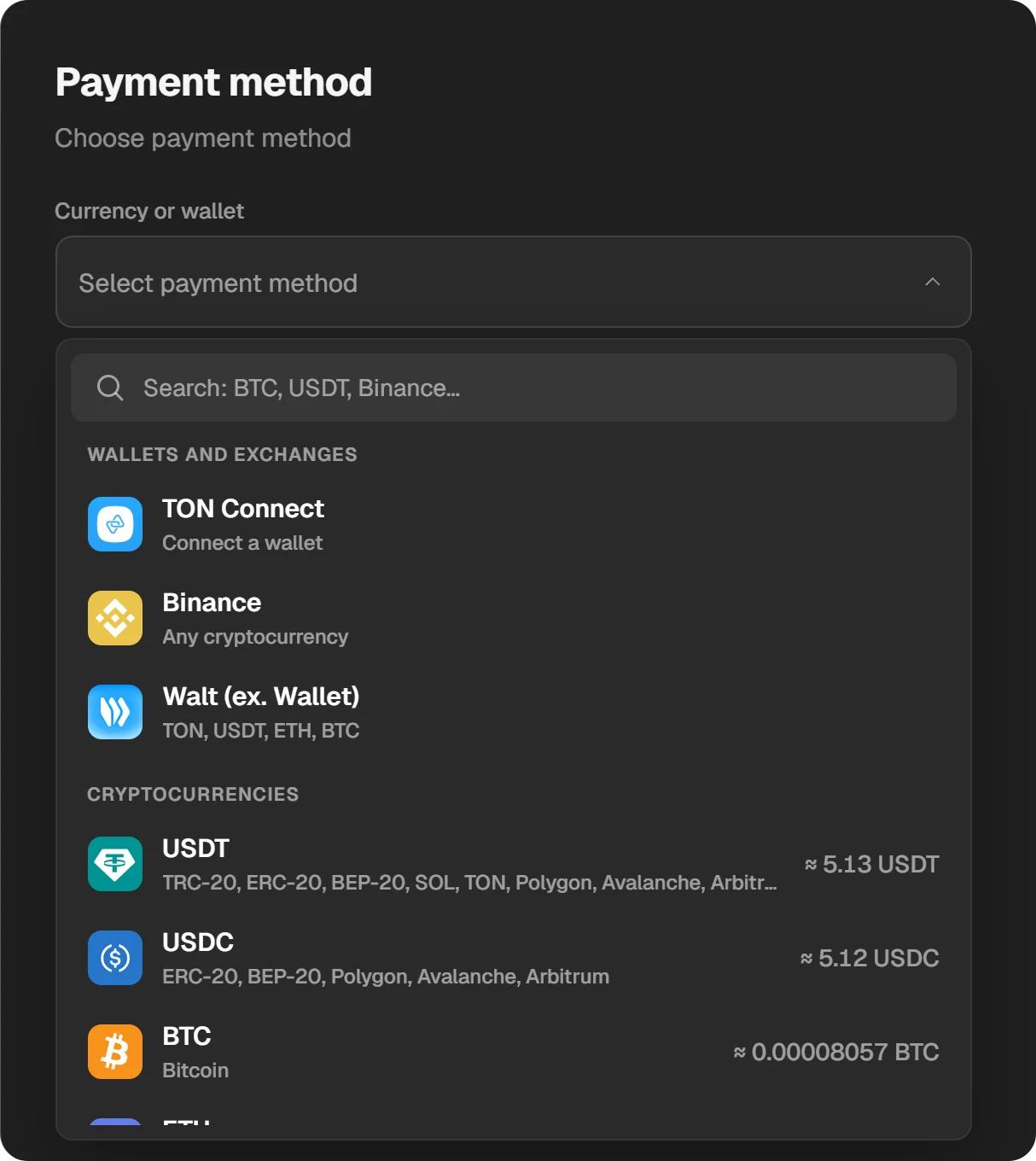
Choosing a coin or a wallet in the payment window.
Buy Lattice in the game
Start Marvel Rivals through Steam, open the store and pick a Lattice pack. Confirm in the Steam window: the money comes from your wallet.
Exchange for Units if needed
If an item is priced in Units, exchange the Lattice you need in the game. The rate is one to one.
Do not use a VPN or change your account’s country to make a purchase. Steam’s rules forbid it and you can lose access to the account.
Lattice packs on Play Wallet
The Marvel Rivals page sells packs of 100, 500, 1,000, 2,180, 5,680 and 11,680 Lattice. No login or password is needed.
The product page has no player ID field and does not say which platform a pack is for. Before paying, tell support where you play (Steam, PlayStation, Xbox) and your ID, and ask how the Lattice will be delivered.
Ask support
Say which platform you play on and wait for the answer whether the pack suits you.
Choose a pack
Open Marvel Rivals and pick the amount of Lattice. The total is shown before you pay.
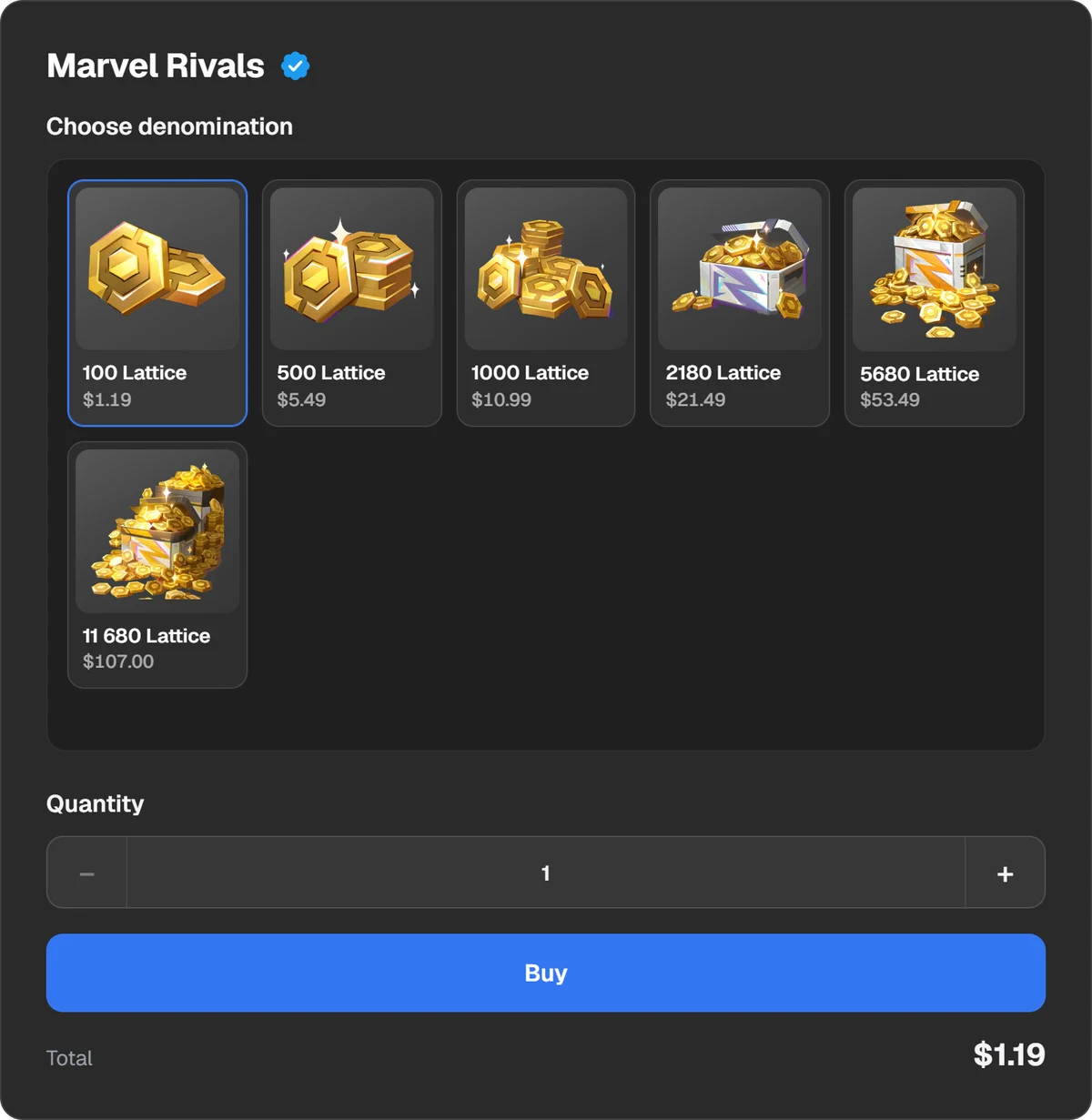
Lattice packs on the Marvel Rivals page.
Pay
Press Buy and pay with any method in the payment window. The order and its status stay in History at the top of the site.
Safety
- Never give anyone the login and password of your Steam, PlayStation, Xbox or NetEase account. A Steam top-up needs only the login.
- Sites offering “free Lattice” and “generators” collect passwords. Free Lattice comes only from the Battle Pass.
- A Lattice purchase is final. Check the platform and the account before paying.
Questions and answers
How do I buy Lattice in Marvel Rivals?
In the game’s store on your platform. On Steam the payment comes from the Steam Wallet, so a wallet top-up is enough.
How are Lattice and Units different?
Lattice is bought with money. Units are exchanged from Lattice one to one and earned in small free amounts. Units do not turn back into Lattice.
How much does Lattice cost?
On US Steam, 100 Lattice cost $0.99 and 11,680 Lattice $99.99. Other regions have their own prices.
Is Lattice shared between PC and consoles?
NetEase does not say officially. Buy Lattice on the platform you play on.