Is it safe to top up Steam through a website
You can top up Steam through other sites, but some of them are scams and some advise breaking Steam’s rules. On Play Wallet a top-up needs only the login and is paid with crypto. Here are 7 signs that show in a couple of minutes whether a site can be trusted, and what Steam itself says about it.
In short
- A reliable site needs only your login. If it asks for your password, a Steam Guard code or a “Sign in through Steam” on its own page, leave.
- On Play Wallet you top up Steam by login with crypto, if we serve your account’s country. The form shows it before you pay.
- The amount to be credited and the fee are shown before you pay.
- After paying you get a receipt, an order number and support that answers.
- Advice to “turn on a VPN and change the country” breaks Steam’s rules. Steam may close access to the account for it.
- Moving balance from another Steam account is impossible. Such offers are always a scam.
How a top-up through a site works
You pay the site, and the site puts the money into your Steam Wallet, directly by login or with a wallet code. No access to the account is needed for that: the site only has to know which account to send the money to. That is why an honest service needs nothing from you but the login.
7 signs of a reliable site
It asks only for the login
The login tells the site where the money goes. If a site asks for your password, a code from the Steam app, or shows a “Sign in through Steam” on its own page, someone is trying to steal the account. You sign in to Steam only on store.steampowered.com and steamcommunity.com.
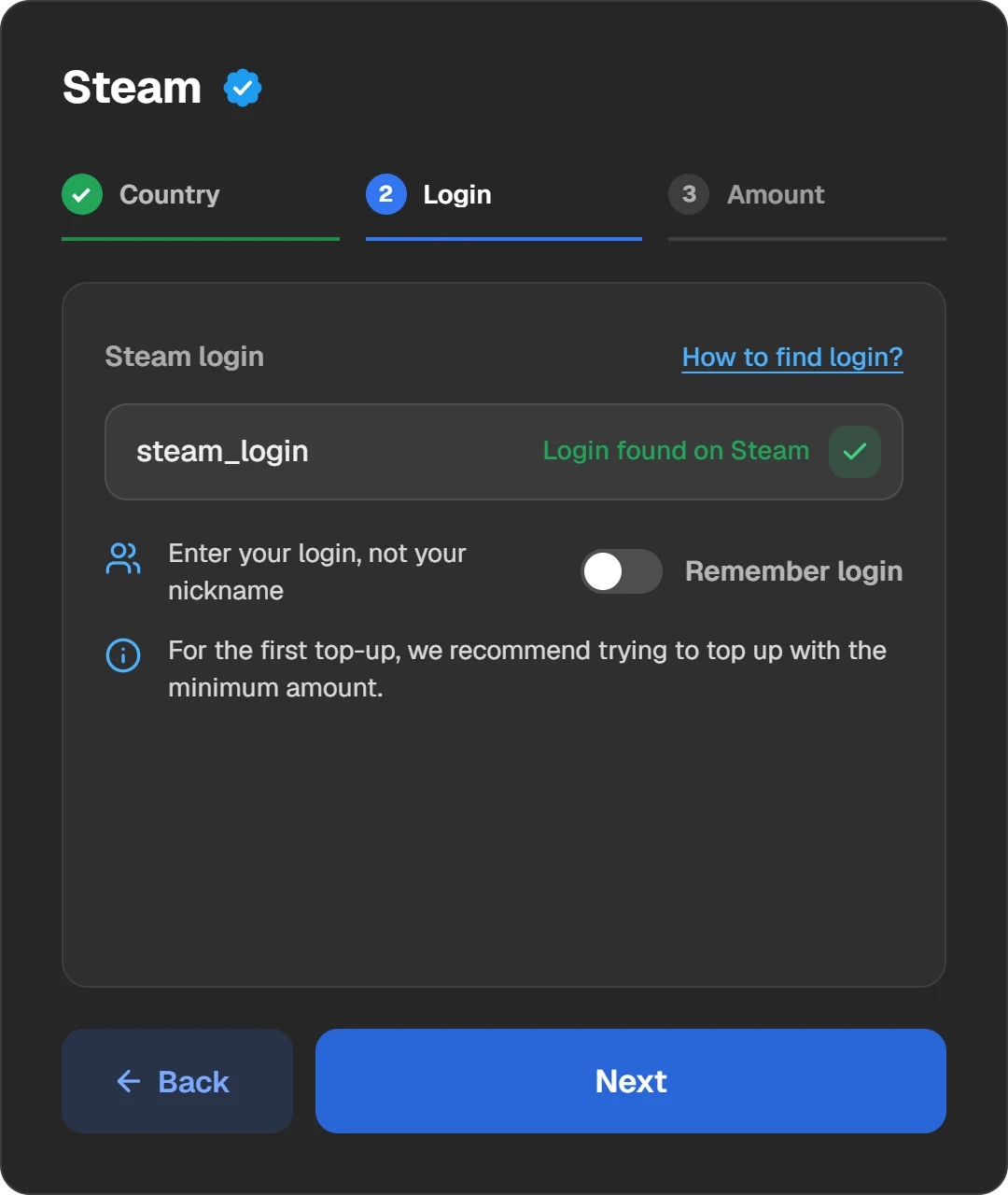
The login step on Play Wallet: one field for the login. The site checks the account before you pay.
It shows the amount and the fee before you pay
An honest service shows three numbers before payment: what will be credited to Steam, the fee and what you pay. If the fee will be “specified later” or the amount changes after payment, do not take the risk.
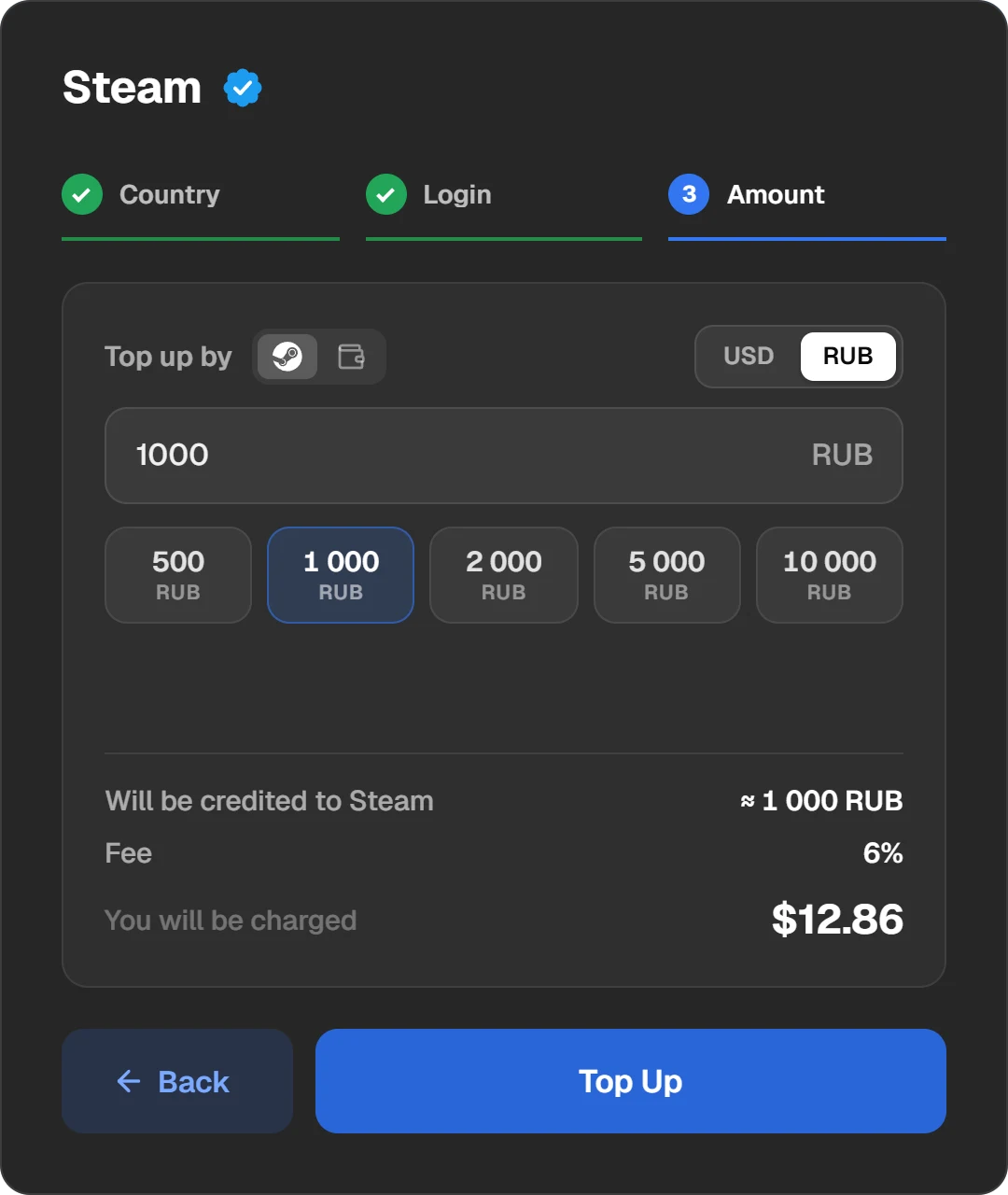
The amount to be credited, the fee and the charge on one screen.
It does not advise a VPN or a change of country
Some sites write: “turn on a VPN to change the region and top up cheaper”. The Steam Subscriber Agreement forbids exactly that, and Valve may close access to the account. You carry the risk, not the site.
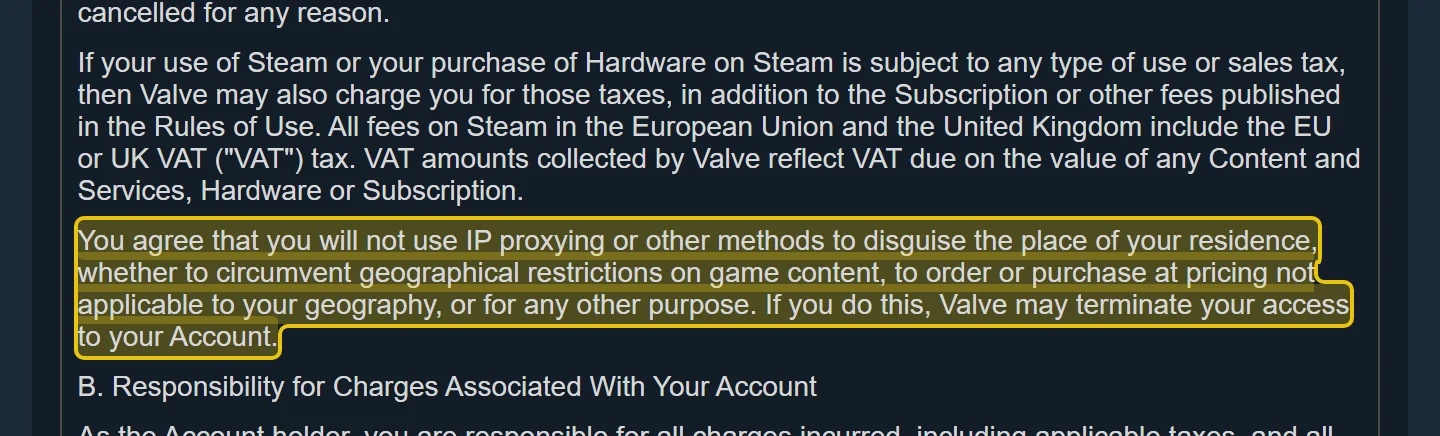
The Steam Subscriber Agreement: the clause on IP proxies and geographic restrictions.
It gives a receipt and an order number
With the order number, support finds the payment in a minute if something goes wrong. If all you have after paying is a “thank you”, there is nothing to argue with.
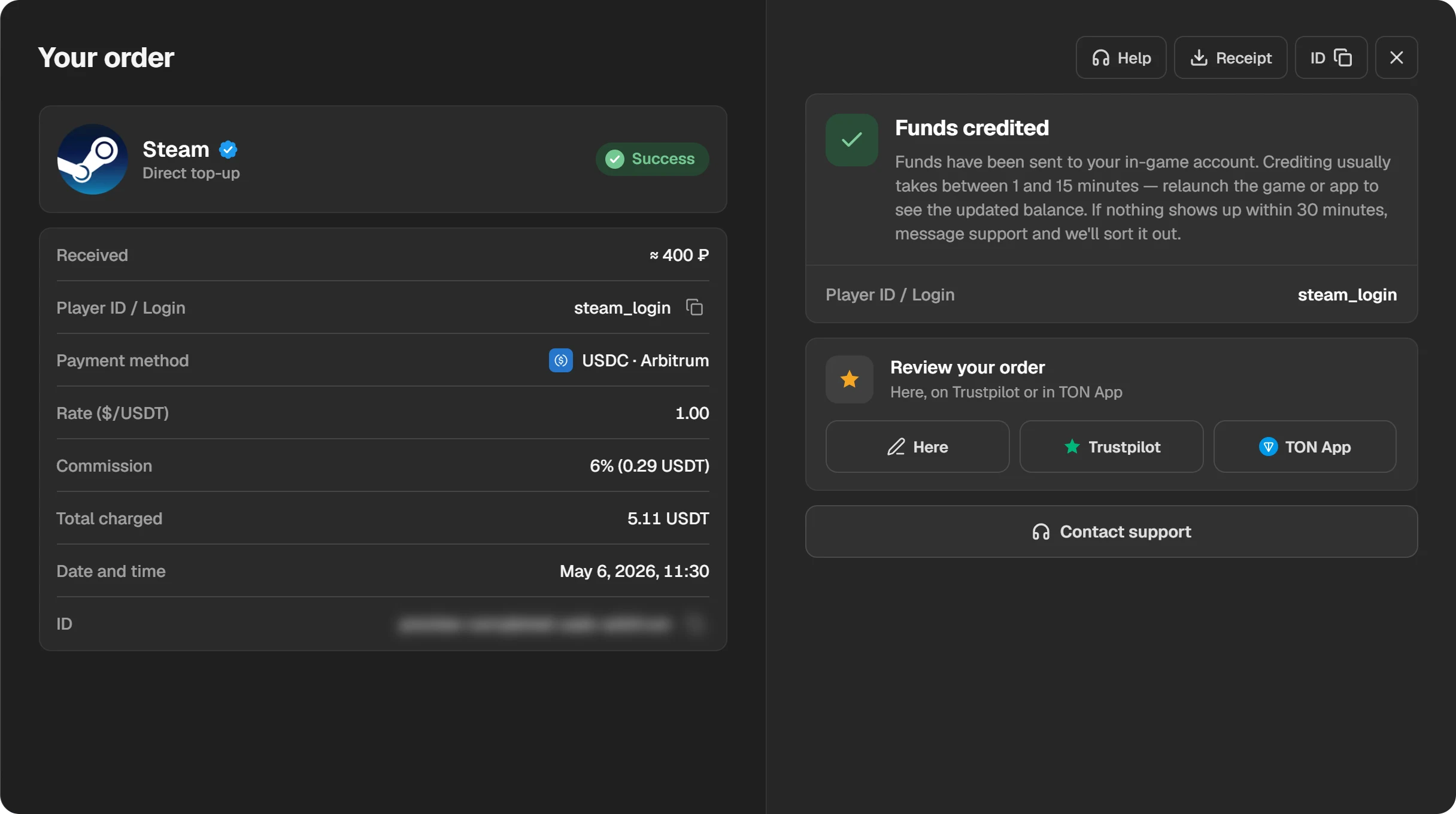
A finished order: amount, login, payment method, fee and date. Receipt and order number at the top right.
Its support answers
Check beforehand whether there is a chat, a bot or an email address and whether anyone answers. Several channels are a good sign.

Play Wallet’s three support channels: the chat on the site, the Telegram bot and the community chat.
It has reviews outside its own site
Reviews on a shop’s own site are easy to write yourself. Look at independent places such as Trustpilot, app catalogues and topic chats. Trust fresh reviews with details.
It does not promise too much
A top-up offered well below the rate, or a promise to move balance from another account, is a scam. Steam says plainly that wallet funds cannot be moved or gifted to another account.
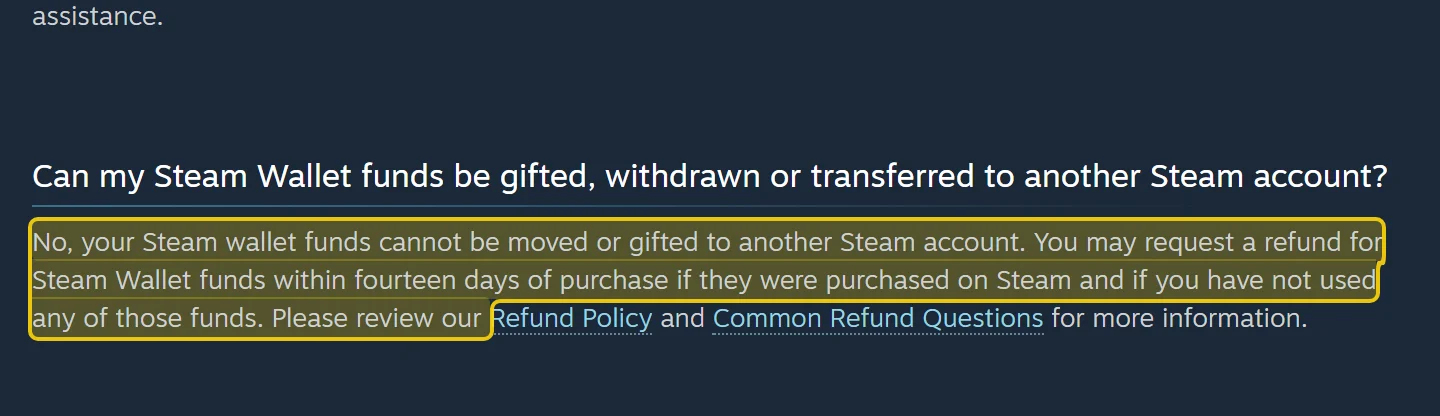
Steam Support, the Steam Wallet section.
A crypto transfer cannot be reversed. A bank sometimes returns a card payment; nobody returns a blockchain transfer. Checking the site matters most before paying with crypto.
If you already entered your password on a dubious site
- Change your Steam password at once. Sign in only through the Steam app or store.steampowered.com.
- In the Steam Guard settings, sign out of all other devices to close sessions that are not yours.
- Change the password of the email linked to Steam as well.
- If anything is missing or changed in the account, write to Steam Support.
How Play Wallet does it
- Top-ups by login, with no password and no Steam Guard code.
- The login is checked before you pay. The amount to be credited and the fee are shown in advance.
- After paying you get a receipt and an order number, and every order stays in “History”.
- Support on the site and in Telegram. If the money has not arrived, we sort it out by the order number.
To add funds, open Steam on Play Wallet, choose the country and enter the login and the amount. You see the total before you send anything.
Questions and answers
Can Steam ban an account for a top-up through a site?
Not for the top-up itself. Steam restricts accounts for getting around the region with a VPN and for fraudulent codes. That is why sites that advise changing the country are best avoided.
Why does the site need my login? Is that dangerous?
The login tells the site where to send the money. Without the password nobody can sign in with it, so giving it to a shop is safe.
How is the login different from the nickname?
The login is what you type to sign in to Steam, and it cannot be changed. Your friends see the nickname, and you can change it at any time. Top-ups go by the login.
Can I get my money back if the site turns out to be a scam?
If you paid by card, try disputing the payment with your bank. A crypto transfer cannot be reversed, so check the site before paying.
How do I check that the money arrived?
Sign in to Steam: the balance is at the top right, next to your profile name. If it is not there, restart Steam.
Is it safe to top up a friend’s account?
Yes, if you know their login. The money arrives in their account’s currency; their password is not needed.