

How to check a digital gift card’s balance and value
A digital card’s face value is known when you buy it: it is the amount you chose. After redeeming, the money shows on your account balance, and each service shows it in its own place. Here is where to see a bought code’s value and where to find the balance in each service.
In short
- A code bought on Play Wallet shows its face value in the order, in “History” and on the receipt.
- Apple lets you check an unredeemed Apple Gift Card or App Store Card; its help page links to the check.
- We found no such check for the others: the amount shows when you redeem.
- Apple: App Store, the amount below your name. Google Play: Payments & subscriptions, Payment methods, Google Play balance.
- Steam: top right next to your name. Xbox: account.microsoft.com/billing/payments.
Face value and balance
- Face value is what the card was issued for: $25, €50, ₺1,000. It does not change.
- Balance is how much money your account holds now. Redeeming adds the face value; purchases reduce it.
The face value of a bought card
You pick it when buying
On a card’s page you choose the country, then the amount in that country’s currency. That is what reaches the account balance.
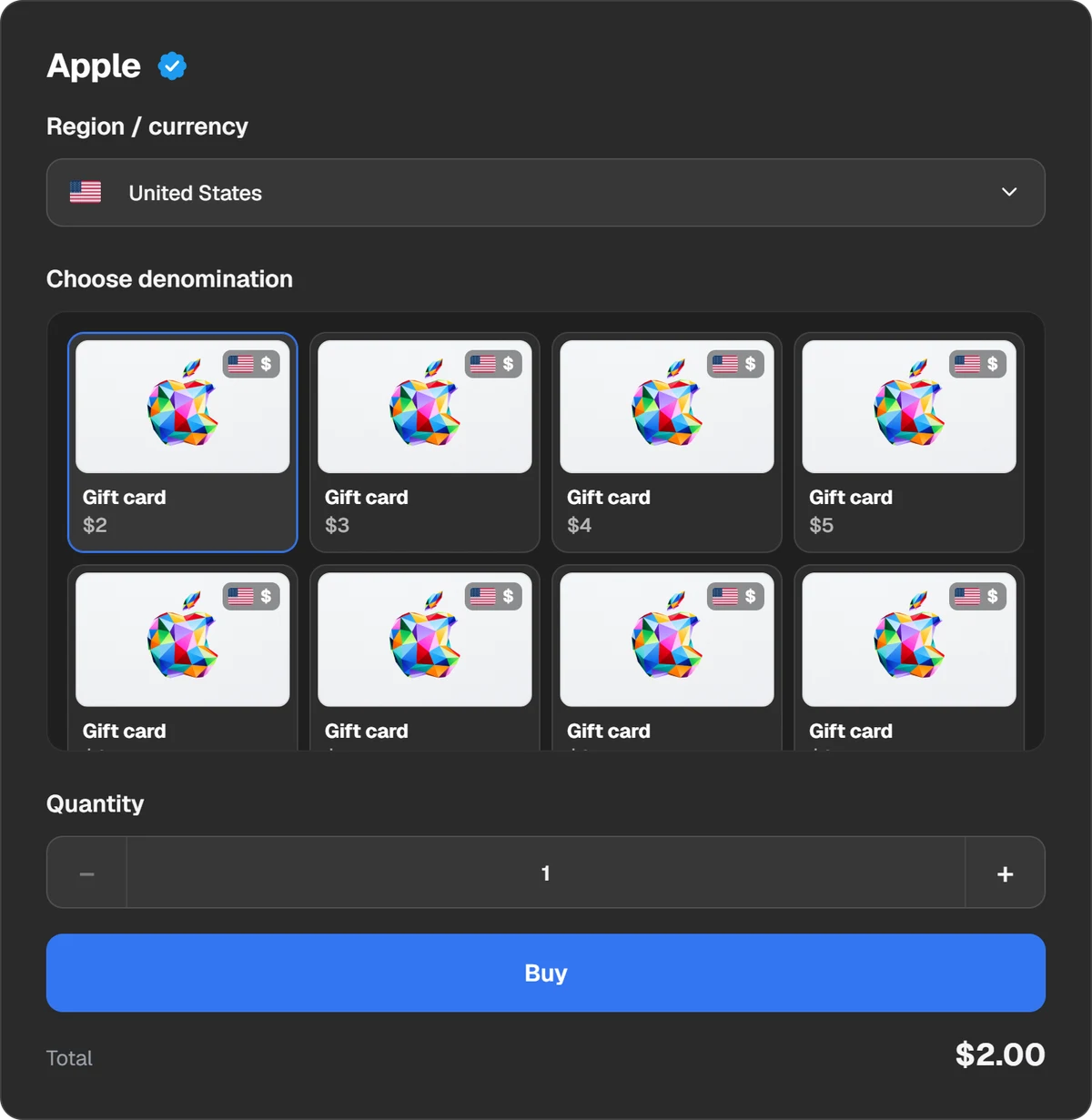
The face value is chosen before paying.
It is in the order
Open the order in the window right after paying or in “History” at the top of the site. It shows the card with its value and the code.
It is on the receipt
The “Receipt” button downloads the receipt: order number, date, product, payment method and amount. More in Where to download the receipt.
Checking a code without redeeming it
Apple says you can check the balance of an unredeemed Apple Gift Card or App Store Card, and its help page links to a balance check in Apple’s online store. For Steam, Google Play, PlayStation, Xbox, Nintendo and Roblox we found no page that shows a code’s amount without redeeming it; the amount appears when you redeem. Compare it with the order and the receipt.
Never send a card’s code to strangers “to check the balance”. A code works once, and whoever gets it simply takes the money. Sites that ask you to enter a code to check it are just as risky.
Where to see the balance after redeeming
| Service | Where |
|---|---|
| Apple | iPhone, iPad: App Store, tap your photo, the amount is below your name. Mac: App Store. Windows: Apple Music or Apple TV |
| Google Play | Profile picture, Payments & subscriptions, Payment methods, Google Play balance. Web: play.google.com/store/paymentmethods |
| PlayStation | store.playstation.com: profile menu, Payment Management. PS4: Settings, Account Management, Account Information, Wallet |
| Steam | Top right next to your profile name, in the client and on the site |
| Xbox, Microsoft | account.microsoft.com/billing/payments |
| Nintendo | eShop: select your user icon to see the funds. Web: Funds and Payment Methods in your Nintendo Account |
| Roblox | roblox.com/redeem: credit under the Redeem button; also in Billing settings |
If Apple shows a wrong balance, Apple suggests signing out of the App Store (or Apple Music, Apple TV on Windows) and back in. In Steam a restart of the client usually helps.
If the balance is short, choose a card for your account’s country in the Play Wallet catalogue.
Questions and answers
Where is my Xbox balance?
At account.microsoft.com/billing/payments, signed in to your Microsoft account.
How do I find a gift card’s face value?
For a card bought on Play Wallet it is in the order, in “History” and on the receipt. The same amount reaches your balance after redeeming.
How do I check an Apple Gift Card balance?
After redeeming: App Store, your photo, the amount below your name. For an unredeemed card Apple’s help links to a balance check page.
How do I see my Google Play balance?
Tap your profile picture in Google Play, then Payments & subscriptions, Payment methods, Google Play balance. On the web: play.google.com/store/paymentmethods.
Is it safe to check a card on other sites?
No. A code works once and a third-party site can use it. Check only on the service’s official pages, or redeem the code on your own account.

