

Codex in ChatGPT: which plan has it and what it costs
Codex is OpenAI’s coding agent: it writes, edits and reviews code. There is no separate Codex subscription: it comes with ChatGPT plans, the free one included. The plans differ in limits and in where Codex runs.
In short
- You can’t buy Codex on its own. It is part of every ChatGPT plan: Free, Go, Plus, Pro and Business.
- On Free and Go, Codex is limited: light tasks in the desktop app, no cloud tasks.
- Plus ($20 a month in the US) adds Codex on the web, in the terminal, in your editor and on iOS, plus cloud tasks and code review.
- Pro (from $100 a month) gives more usage and currently has no five-hour limit.
- When you run out, wait, buy credits, pay for an instant reset or move to a bigger plan.
What Codex is
Codex is a development agent. You describe a task in plain words; it reads the project, edits files, runs commands and shows the result. You can use it in several places:
- The ChatGPT desktop app, in Codex mode.
- Codex CLI, a terminal program.
- The IDE extension for your code editor.
- Codex on the web and Codex Cloud tasks, which run on OpenAI’s computers and continue while yours sleeps.
Everywhere you sign in with the same ChatGPT account, and usage comes from your plan.
Codex in each plan
| Plan | US price | Codex |
|---|---|---|
| Free | $0 | Quick coding tasks in the desktop app. No Codex Cloud. |
| Go | $8 a month | Lightweight tasks in the desktop app. No Codex Cloud. |
| Plus | $20 a month | A few focused sessions a week. Web, CLI, IDE, iOS, cloud tasks, automatic code review, Slack. Credits can extend it. |
| Pro | $100, $200 or $500 a month | Everything in Plus with more usage. Currently no five-hour limit. Ultrafast only on Pro $500. |
| Business | From $25 per user a month, $20 billed annually | Codex in every seat. Premium seats have more usage and no five-hour limit. |
Prices are from OpenAI’s Codex pricing page on 20 November 2026. Some countries have local prices. For the full plan comparison see ChatGPT Go, Plus and Pro compared.
If you need Codex for daily work, Free and Go will almost certainly be too little. OpenAI itself describes Plus as “a few focused coding sessions each week” and points heavier users to Pro.
How limits are counted
There is no fixed message count. Usage is measured in tokens, the amount of text the model reads and writes. How much a task uses depends on the model, the size of the project, the length of the session, the tools and whether it runs on your computer or in the cloud.
- Two windows. Plus and Standard Business seats have a five-hour limit, and a weekly limit may also apply.
- One shared pool. From December 2026 the Plus, Pro and Business allowance is shared by ChatGPT and Codex.
- Images cost more. Image generation in Codex uses limits 3–5 times faster than ordinary turns.
- Where to look. Settings → Usage shows what’s left and the reset time. In a CLI session, type /status.
More on how OpenAI counts Plus limits in ChatGPT Plus limits.
When you run out
Wait for the reset
Codex shows when the limit resets. If you hit it mid-task, the agent can usually finish the current turn.
Buy credits
On Plus and Pro, credits are in Settings → Usage, or Usage & Billing in the Codex app. They are used only after your plan’s allowance, expire after 12 months and are generally non-refundable. On Free and Go, credit purchases are open to a limited group.
Pay for an instant reset
On Plus and Pro the desktop app may offer an instant reset. It doesn’t add usage; it pulls next week’s allowance forward. Resets are generally not refunded.
Move up a plan
Plus to Pro, or a Standard Business seat to Premium.
Use an API key
Codex CLI and the IDE extension can run on an API key, billed at API rates and separate from your plan, without the cloud features.
How to start
Sign in to ChatGPT
Any plan works, even Free. For Codex on the web and cloud tasks, you need Plus or above.
Pick where to work
The easiest is the ChatGPT desktop app in Codex mode. For the terminal install Codex CLI; for your editor, the Codex extension.
Open the project and sign in
In the terminal, go to the project folder, run codex and sign in with your ChatGPT account when asked.
Describe the task
Be specific about what to change and which files matter. Less unnecessary context makes your allowance last longer.
Why not to buy a “Codex account”
Searches for “buy Codex” turn up ready-made Plus or Pro accounts. That is someone else’s account: OpenAI’s terms forbid sharing credentials or letting others use an account, and such accounts can be restricted. With Codex the risk is bigger: the agent works with your code and sometimes your repositories, keys and access tokens. The account owner sees everything you put there.
A separate Codex seat existed only in some Business workspaces: legacy Codex seats remain for those that added them before 24 June 2026. Everyone else gets Codex with a regular ChatGPT plan.
How to pay
Plans with Codex are paid like any ChatGPT plan: by card on the website, or through the App Store or Google Play. OpenAI supports ChatGPT only in listed countries and warns that accounts used elsewhere may be blocked.
If you are in the US, you can pay for Plus or Pro with a ChatGPT gift card balance on chatgpt.com. The balance can also pay for credit purchases on the web, though redeeming a card doesn’t add credits by itself. The ChatGPT page sells the cards: the code shows in the order window and in “History”. Accounts outside the US can’t use them.
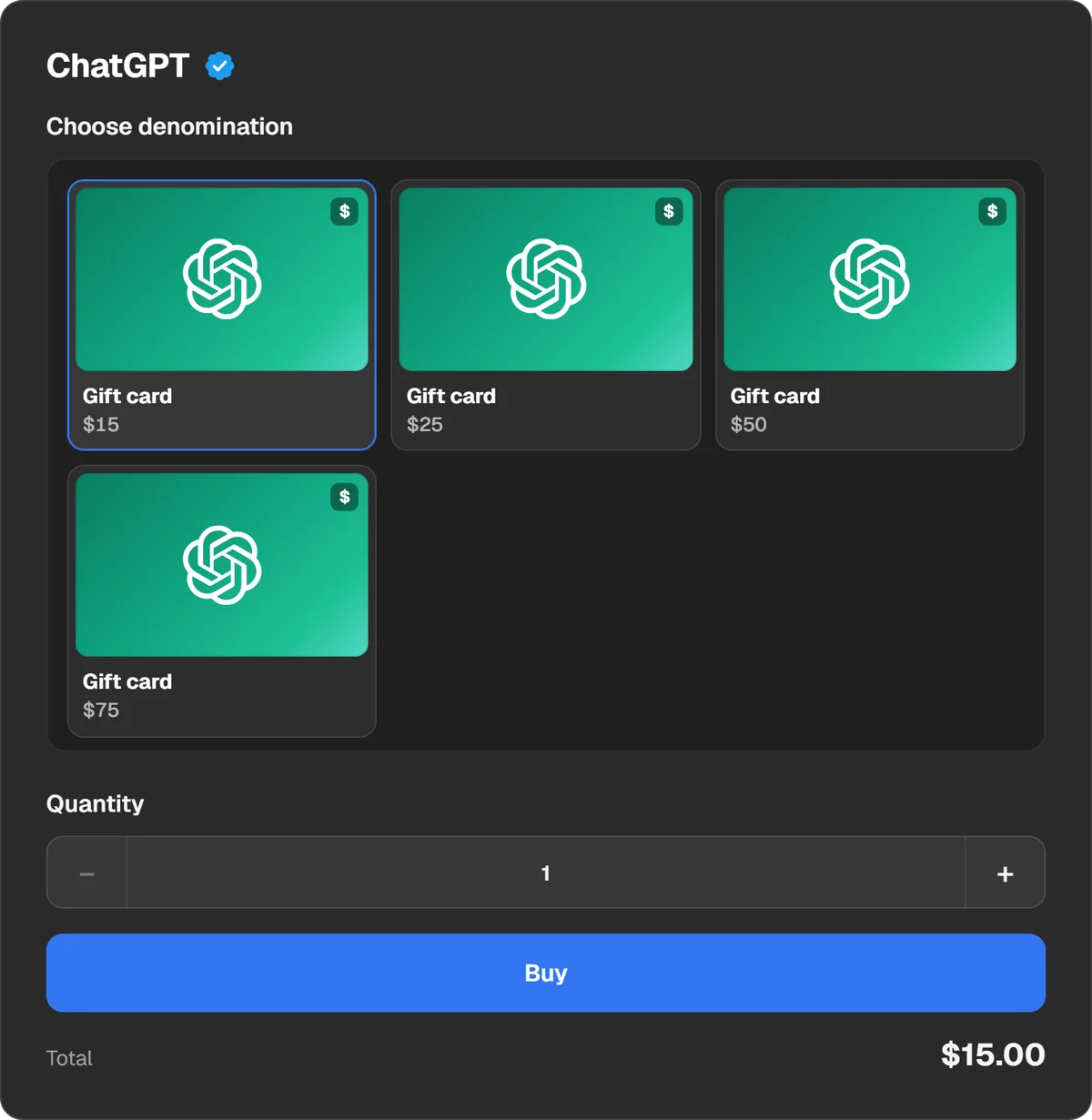
ChatGPT gift cards in US dollars, for US accounts only.
Questions and answers
Is Codex in free ChatGPT?
Yes, in a limited form: quick tasks in the ChatGPT desktop app. Codex Cloud isn’t included on Free.
Is Codex in ChatGPT Go?
Yes, for light tasks in the desktop app. Codex Cloud and Codex on the web start with Plus.
Is Plus enough for Codex?
For a few focused sessions a week, as OpenAI puts it. For long daily use, look at Pro or add credits.
Can I buy Codex without ChatGPT?
There is no separate subscription for individuals. You can add credits to a plan, or run Codex on an API key at API rates.
Where do I see my remaining usage?
In ChatGPT under Settings → Usage, in the Codex app under Usage & Billing, and in the CLI with /status.
Is the API included in Plus?
No. API-key usage is billed separately at API rates. Your plan’s allowance applies only when you sign in with your ChatGPT account.
