Can you get Robux back for an item in Roblox
In short: you almost never get Robux back for an item in Roblox. Roblox’s own help says so, for accidental purchases and deleted items alike. But there are a few cases worth a support ticket, and ways to avoid the mistake next time.
In short
- Roblox does not return Robux for purchases: not accidental ones, not unwanted ones, not items you deleted.
- If an item does not work as described, contact Roblox support with your username, the item’s name, its link and what is wrong.
- A game’s creator cannot refund Robux for in-game items or passes. Contact Roblox support for those too.
- A Limited item can be resold to other players if you have Roblox Plus. That is the only way to get Robux for it.
- Anyone promising to “get your Robux back” for your password or a transfer is a scammer.
What Roblox says
Roblox’s help is clear: there is currently no way to get Robux back once you have made a purchase. That includes accidental purchases and lost or unused items from the Avatar Shop and from games. To prevent accidents, before every purchase Roblox shows a confirmation window with the item, the price and your balance afterwards, and reminds you it cannot refund the item later.
| What happened | Robux back? | What to do |
|---|---|---|
| Bought by accident | No | Read the confirmation window next time |
| Did not like the item | No | Use Try On before buying |
| Deleted it from the inventory | No | Check every inventory category: it may be in another one |
| Roblox or the creator removed it | Possibly not | Roblox says such items may not be eligible; you can still contact support |
| It does not work as described | Worth asking | Contact Roblox support with details |
| A pass or an in-game item | Usually not | The creator cannot refund Robux; contact Roblox support with the problem |
| A Limited item | Not a refund, but resale | Sell it to other players with Roblox Plus |
The item was removed
First check every inventory category: hats, hair, animations, faces, packages. An item bought inside a game is looked after by the game’s creator: ask them about it, and Roblox support about Robux. If Roblox removed the item for breaking the rules, or the creator took it down, Roblox warns it may not be refunded. You can still contact support.
How to contact Roblox support
Open the support form
Go to roblox.com/support and sign in. Choose the topic about a purchase or an item.
Describe the problem
Roblox asks for your username, the item’s name, its link and a detailed account of what is wrong. For example: “I bought a hat and it won’t go on my avatar.”
Wait for an email
The answer comes to the account’s email. Roblox decides; a refund is not promised.
Game creators cannot refund Robux. If a game sold you a pass or item that does not work, you can write to its creator first, but only Roblox support can return Robux.
Getting Robux for a Limited item
Items tagged Limited or Limited U can be resold to other players. That needs Roblox Plus. After you buy one, it has a holding period of up to 30 days before you can sell it. When it sells, the Robux are Pending first, then move to your balance. Ordinary shop items cannot be resold.
- Open the item’s page and scroll to Owned Items.
- Select Sell next to your copy.
- Enter the price and select Sell Now. The sale cannot be reversed.
For parents: purchases made without asking
If a child spent money without permission, this is about the payment, not Robux. Roblox handles such cases, but how depends on the payment method:
- Card, PayPal, Google Play: contact Roblox support before disputing the charge with your bank; once disputed, Roblox cannot refund directly. If the statement says “Xsolla*Roblox”, contact Xsolla’s support.
- App Store, Xbox, PlayStation, Samsung, Amazon: those stores handle the refund; Roblox cannot.
- What happens to the Robux: after a refund Roblox removes them from the account. Abusing refunds can get the account suspended or removed.
To prevent it, set a monthly spending limit in parental controls: Robux and kids: how parents control spending.
Avoiding the mistake next time
- Try it on. Many Avatar Shop items have a Try On button. In the app, tap the item and it appears on your avatar.
- Read the description, especially for items that look official: the item type is shown under the name.
- Read the confirmation window. It shows the price and how many Robux you will have left.
- Buy Robux with a parent. A gift card works well: it holds exactly what you agreed to spend.
A Roblox card for a set amount
The Roblox page sells official Roblox gift cards for Robux or for an amount in dollars or euros. The code appears in the order window and is redeemed at roblox.com/redeem. A redeemed code cannot be returned, so check the account before entering it.
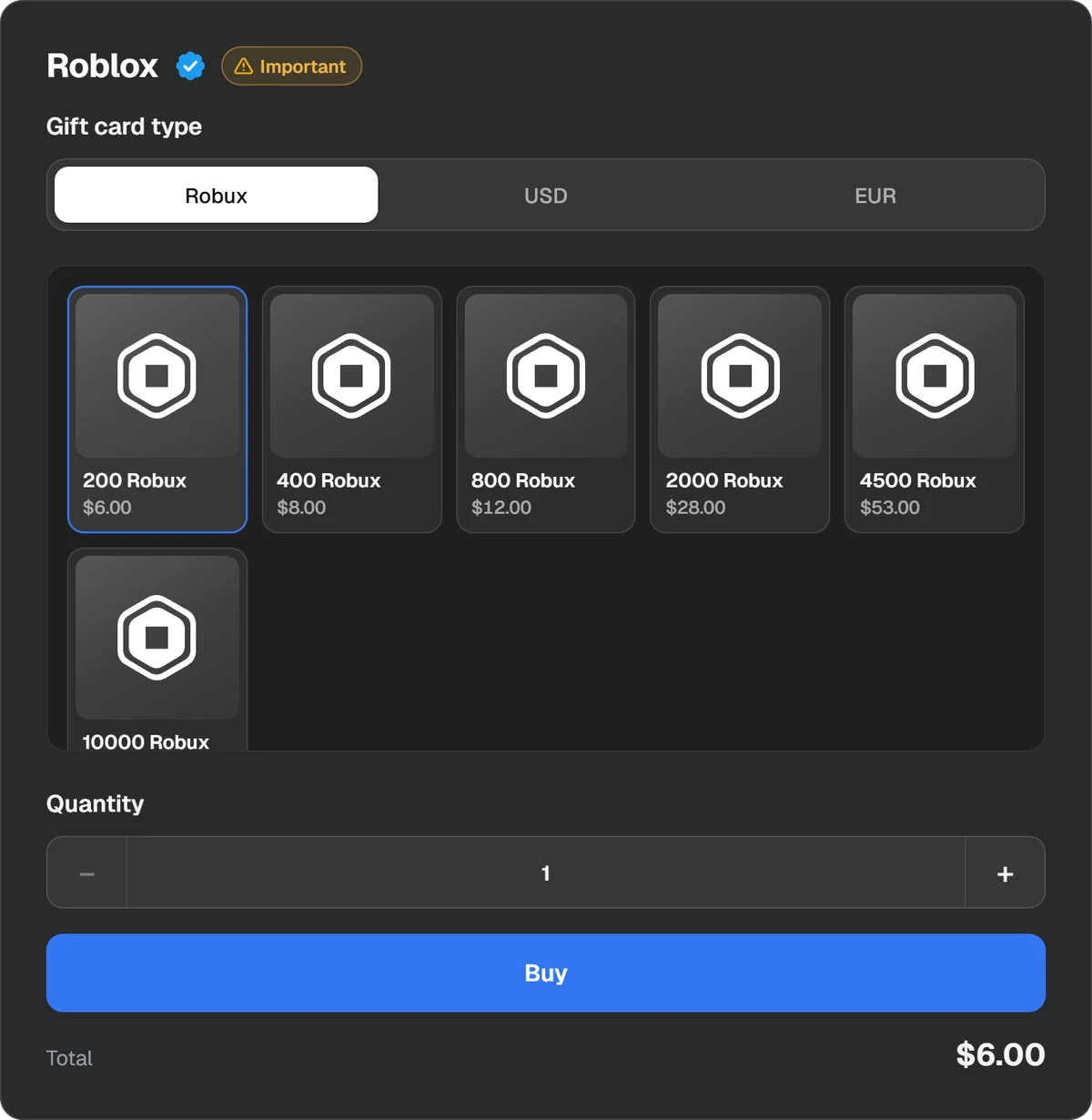
Roblox gift cards. The price is shown before you pay.
Beware of “I’ll get your Robux back”
Chats and videos have “helpers” who promise to return Robux for a removed item. They ask for your password, a code from an email, or Robux “to verify”. Roblox says it never asks you to send Robux. Transfers cannot be undone, and a password opens your whole account. More in Free Robux: why it is always a scam.
Questions and answers
Can I get Robux back for an item I bought?
No. Roblox says there is no way to get Robux back after a purchase, even an accidental one.
How do I get Robux back for a deleted item?
If you deleted it yourself, you cannot. If Roblox or the creator removed it, Roblox warns it may not be refunded, but you can contact support.
Can I get Robux back for a game pass?
Usually not: Roblox does not refund in-game purchases, and the game’s creator cannot refund Robux. If the pass does not work, contact Roblox support.
My child spent money without asking. What now?
For a card, PayPal or Google Play, contact Roblox support before disputing with the bank. For the App Store or a console, ask that store for the refund.
Where can I see what my Robux went on?
In My Transactions on the Roblox website: purchases, sales and pending Robux.