Royale Pass and Elite Pass in PUBG Mobile explained
The Royale Pass is PUBG Mobile’s season pass. Everyone has the free version; the Elite Pass and Elite Pass Plus unlock all the season’s rewards and give some UC back. Here is what each one gives and how to buy it by Player ID.
In short
- The free Royale Pass is open to everyone: play, complete missions, get part of the rewards.
- The Elite Pass unlocks all level rewards and Elite Missions, and gives back up to 720 UC.
- The Elite Pass Plus adds a 50% point bonus on weekly challenges and exclusive rewards.
- Buy the pass by Player ID on the site (the Passes tab), or buy UC by ID and get the pass in the game.
- Only the Player ID is needed; no password or login.
What the Royale Pass is
The Royale Pass (RP) is a season pass with ranks. You earn Royale Points from daily and challenge missions, weekly challenges, events and some crates, rank up and collect rewards: skins, emotes, crates, UC. Seasons are now the A series (A20, A21 and so on), each with a new pass.
Free, Elite Pass and Elite Pass Plus
| Free | Elite Pass | Elite Pass Plus | |
|---|---|---|---|
| Who | All players | After purchase | After purchase |
| Rank rewards | Free ones only | All | All |
| Elite Missions | No | Yes | Yes |
| UC back | No | Up to 720 UC | Up to 720 UC plus more rewards |
| Point bonus | No | No | 50% on weekly challenges |
| Bonus Pass discount | No | 10% | 30% |
That is how the official A-series pass page describes them. “Up to 720 UC” comes back as rank rewards, so you get it all only by reaching those ranks and claiming them. The game shows the pass price in UC on the Royale Pass screen; it varies by season.
Finding the Player ID
Tap your avatar at the top left of the main screen. Your profile opens; the Player ID is the number under your nickname.
Buying the pass by Player ID
Open the Passes tab
Open PUBG Mobile, enter the Player ID and choose the Passes tab above the list. The total is shown before you pay.
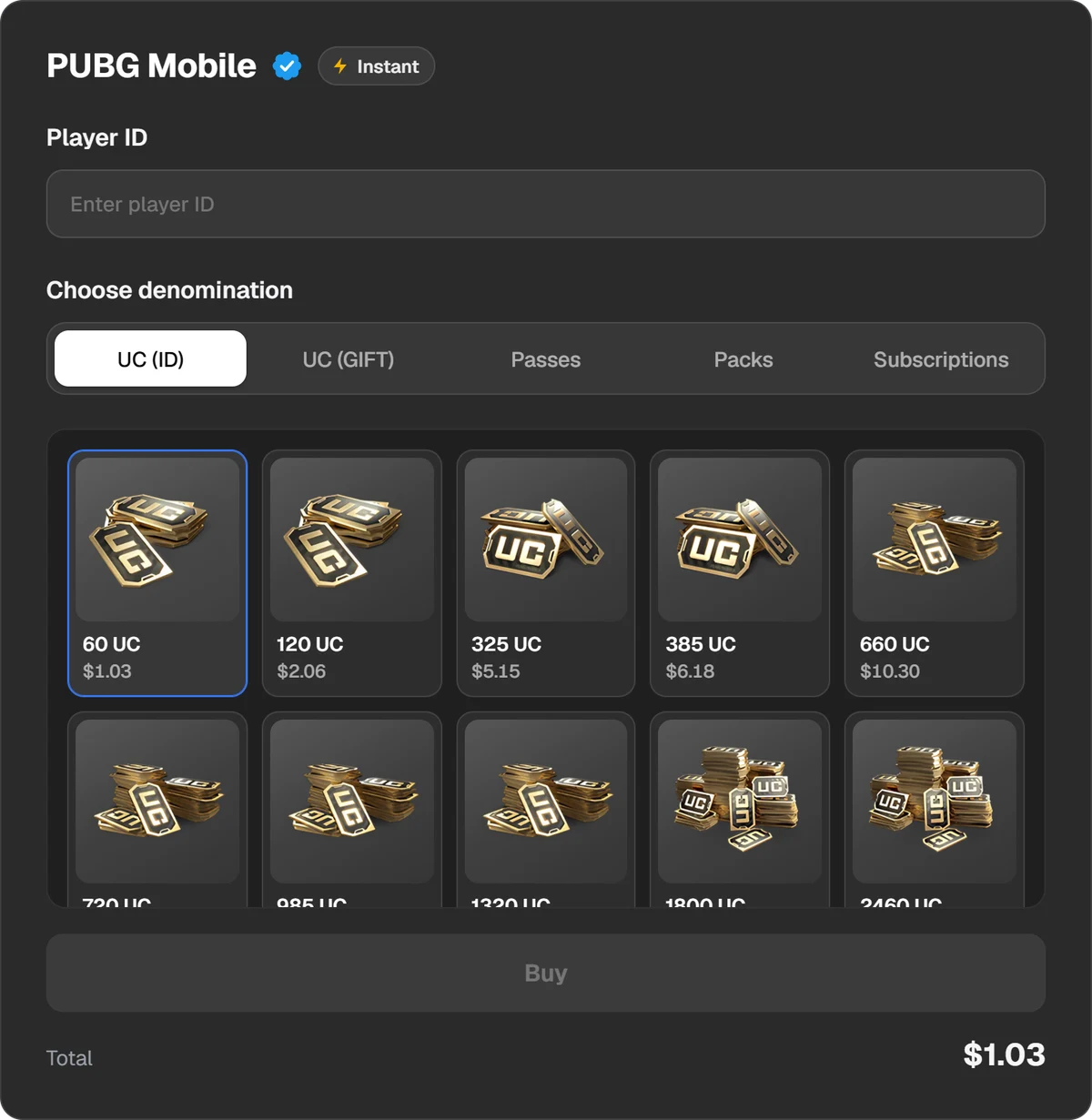
The Player ID and the Passes tab.
Check the season
Some pass names include a season, such as A15, and ranks, such as Lv. 1–100. Compare the season with the one the game shows; if it differs, ask support before buying.
Pay
Press the buy button and choose USDT, TON, BTC or another coin, or Binance, Walt or TON Connect where listed.
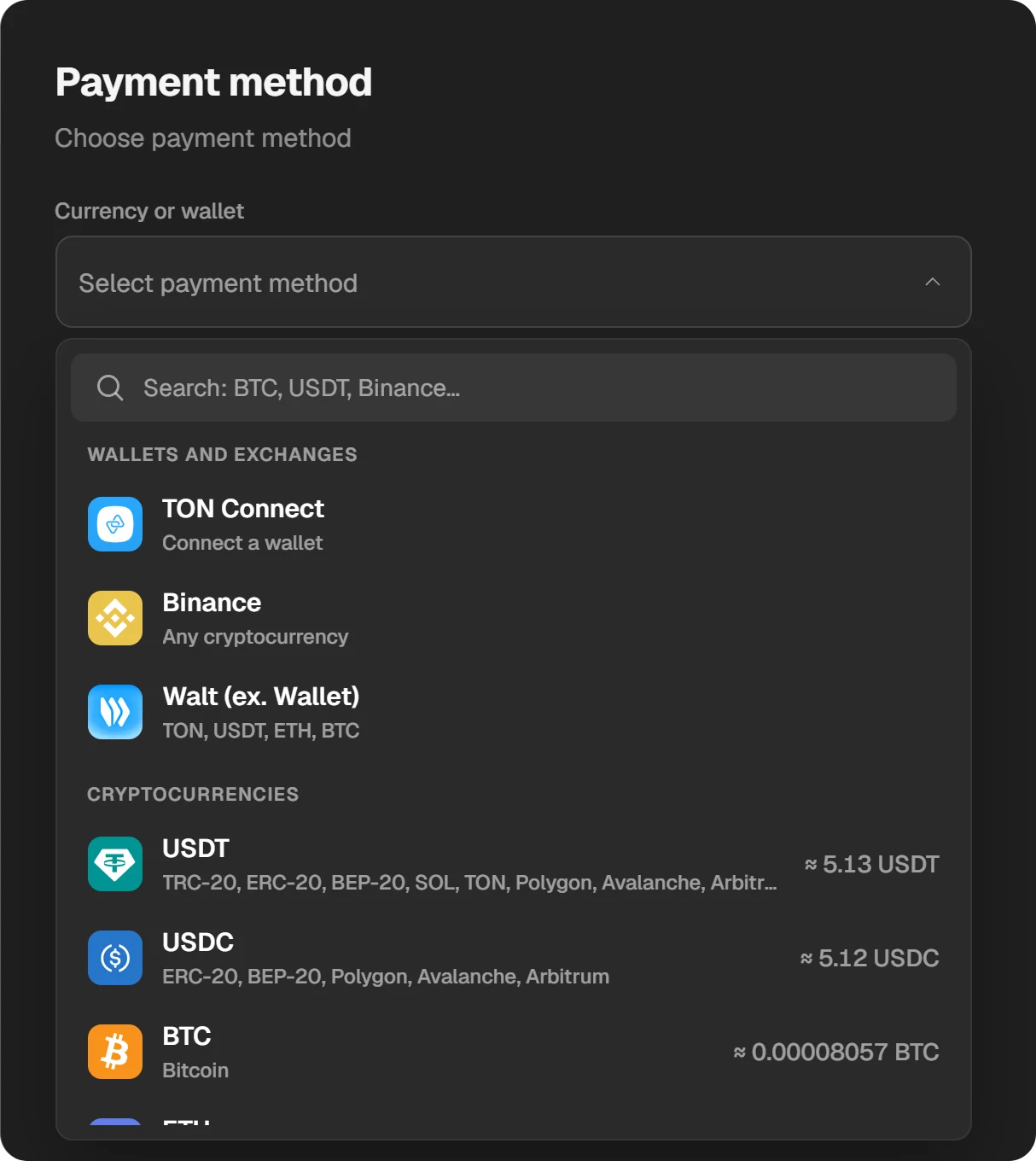
Payment methods.
Check in the game
When the order is Done, relaunch the game and open the Royale Pass.
Prefer to choose in the game? Buy UC in the “UC (ID)” tab; see How to buy UC in PUBG Mobile.
Questions and answers
What is the Royale Pass?
A season pass with ranks: missions and challenges give points, ranks give rewards such as skins, emotes, crates and UC.
Elite Pass or Elite Pass Plus?
The Elite Pass unlocks all rank rewards and Elite Missions. Plus adds a 50% weekly challenge point bonus, 30% off the Bonus Pass and exclusive rewards.
How much UC does the Elite Pass give back?
Up to 720 UC per the official A-series page, as rank rewards.
Can I buy the Royale Pass by ID?
Yes: enter the Player ID on the PUBG Mobile page and pick a pass in the Passes tab.