Crunchyroll subscription: how to get it and pay
Crunchyroll is Sony’s anime streaming service. There are three paid plans that differ in the number of screens and the perks. Here is what a subscription costs, how to get it, how to pay with a gift card, and how to cancel.
In short
- Three plans: Fan, Mega Fan and Ultimate Fan. In the US they are $9.99, $13.99 and $17.99 a month plus tax.
- There is a 7-day free trial, but it needs a payment method.
- A gift card works only in the country where it was bought and does not renew.
- The code is entered in the browser at crunchyroll.com/redeem, not in the app.
- Crunchyroll has suspended its service in Russia.
Crunchyroll plans
| Plan | US price a month | Screens at once | Also |
|---|---|---|---|
| Fan | $9.99 | 1 | The whole library ad-free, new episodes soon after Japan, offline viewing |
| Mega Fan | $13.99 | 4 | The same plus Game Vault and free Crunchyroll Store shipping over $50 |
| Ultimate Fan | $17.99 | 6 | The same plus Manga and a swag bag after 12 months |
Fan and Mega Fan are offered everywhere Crunchyroll works. Ultimate Fan is sold in 13 countries only, the US, Canada, the UK, Ireland, Australia and India among them. Other countries have their own prices, shown on Crunchyroll’s Premium page. Yearly billing is cheaper than monthly.
How to subscribe
- Open the Premium page on crunchyroll.com and choose a plan and term.
- Sign in to Crunchyroll or create an account.
- Add a payment method: a bank card, PayPal or another method available in your country.
- Confirm. If you get a free trial, the charge comes after 7 days.
In the phone app you subscribe through the App Store or Google Play, and then you manage it there too. Crunchyroll does not take prepaid bank cards for subscriptions.
How to pay with a gift card
A Crunchyroll gift card pays for 1, 3 or 12 months once. It does not renew: when the term ends, you pay again.
Choose the term
Open Crunchyroll and pick a card for 1, 3 or 12 months. You do not enter your Crunchyroll login or password: you are buying a code. The price and fee are shown before you pay.
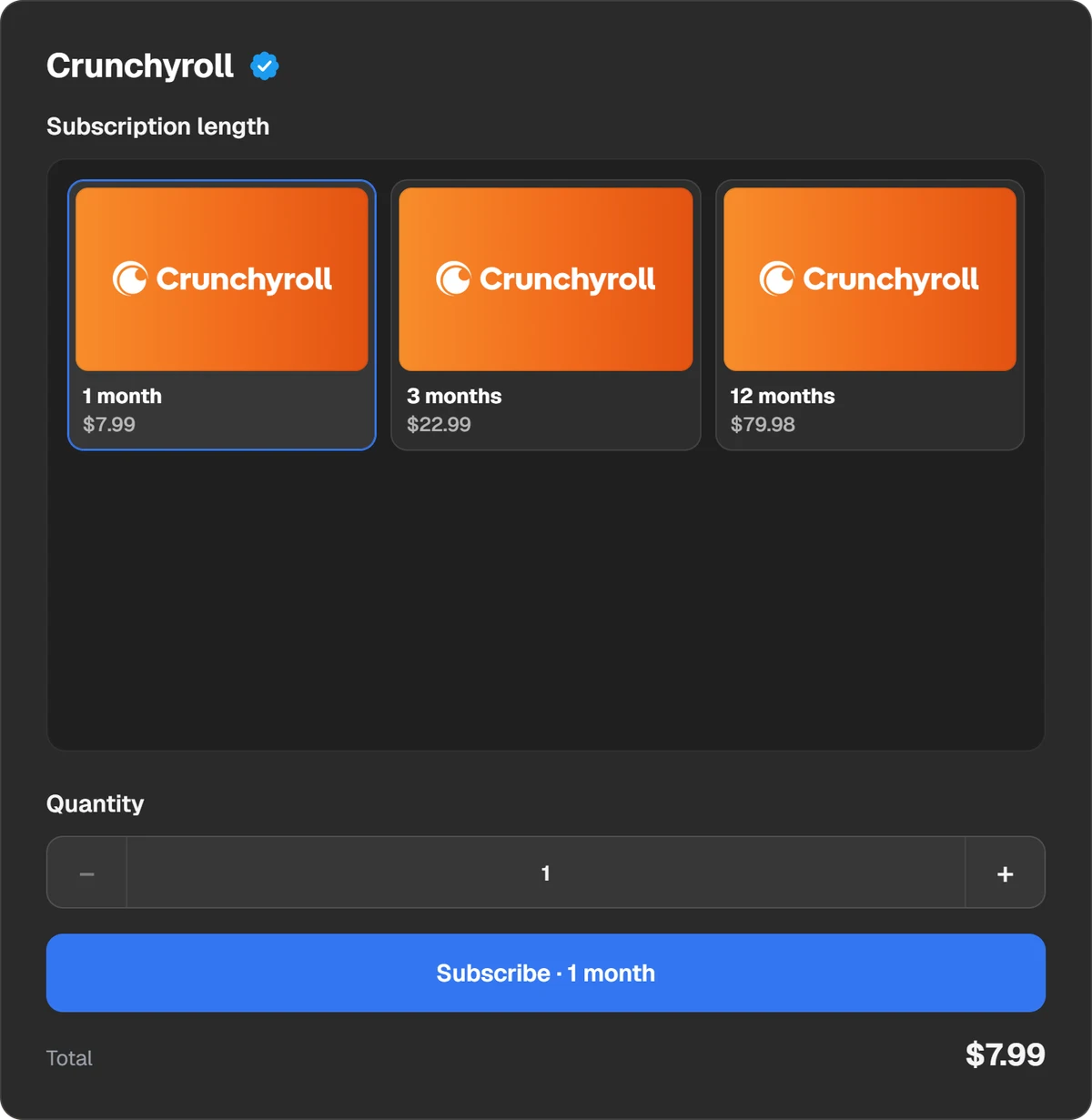
Crunchyroll cards for 1, 3 and 12 months.
Pay
In the payment window choose a coin or wallet: USDT, USDC, BTC, TON and other coins, Binance, Walt or TON Connect.
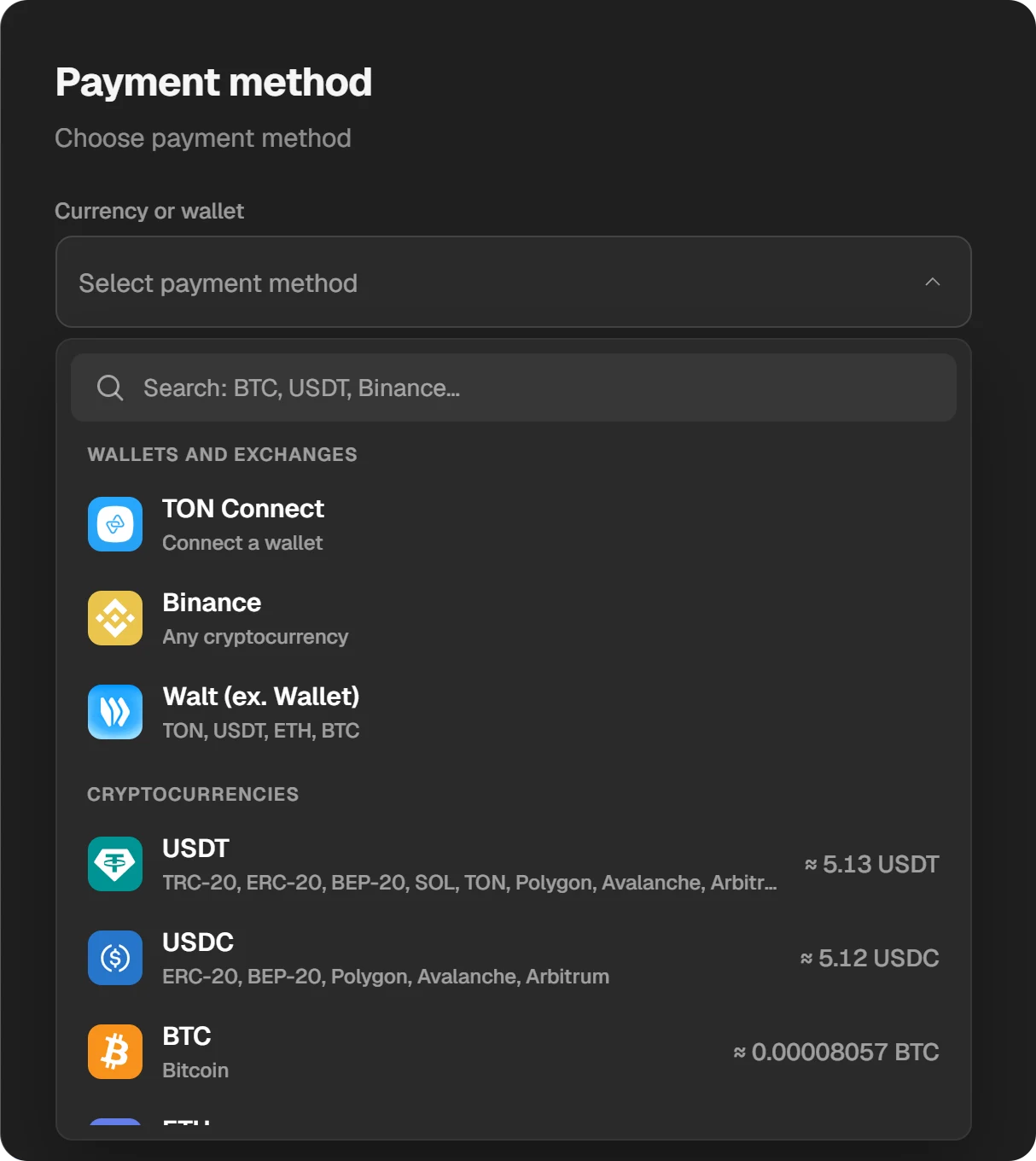
Choosing a coin or wallet in the payment window.
Copy the code
The code appears in the order window. It is hidden: tap it and copy it. If the window closed, the code stays in “History” in the site header.
Redeem at crunchyroll.com/redeem
Open crunchyroll.com/redeem in a browser, sign in, enter the code and continue. The app does not take codes.
Country
A code works only in the country where it was bought. Our cards are in US dollars. Ask support whether the card fits your account before paying.
A subscription through an app store
If you already pay through the App Store, Google Play or another partner, cancel that first and wait for it to end. Otherwise Crunchyroll keeps charging you.
No spaces in the code
Check you did not mix up “O” and “0”. Several failed attempts in a row block redemption for a while; wait a few hours.
Russia
Crunchyroll says it has suspended its work in Russia because of problems with payments and support. The site is unavailable there and cards issued in Russia are not processed. A gift card does not change that, since it redeems only in the country of purchase.
How to cancel
Cancel where you subscribed. If you paid on the website, open your account settings on crunchyroll.com, the membership section, and cancel: access lasts until the end of the paid term. For the App Store or Google Play, cancel in the store’s subscription settings. A gift-card membership needs no cancelling; it simply ends.
Questions and answers
How much is Crunchyroll?
In the US Fan is $9.99 a month, Mega Fan $13.99 and Ultimate Fan $17.99, plus tax. Other countries have their own prices.
Does Crunchyroll have a free trial?
Yes, 7 days. It needs a payment method, and cancelling the trial ends access at once.
What is the difference between Fan and Mega Fan?
Mega Fan allows 4 screens at once instead of one and adds Game Vault and free Crunchyroll Store shipping over $50.
Where do I enter a Crunchyroll gift code?
At crunchyroll.com/redeem in a browser, signed in to your account. The app does not take codes.
Does a gift-card subscription renew?
No. The card pays for its term once; after that you pay again.
Does Crunchyroll work in Russia?
No. Crunchyroll has suspended its service in Russia, and cards issued there are not processed.